How to Accept bKash Payment in Restaurant Sales (and Nagad Too)
A practical walkthrough for Bangladeshi restaurants: how to accept bKash payment in a restaurant the right way, from a merchant account and in-store QR to recording every taka against the order and reconciling at day-close.
More than half of your counter customers in Dhaka or Chattogram now reach for their phone before their wallet. To accept bKash payment in restaurant operations without losing track of who paid what, you need three things sorted: the right kind of account, a fast in-store way to take money, and a record that ties each payment to the order it belongs to. This guide walks through all three, plus the reconciliation habits that stop money going missing at day-close.
What it takes to accept bKash payment in restaurant operations
Three pieces have to line up before mobile money becomes reliable instead of a nightly guessing game: a merchant account that is built for business, a counter method that is fast at peak, and a system that pins each payment to its order. The sections below take them in order, starting with the account type that quietly decides everything else.
Personal number vs merchant account: why it matters
Most small outlets start by flashing a personal bKash number on a laminated card. It works, but it costs you in ways that add up:
- Personal (Send Money): The customer pays a fee to send, your number has a monthly receiving limit, and there is no clean sales record. Tax and accounting get messy because business and personal money mix in one wallet.
- Merchant (Payment / QR): A registered merchant account is built for business. Customers use the "Payment" option (often no charge to them), limits are far higher, you get a proper merchant statement, and the money is clearly business income. This is what a real restaurant should run on.
The same split applies to Nagad. A Nagad merchant account gives you a business QR, higher limits, and a statement you can hand your accountant. For anything past a single tea stall, register as a merchant.
Step 1: Open a bKash and Nagad merchant account
Both providers offer merchant onboarding for businesses. The process and exact paperwork change from time to time, so confirm the current list on the official bKash and Nagad merchant pages or with their support line. In general you should be ready with:
- Your trade license (the same one you need to open the restaurant legally).
- National ID of the owner or authorised signatory.
- TIN and, where the provider asks, your BIN for VAT.
- Business contact details, the outlet address, and a bank account for settlement.
- A passport-size photo and, sometimes, a photo of the shop front.
Once approved, you receive merchant credentials. For simple in-store use you get a merchant QR and a merchant wallet. For online or app-based payments you also get API keys (an app key and secret, plus a username and password for the gateway), which is what lets software take and verify payments on your behalf.
Step 2: Take payments at the counter with QR
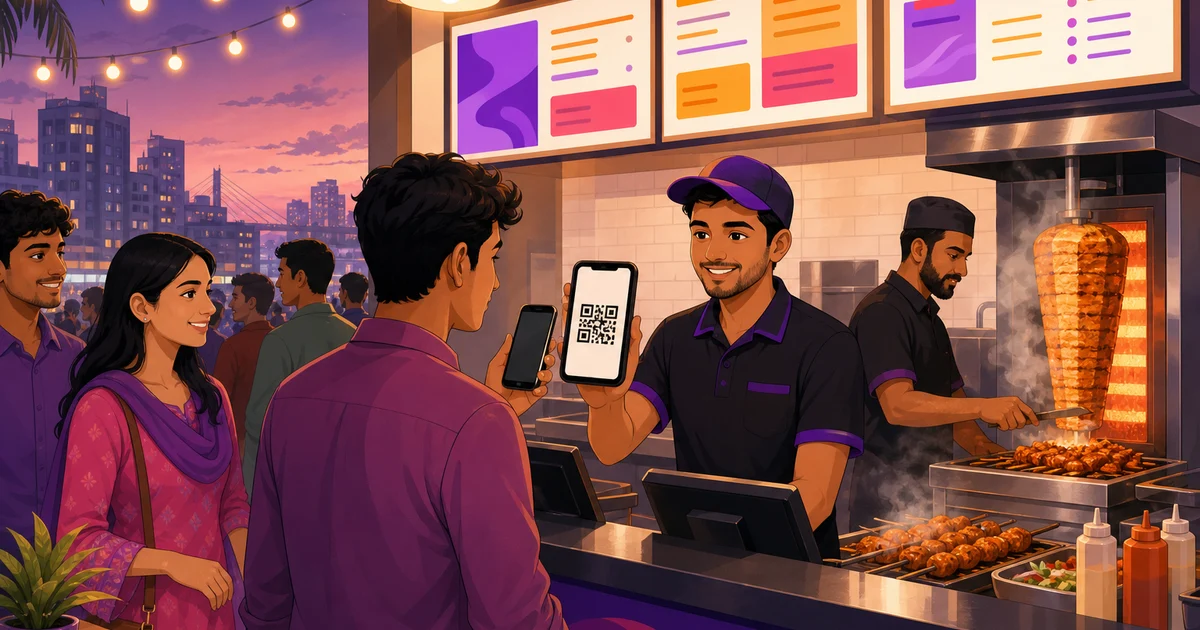
For dine-in and takeaway, a printed merchant QR taped at the till is the fastest method. The flow is simple:
- Ring up the order and tell the customer the total in taka.
- They open bKash or Nagad, tap Payment or Scan QR, scan your code, and enter the amount.
- You see the confirmation on your merchant app, then mark the order paid.
Print a separate QR for bKash and one for Nagad so customers use whichever app they have. Keep them clean and well-lit. The one weak point of standalone QR is the last step: a staff member has to manually mark the order paid and type in the right amount, which is exactly where mismatches creep in on a busy evening.
QR at the counter vs gateway for online orders
It helps to be clear about when each method fits. In-store QR is for people standing at your till for dine-in and takeaway: it is instant, cheap to set up, and needs no integration. A payment gateway is for customers paying from their phone on your online storefront or a marketplace, where there is no cashier to confirm anything. Most restaurants run both: QR at the counter, and the gateway behind their delivery and online orders. The two are not in competition. They cover different moments in the same day, and a good POS records the result of both in one place.
Step 3: Record every payment against the order in your POS
This is the part most outlets skip, and it is the part that saves you at month-end. A point-of-sale system that understands Bangladeshi payments lets you record the method (cash, bKash, Nagad, Rocket, or COD) right on the bill, so each order carries proof of how it was paid. No more guessing from a wallet statement which transaction matched which table.
Rosuii has real bKash (Tokenized Checkout) and Nagad (Online Payment API) integrations built in. When you take an online or storefront order, the customer pays through the gateway and the payment is captured and verified automatically against that order. At the counter, the payment modal lets the cashier tag bKash or Nagad on the bill so dine-in and takeaway takings are recorded too. Either way, the money is attached to a specific order with a clear breakdown of price, discount, service charge and VAT, so your reports actually add up.
Step 4: Connect your gateway keys (sandbox first, then live)
To take real bKash and Nagad payments on your own storefront and online orders, you plug your merchant API credentials into the software once. The safe order of operations is sandbox first:
- Get sandbox credentials from bKash and Nagad and enter them in your gateway settings with sandbox mode on. This uses test money, so no real taka moves.
- Run a few test orders end to end: place an order, pay through the gateway, confirm it comes back as paid against the order, and check the receipt shows the right total.
- Switch to live by replacing the sandbox keys with your production app key, secret, username and password, and turning sandbox mode off.
- Do one small real transaction (even ৳10 to yourself) and confirm it lands in your merchant statement and shows as paid in the system before you go fully live.
In Rosuii these credentials live in per-tenant gateway settings, so your keys stay private to your restaurant. You set them once, test in sandbox, then flip to live when you are confident.
Step 5: Reconcile so nothing slips through
Reconciliation means checking that what your system says you took matches what actually landed in your bKash and Nagad merchant accounts and your cash drawer. Do it daily at close while memory is fresh. A workable routine:
| Source | What to compare | Why |
|---|---|---|
| Cash drawer | Counted cash vs cash sales in the day report | Catches change errors and short rings |
| bKash merchant | Statement total vs bKash-tagged sales | Confirms every bKash bill actually paid |
| Nagad merchant | Statement total vs Nagad-tagged sales | Same check for Nagad |
| Online orders | Gateway-confirmed payments vs delivered orders | Spots failed or pending payments |
If a figure does not match, you have a short list to investigate that night, not a month-long mystery later. A POS day-close (Z-report) that breaks takings down by payment method makes this a five-minute job instead of a spreadsheet evening. For a wider view of the rails your customers use, see our guide to restaurant payment methods in Bangladesh.
Common questions before you switch
Two worries come up a lot. First, fees: merchant Payment transactions usually carry a small percentage that the business absorbs, which is the trade-off for higher limits and clean records. Second, refunds: with a merchant account you can refund through the provider, and recording the refund against the original order in your POS keeps your numbers honest. Both are easier to manage when payments are tied to orders from the start.
Put it together
Accepting bKash and Nagad well is less about technology and more about discipline: register as a merchant, take money fast with QR at the counter, record every payment against its order, and reconcile each night. Get that loop right and mobile money becomes a reporting asset instead of a headache. To see how a POS records bKash and Nagad, applies VAT and service charge, and closes the day cleanly, read more on restaurant software with bKash and Nagad or compare Rosuii pricing.
Ready to take mobile payments that actually reconcile? Start your free Rosuii account and connect your bKash and Nagad keys in minutes.
Last updated:
Frequently asked questions
Do I need a bKash merchant account to accept payments in my restaurant?
What documents do I need to open a bKash or Nagad merchant account?
Can a POS record bKash and Nagad payments against each order?
Should I test in sandbox before taking real bKash payments?
How do I reconcile bKash and Nagad takings at day-close?
Run your restaurant on Rosuii
POS, menu, inventory, payroll and more — built for Bangladeshi restaurants.
Start free