Facebook Ads Conversion Tracking for Restaurants in Bangladesh: Pixel, Conversions API and Purchase Events
Learn how Bangladeshi restaurants can track Facebook and Instagram orders with Meta Pixel, Purchase events and Conversions API on a Rosuii ordering website.
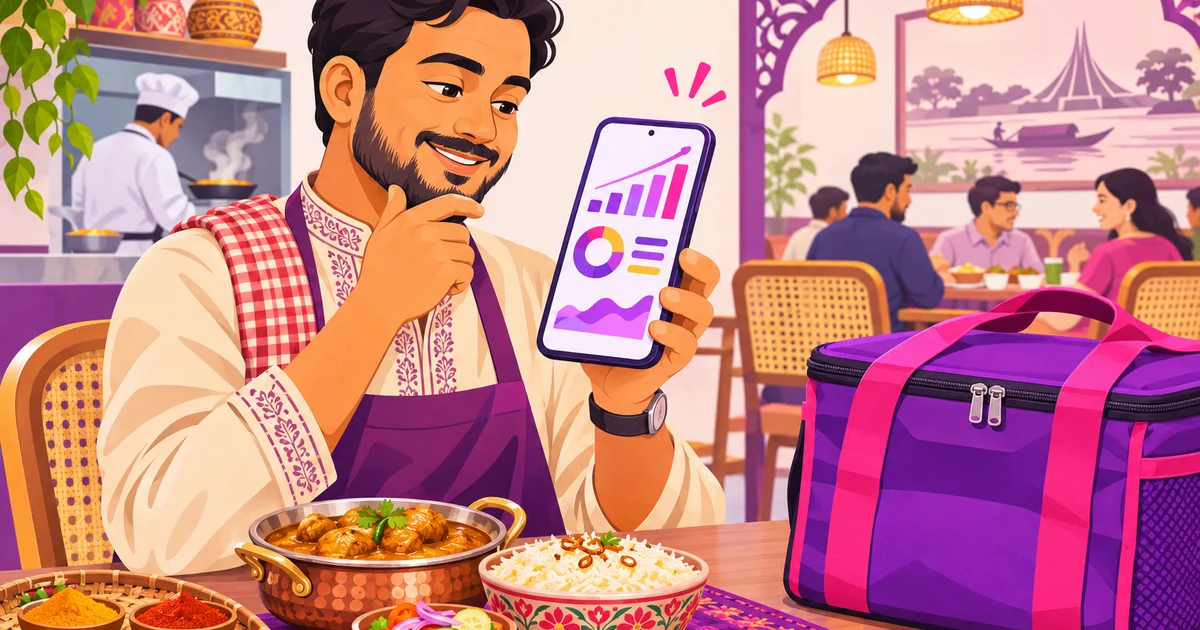
Facebook ads conversion tracking for restaurants helps you answer a practical question: which Facebook or Instagram ad brought a real order? If you currently boost posts for likes, reach or messages, you may be spending money without knowing which campaign creates sales. With a Rosuii ordering website, you can connect Meta Pixel and the Conversions API, send useful shopping events, and measure orders in taka.
This is not a promise that tracking will make every campaign profitable. Tracking gives Meta and your team better information. You can then choose campaigns for orders, compare cost per purchase, and make decisions using your restaurant’s own data.
Why boosting a post is not the same as optimising for orders
A boosted Facebook post is often set up to get more engagement, reach or messages. That can be useful for awareness, but a person who likes a food photo is not necessarily ready to place an order. Similarly, a message objective may bring questions about your menu without showing whether those conversations produced completed purchases.
For delivery and takeaway sales, send advertising traffic to your branded ordering website rather than only to your Facebook Page. On a Rosuii storefront, customers can browse your menu, select variations or add-ons, choose delivery or collection, and complete checkout online or with cash on delivery. See how restaurant online ordering works before planning your campaign.
When the website reports actions such as viewing a product, adding it to the cart and placing an order, Meta has more relevant signals for a Sales campaign. Your own team also gets a clearer view of the customer journey.
What Meta Pixel and Conversions API mean
The Meta Pixel is a small browser-based tracking connection between your ordering website and Meta. When a visitor loads a page or takes an action, the website can send a standard event to Meta. The visitor does not need to fill in a form for every event. For example, viewing a menu item can send ViewContent, while adding food to a cart can send AddToCart.
The Conversions API sends selected conversion information from the server to Meta. Browser tracking can be affected by browser restrictions, ad blockers or a customer leaving before a browser event is completed. For Rosuii, the server-side connection is used for the Purchase event when a customer places an order. It is not a server-side replacement for every event on the website.
Rosuii uses the same event ID for the browser and server Purchase event: order_<order number>. Meta uses this shared ID to recognise that the two signals describe one order, rather than counting the purchase twice. This is called deduplication.
Facebook ads conversion tracking for restaurants with Rosuii
Before you start, you need a Rosuii ordering website on a plan that includes the storefront, a Meta Business account, and access to Meta Events Manager. The Rosuii tracking settings are available in Settings → Online presence → Tracking & pixels.
- Create a Pixel or dataset in Meta Events Manager. Open Events Manager in your Meta Business account and create the data source used for your restaurant website. Copy the Pixel ID provided by Meta.
- Paste the Pixel ID in Rosuii. In the Rosuii panel, open Settings → Online presence → Tracking & pixels and enter the Pixel ID. Save the settings.
- Create a Conversions API access token. In Events Manager, follow Meta’s instructions for generating an access token for the data source. Paste the token into the Rosuii tracking settings. Rosuii stores this token privately and does not display it on your public ordering website.
- Use a test event code while testing. If Meta provides a test event code for the test-events screen, enter it where required during your test. Place a test order and check that the events appear in Events Manager. Remove the test code after testing so future production activity is not treated as test traffic.
- Verify your domain. Verify the ordering website domain in Meta Business Settings. Use the verification method Meta provides for your domain, then confirm that your data source and website are connected correctly.
Rosuii includes a bilingual setup guide on the tracking settings page. Test with a real browser session on your branded ordering website, not only by looking at the settings screen.
Which events Rosuii sends to Meta
Rosuii sends Meta standard events from the ordering website. Each event describes a different customer action. The exact value of a campaign depends on your menu, prices, delivery area, offer and customer service, so treat these events as measurement signals rather than guaranteed sales.
| Event | What it means for a restaurant |
|---|---|
| PageView | A visitor opens a page on the ordering website. |
| ViewContent | A visitor views a menu item or product. |
| AddToCart | A visitor adds a menu item to the cart. |
| InitiateCheckout | A visitor starts the checkout process. |
| AddPaymentInfo | A visitor submits or reaches the payment-information step. |
| Purchase | An order is placed, with the order total sent as the value. |
| Search | A visitor searches the ordering menu. |
| Lead | A visitor submits a reservation or table-booking enquiry. |
| Contact | A visitor taps a phone or WhatsApp contact option. |
Purchase is sent once per placed order from the website. It includes an event ID and the order value. Rosuii also supports matching Meta standard events such as PageView, ViewContent, AddToCart, InitiateCheckout, AddPaymentInfo, Search, Lead and Contact.
How cash on delivery affects Purchase reporting
Cash on delivery is important for many Bangladeshi restaurants. Rosuii sends a Purchase event when the customer places the order, including when the payment method is cash on delivery. At that point, Meta knows that an order was submitted, not that the food was delivered or the cash was collected.
If the order is later cancelled, Rosuii does not send a cancellation or refund event back to Meta. This means Meta’s Purchase count can be higher than your final delivered-order count. Each week, compare Meta purchases with the real delivered orders and sales in your Rosuii panel. If cancellations, unreachable customers or rejected orders are frequent, keep that difference in mind when evaluating campaigns.
For online payments, bKash and Nagad confirmation still require an internet connection. Tracking should not be described as a substitute for your order and payment records.
How to use the data in Meta campaigns
Choose a Sales campaign for orders
When your goal is online orders, create a Meta Sales campaign and choose the Purchase event as the conversion signal when Meta makes it available for your data source. Send people to the ordering website and make the destination obvious in the ad. A food photo can attract attention, but the call to action should take the customer to the menu or a relevant offer page.
Build an add-to-cart audience
Create a custom audience of people who triggered AddToCart during a selected period but did not trigger Purchase. This audience may include people who were interested but stopped at delivery charges, payment, timing or the final decision. You can show them a reminder or a clear offer, while excluding recent purchasers where appropriate.
Test a purchaser lookalike
After you have enough quality purchaser data in your Meta account, you can test a lookalike audience based on purchasers. A lookalike is not a list of guaranteed customers. It is Meta’s attempt to find people with characteristics similar to the source audience. Compare it with broader local targeting and keep the campaign that produces better quality orders, not merely more clicks.
Read cost per purchase and ROAS in taka
Cost per purchase is your ad spend divided by the number of reported purchases. ROAS, or return on ad spend, compares tracked order value with ad spend. Use BDT values and remember that tracked order value is not the same as net profit. Ingredient cost, staff cost, packaging, discounts, delivery cost and cancellations still matter.
Example only: suppose a campaign spends ৳2,000 and Meta reports 10 purchases with a total order value of ৳8,000. The reported cost per purchase is ৳200, and the reported ROAS is 4.0, calculated as ৳8,000 divided by ৳2,000. This does not mean the campaign generated ৳6,000 profit. Check the same orders in Rosuii, including delivered status and your actual margin, before increasing the budget.
Common setup mistakes to avoid
- Adding the Pixel twice: If Rosuii sends the Pixel events, do not add the same Pixel again inside Google Tag Manager without a specific reason. Duplicate browser events can make reports confusing.
- Judging after one day: One day may include too little data, unusual demand or delayed decisions. Give campaigns a sensible observation period and compare similar time ranges.
- Sending ad traffic to only a Facebook Page: Page engagement does not show the full ordering journey. Link to the relevant Rosuii ordering website page.
- Skipping a test order: Test the menu, cart, checkout and Purchase event before spending more. Check the event in Meta and confirm the order in your Rosuii panel.
- Forgetting domain verification: Complete verification and review your data-source settings in Meta Business Manager.
- Ignoring COD quality: A placed COD order is not proof of delivery. Compare reported purchases with delivered orders every week.
Do not paste the tracking code into the POS or panel pages expecting customer advertising events there. The tracking connection is for the restaurant’s public ordering website. If you already manage tags through GTM, document who owns each tag and avoid sending the same event from two systems.
What about TikTok Pixel?
TikTok Pixel follows the same basic idea: it connects website actions with TikTok advertising measurement. In Rosuii, you can also paste a TikTok Pixel ID in Settings → Online presence → Tracking & pixels. The ordering website can send TikTok events such as ViewContent, AddToCart, InitiateCheckout, AddPaymentInfo and CompletePayment. Start with one platform, test carefully, and add another only when you can review its reporting.
Tracking works best alongside practical restaurant marketing. Improve your menu photos, delivery information and offer terms, then make the ordering path easy to understand. For more ideas, read the restaurant Facebook Page guide and restaurant marketing ideas for Bangladesh. You can also review Rosuii’s website tracking and pixels feature.
Start measuring orders, not only attention
Facebook and Instagram can bring useful demand, but likes and messages are not the same as completed orders. With a Rosuii ordering website, Meta Pixel and the Conversions API, you can connect customer actions from the first menu view through Purchase, while keeping COD reporting honest. Verify the setup, place test orders, compare Meta with your real delivered sales, and make campaign decisions from evidence.
Ready to connect your restaurant’s ordering website and start tracking? Create your Rosuii account at https://rosuii.com/register.
Last updated:
By Rosuii Team · Published by Rosuii, the software provider. · About the authors
Frequently asked questions
Can Rosuii track Facebook and Instagram orders made with cash on delivery?
Does Rosuii send every event through the Conversions API?
Where do I add my Meta Pixel ID and access token in Rosuii?
Why do Meta purchases differ from my restaurant’s delivered orders?
Should I install the Pixel again through Google Tag Manager?
Run your restaurant on Rosuii
POS, menu, inventory, payroll and more — built for Bangladeshi restaurants.
Start free