From Attendance to Payroll: Restaurant Automation Guide
A controlled workflow for using attendance data in payroll without blindly automating mistakes.
Last verified: 2026-08-28
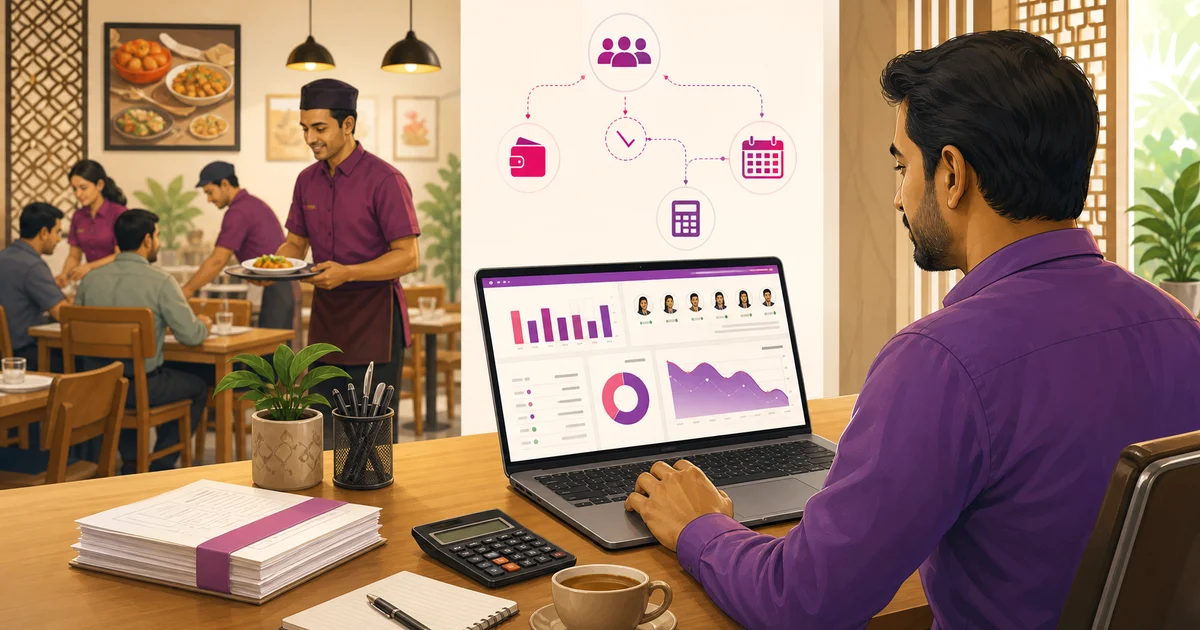
Attendance and payroll often live in separate spreadsheets. Connecting them saves entry time, but only after exceptions are reviewed and salary rules are clear.
Approve the attendance month first
Resolve missing checkout, leave and overtime before calculation. Payroll should use approved hours, not raw taps.
Calculate transparently
Show base salary, expected hours, worked hours, allowances, deductions, paid amount and remaining balance. Managers must understand every number.
- Do not allow negative money
- Do not pay above the calculated total
- Keep employee and month unique
Synchronise the payment ledger
When a salary payment changes, update one matching ledger entry rather than adding duplicates. Paid payroll records should remain for audit instead of being deleted.
Automation should move approved evidence, not guess pay
Attendance automation can collect time events, calculate durations under configured rules, surface exceptions and transfer an approved period into payroll. It should not decide worker classification, lawful overtime, deduction or leave treatment from a generic status. Those rules need current review, written configuration and authorised approval.
Draw a boundary between source record, policy decision and money. A check-in timestamp is a source event; marking a missing checkout resolved is a manager decision; adding approved overtime or a deduction to payroll is a financial action. Keep the actor and reason at each boundary.
Attendance-to-payroll data map
Every payroll line should trace to an approved input or a guaranteed salary component. Avoid a single net adjustment that hides leave, overtime, advance and correction. Separate lines let the employee and reviewer identify an error without rebuilding the entire month.
Use effective dates for salary and branch changes. Payroll for an earlier period should use the terms approved for that period, not today's overwritten employee record.
| Input | Review before payroll | Payroll output |
|---|---|---|
| Employee and branch | Active employment and period | Correct payroll identity |
| Roster | Planned shift and approved changes | Context, not automatic pay |
| Check-in/out | Missing, overlap and business date | Approved worked-time input |
| Leave | Type, dates and approver | Configured approved treatment |
| Overtime | Eligibility, hours and authorisation | Separate approved component |
| Advance | Outstanding approved amount | Visible recovery component |
| Adjustment | Reason, evidence and approver | Separate addition or deduction |
| Lock | Reviewer and close date | Reproducible payroll run |
Create an exception queue before calculation
Before payroll starts, list missing checkout, duplicate or overlapping events, attendance without an active employee, leave conflicts, unapproved extra time, work at another branch and post-lock edits. Assign each exception to a manager and a due date. A total produced while exceptions remain is preliminary, even if the software can calculate it.
Use severity and dependency rather than hiding small items. One missing checkout can change hours; one wrong branch can change the responsible manager or cost centre; one unresolved leave day can create an unfair absence. Close or explicitly approve each item.
Do not map status directly to deduction
Present, late, half-day, absent and leave are operational labels whose pay effect depends on current policy, contract and applicable law. A late timestamp may require a manager review; a half-day label needs a defined basis; absence may be disputed or supported by approved leave. Store the status and the separate approved payroll treatment.
If the restaurant uses a configured rule, expose its version and effective date. Test it with normal, exception and edge cases before live payroll. Do not copy an old online formula or hard-code a legal multiplier without qualified current review.
Keep salary components transparent
Start with the guaranteed components in the signed arrangement. Add approved variable earnings such as authorised overtime or service-related distribution only under the restaurant's documented policy. Subtract an advance recovery or other authorised deduction as its own line with opening balance, current amount and remaining balance where relevant.
Do not net unrelated corrections into basic salary. A payslip or summary should let the employee see the period, base, additions, deductions and net, plus a route and deadline to query a factual error.
Approval and locking workflow
Separate preparation and final approval where staffing allows. A user should not create an exceptional deduction, approve it and erase its source. Small restaurants can use owner review, exception notification or a signed close sheet as compensating control.
Lock both the source period and payroll version. If only payroll is locked while attendance remains editable, the next report may no longer explain the paid result.
- Branch manager resolves attendance exceptions
- Leave and overtime approvers complete outstanding decisions
- HR or payroll owner validates employee and salary terms
- Finance reviews advances and manual adjustments
- Authorised payroll approver reviews totals and samples detail
- Source attendance and payroll run are locked
- Payment file or instruction is generated from the approved run
- Later corrections use a visible adjustment process
Reconcile payroll before payment
Compare totals with the prior period as a reasonableness check, not proof. Headcount, promotions, leave, overtime or branch changes can create legitimate movement. Investigate material differences through employee-level detail instead of forcing the total to match history.
| Reconciliation | Check |
|---|---|
| Headcount | Active employees expected vs included |
| Period | Correct start/end and no duplicate run |
| Base | Approved terms effective in period |
| Time-linked items | Trace to locked attendance/leave/OT |
| Advances | Movement agrees with employee balance |
| Manual items | Reason and approver present |
| Net total | Agrees with payment instruction |
| After payment | Bank/cash evidence and unpaid items tracked |
Rollout without risking payday
Run the new workflow in parallel for a complete period before relying on it for payment. Use the same approved inputs, compare employee-level results and document every difference. Fix data, policy or configuration causes; do not add a hidden balancing line.
Pilot normal attendance, missed event, leave, overtime, branch transfer, salary change, advance, exit and a post-lock correction. Train managers on exception ownership before payroll week. Keep a documented fallback and export so a temporary system problem does not remove the restaurant's ability to review and pay.
Security and audit requirements
Limit salary, bank and payroll exports to authorised roles. Log employee-term changes, adjustments, approvals, lock/reopen and exports. Remove access promptly when responsibility changes and avoid downloading payroll to shared devices or personal messaging accounts.
Back up the approved run and the evidence needed to reproduce it. Tenant isolation, support access and data export should be part of the software review because payroll combines some of the restaurant's most sensitive information.
Automation should remove repeat work while preserving review. Close attendance, calculate openly, approve, pay and reconcile in that order.
Related guides
- Attendance System Guide
- Salary Advance Management
- Restaurant Payroll Management
- Compare Restaurant Management Software
See this workflow in Rosuii: Connect attendance and payroll
Updated:
Frequently asked questions
Should payroll use raw check-in data?
Why keep paid salary records?
Can attendance software calculate restaurant payroll automatically?
Should a late check-in automatically reduce salary?
Why lock attendance before payroll?
How should a correction after payroll be handled?
Run your restaurant on Rosuii
POS, menu, inventory, payroll and more — built for Bangladeshi restaurants.
Start free