Restaurant POS Comparison Worksheet: Evidence and Questions
Build a fair restaurant POS comparison worksheet with source dates, demonstrated workflows, unknowns and written costs. Use the same tests for each supplier.
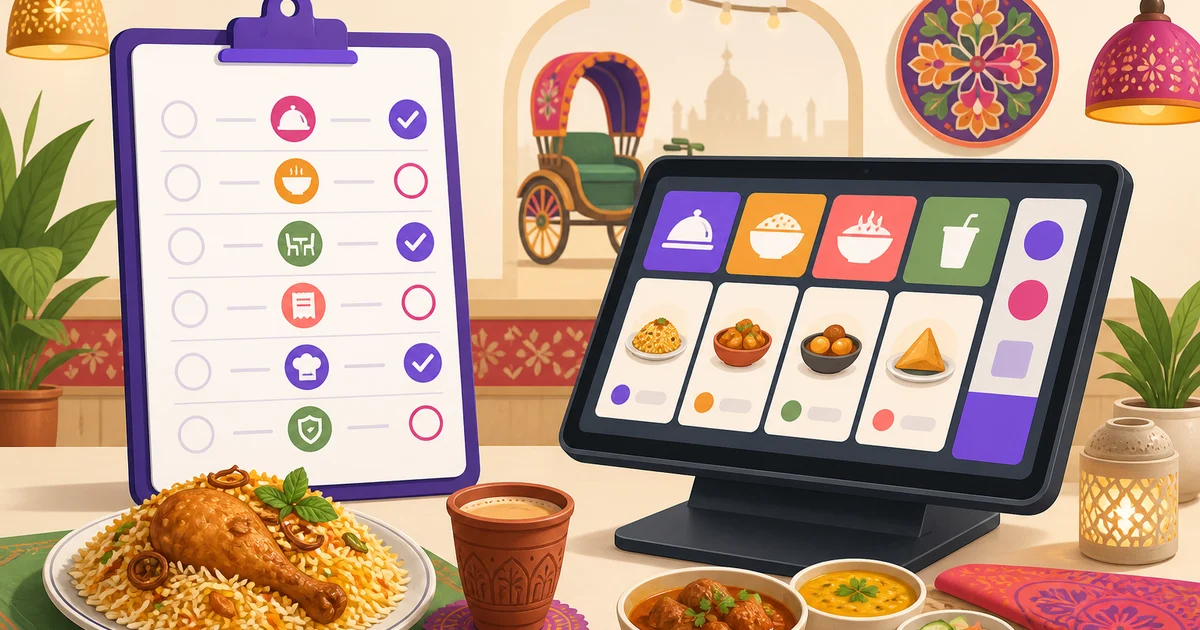
A restaurant POS comparison worksheet records the evidence behind a buying decision. Use one row per required workflow and the same test for every supplier. Separate a published claim, a written quote and a successful demonstration. This page provides a reusable worksheet; it does not assert current competitor features, prices or a vendor winner.
Start with requirements, not vendor names
List the restaurant's branches, order channels, staff roles, kitchen stations and devices. Mark which workflows are needed at launch and which can wait. A feature that is irrelevant to the operation should not outweigh a failed billing or kitchen handoff test. Do not treat product category terms such as cloud, AI or enterprise as acceptance evidence.
| Required workflow | Evidence to request | Result and date |
|---|---|---|
| Bangla entry and receipt | Own item names on the actual device/printer | Demonstrated / partial / unavailable / unknown |
| Kitchen handoff | Order, quantity and note at the correct destination | Ticket reference and test date |
| Payment | Manual record or verified provider transaction, identified separately | Order and confirmation reference |
| Change/cancellation | Written procedure plus controlled demonstration | Kitchen and report outcome |
| Interruption/recovery | Defined device and network test | Queued actions and unresolved steps |
| Exports and closing | Same dated sample across records | Fields, filters and reconciliation |
| Commercial terms | Written plan, limits and renewal quote | Quote date and expiry |
Use scores only after evidence
If a numerical score helps the team, agree weights before watching the demonstrations. Weight required workflows more heavily than optional conveniences. Keep unknowns visible and unscored until resolved. The worksheet does not provide an industry-standard weighting or claim that a higher total removes every operational blocker. A critical failed handoff may still prevent rollout.
Record the source beside the claim
Keep the supplier's primary source URL, the date checked, the plan or version, and any condition that limits the claim. A feature page may describe a module that costs extra or applies to another country. A price may exclude equipment or service fees. If the supplier cannot demonstrate a claimed workflow, record that gap without inventing an explanation.
Ask questions that expose handoffs
- Which steps happen on the staff device and which need the server?
- How does staff distinguish a queued order from one received by the kitchen?
- How are repeated requests, edits and uncertain payment confirmations handled?
- Which report should reconcile to this order and payment?
- Who supplies the printer, validates Bangla output and supports it?
- How can the restaurant obtain exports and recover its records?
Keep comparison and cost worksheets connected
For each required workflow, write the lowest applicable plan and any hardware or service dependency from a dated quote. Use the quote checklist to normalize costs and the pilot checklist to collect evidence. For Rosuii's current published plans, consult pricing; do not infer a competitor's availability from Rosuii's modules.
This methodology is written by Rosuii Team, a software vendor. It is not an independent product test, legal assessment or statement that another supplier lacks a feature. Retain the source record and review it when plans, contracts or the restaurant's requirements change.
Editorial and product-source review: 2026-09-27
Continue with the right guide
Sources and limits
Try your own order in a free POS account. KDS, online ordering and inventory start on Starter; plan limits apply.
Last updated:
Frequently asked questions
Does this worksheet rank current vendors?
Can a feature page replace a live demonstration?
What should we do when a feature is unknown?
Run your restaurant on Rosuii
POS, menu, inventory, payroll and more — built for Bangladeshi restaurants.
Start free