
POSOperations
Restaurant POS on Windows 7: Check Compatibility Before Buying
The current Rosuii desktop build does not support Windows 7. Here is how to evaluate an older counter PC without confusing a print helper with a full app.
Read article
Tagged with #POS
The current Rosuii desktop build does not support Windows 7. Here is how to evaluate an older counter PC without confusing a print helper with a full app.
A practical printer acceptance test for restaurant counters, including paper layout, Bangla text and an offline sale.
Desktop is not automatically better. Compare preparation, local data, printing and recovery around the way your counter actually works.
What to prepare before the outage, what staff can do offline and what to reconcile when the connection returns.
A counter-first guide to choosing a Windows POS, preparing local data and checking the first sale before your team goes live.

A controlled register for recording VAT-invoice mistakes, preserving originals and linking authorised correction evidence to the affected period.

A daily and monthly bridge that explains how gross restaurant orders become recorded sales and the figures used in VAT reporting.

A role-based training plan with demonstration, supervised practice and observable sign-off instead of attendance-only training.

A joint outgoing-and-incoming cashier record that transfers money, open transactions, devices and unresolved exceptions at one clear time.

A tested outage procedure that chooses one alternate order channel, labels manual work and reconciles every ticket after printer recovery.

A timestamp and percentile-based report that shows where kitchen work waits instead of reducing every delay to one average.

A stage-based SOP that stops the kitchen clearly, protects the guest bill and keeps production, waste and approval evidence connected.

A practical error log that turns wrong items, missing modifiers, delayed tickets and remakes into evidence and corrective action instead of blame.

A KOT tells the kitchen what to make; a customer bill states what the guest is charged. Here is how to connect them without confusing their jobs.
Choose restaurant POS with an inventory and payroll demo checklist. Compare recipe units, purchases, salary records, permissions, exports and total cost.
A plain-language comparison that separates restaurant billing and order management from bank or acquirer card-payment acceptance.
A vendor-neutral network setup and fault-isolation guide with an official Epson TM-T82III example, secure IP planning and restaurant print routing.

A copyable day-end report that separates sales from collections and exposes missing orders, payment gaps, delivery receivables and unexplained cash variance.
A witnessed, exception-based closing routine for orders, cash drawers, card terminals, mobile payments, marketplace receivables and secure handover.
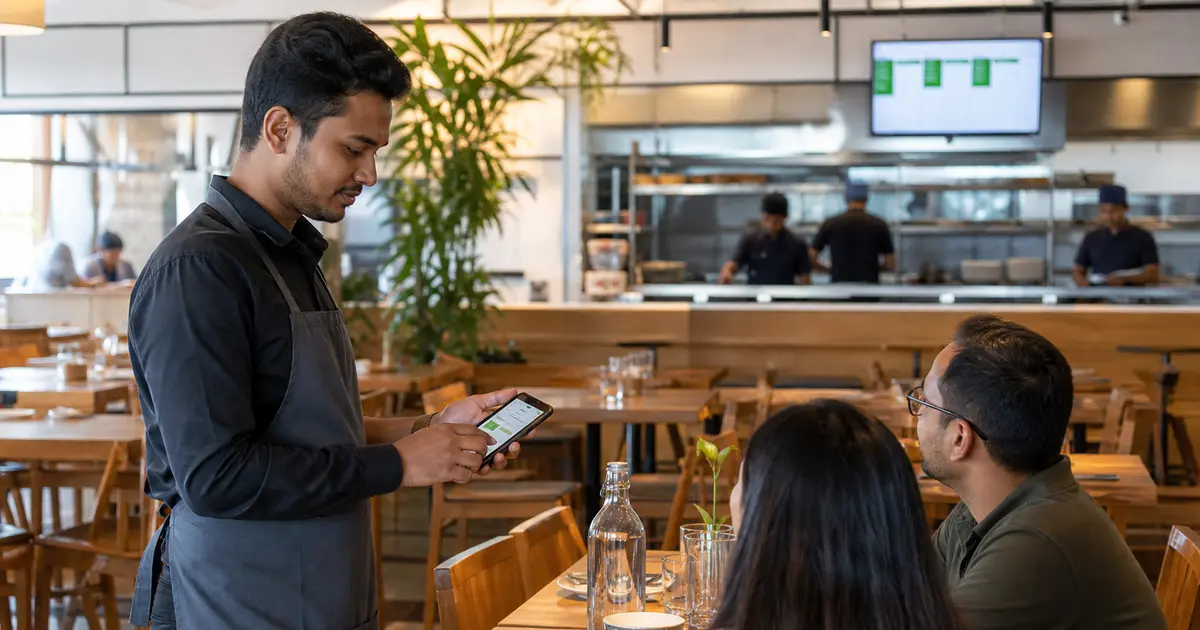
A waiter app should remove duplicate entry without moving cashier permissions onto every phone.
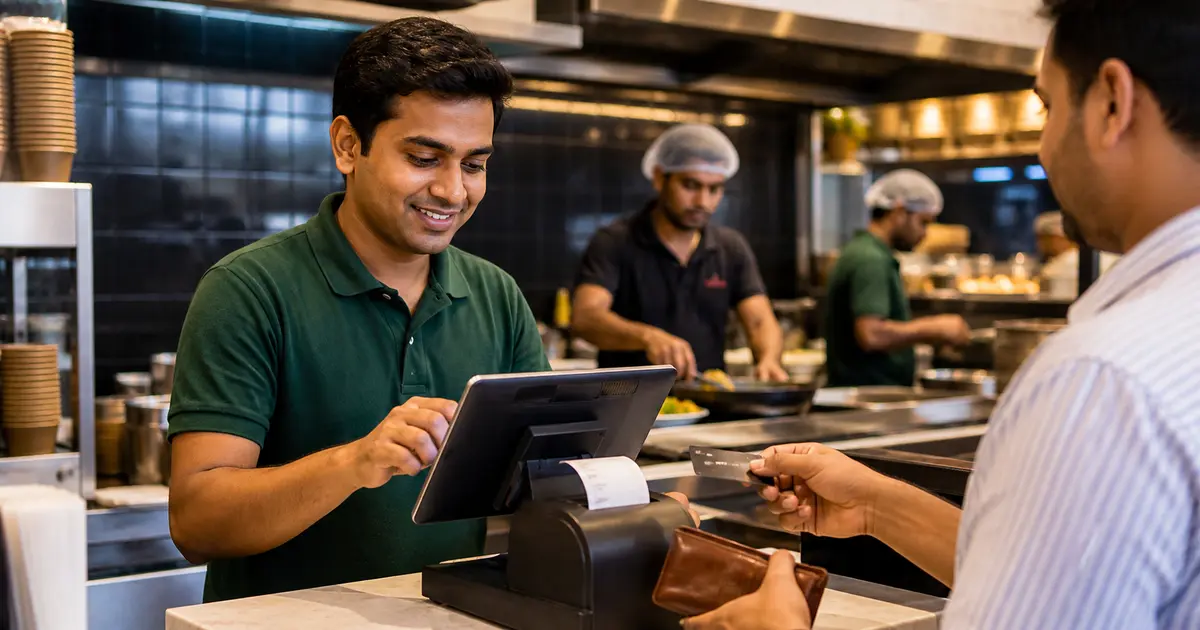
The cashier screen must be fast for staff and strict enough to protect discounts, payments and closing totals.
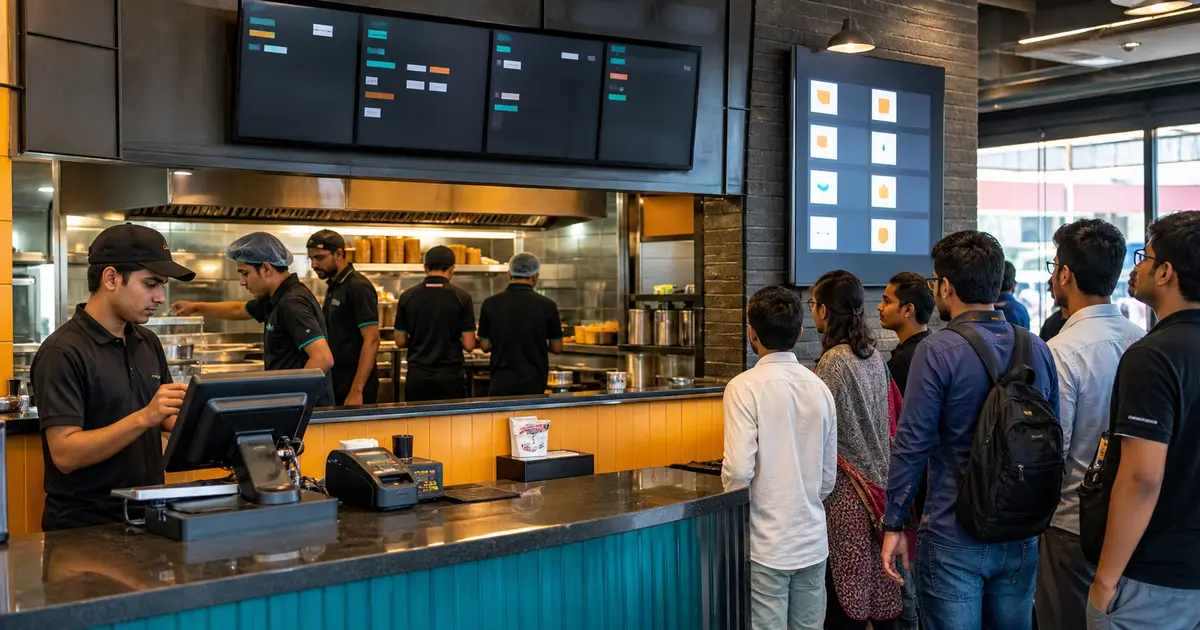
A practical 2026 buying guide for quick-service restaurants where every extra tap can become a queue.
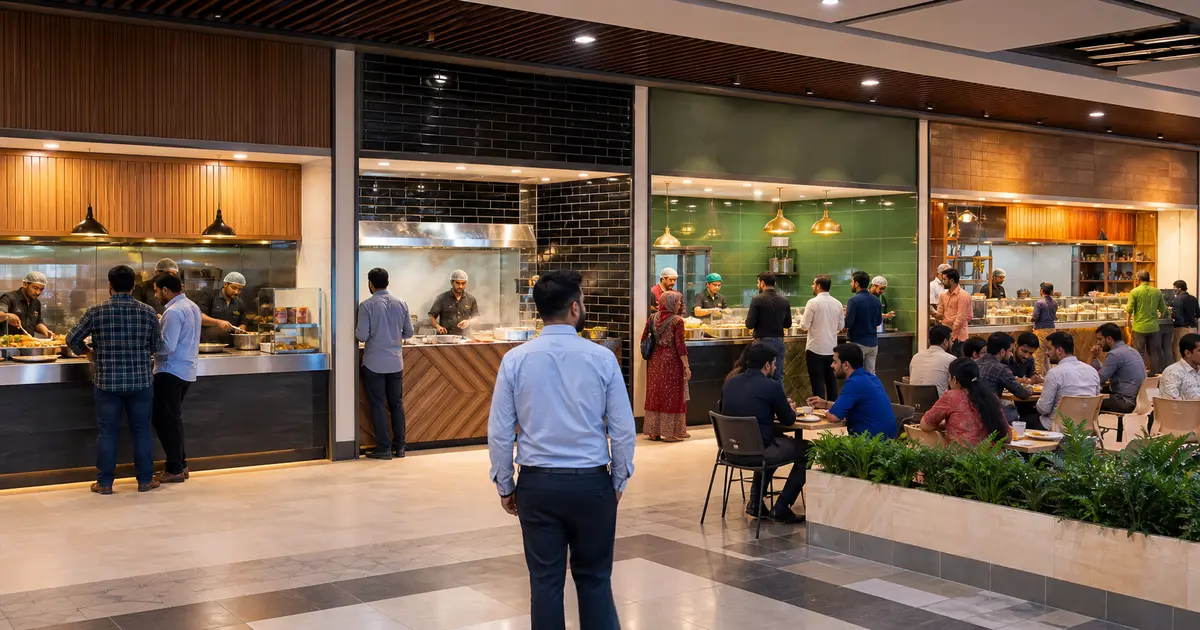
One operator's counters can now share a menu, cook in their own kitchens and settle between outlets in Rosuii; a court of unrelated businesses still needs a multi-vendor platform.
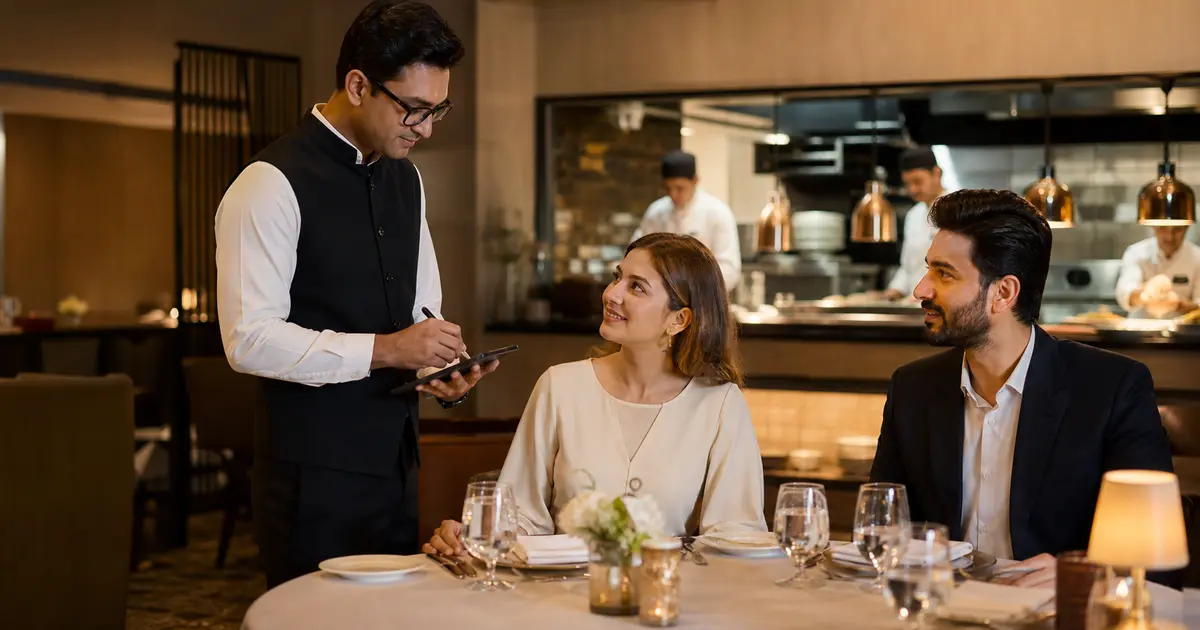
Fine dining software should protect service timing and guest detail, not turn hospitality into counter service.
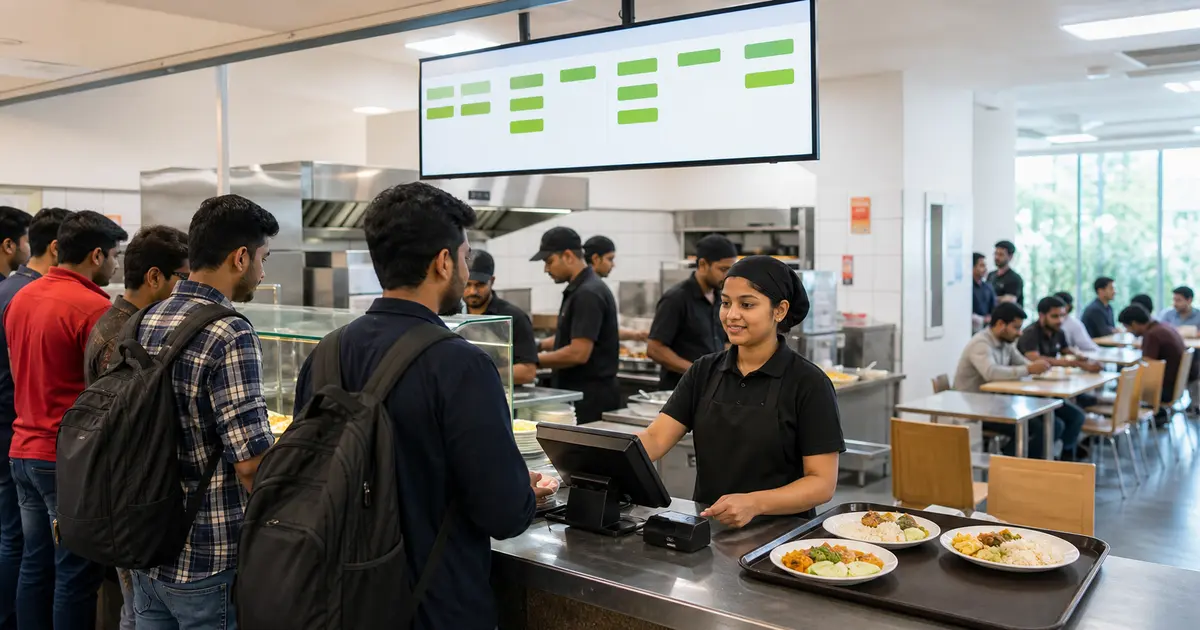
A public canteen and an employee-subsidized canteen need different software, even when both serve lunch quickly.
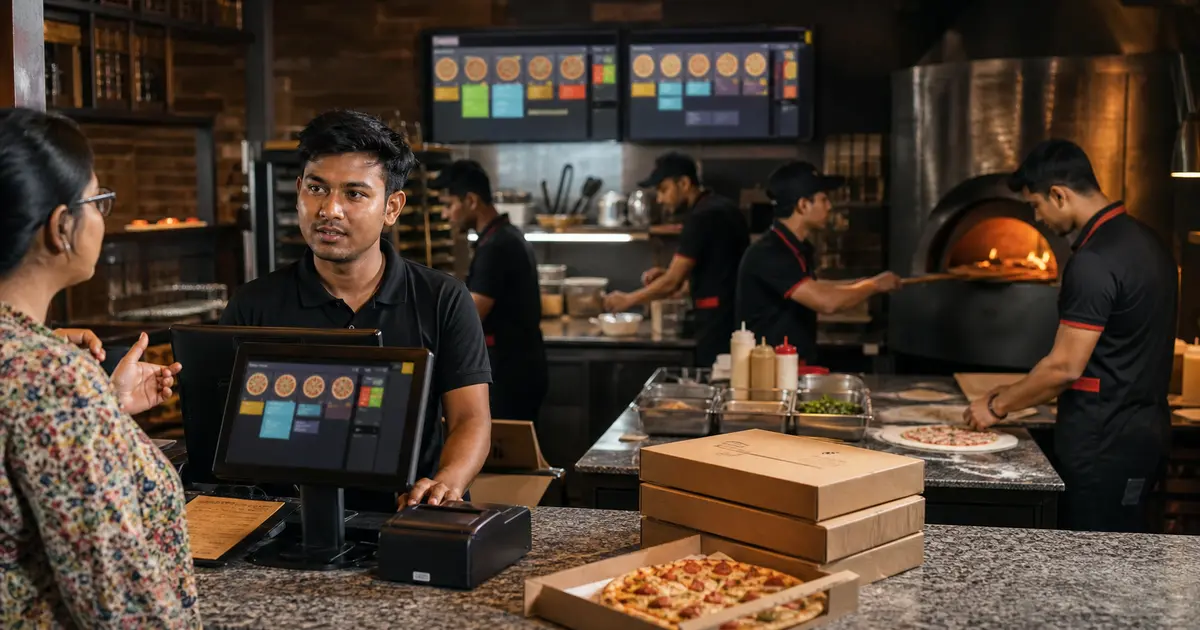
Test the customized order, kitchen, takeaway and delivery workflows that make a pizza operation different.
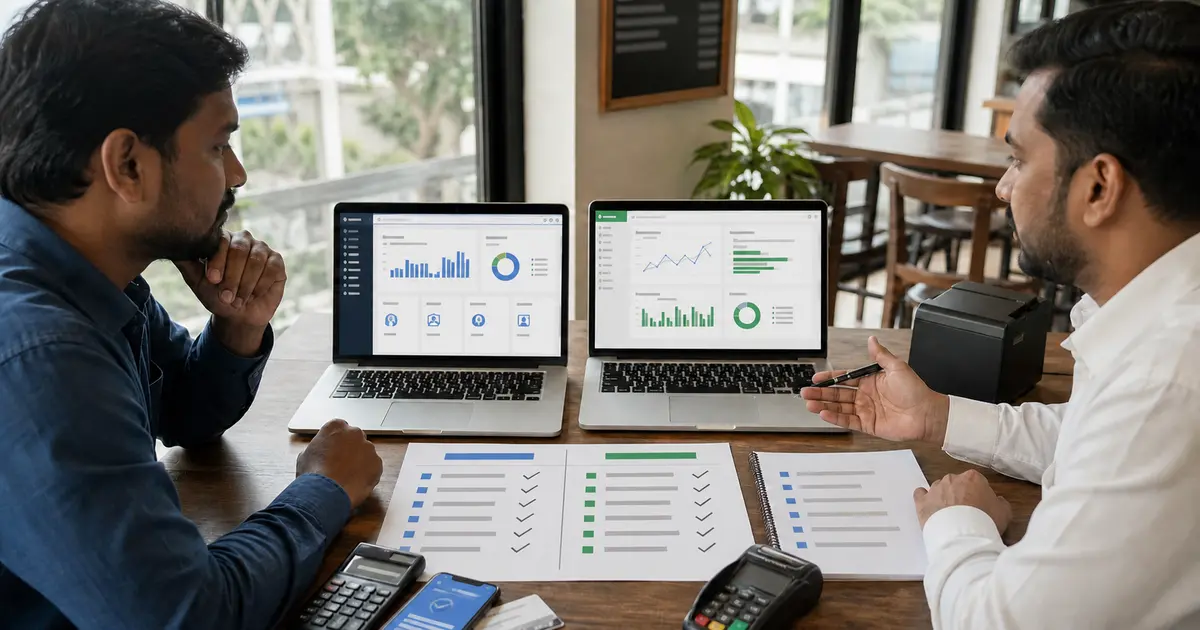
A neutral checklist for Bangladesh restaurants comparing Otter's global restaurant tools with Rosuii's local operating fit.
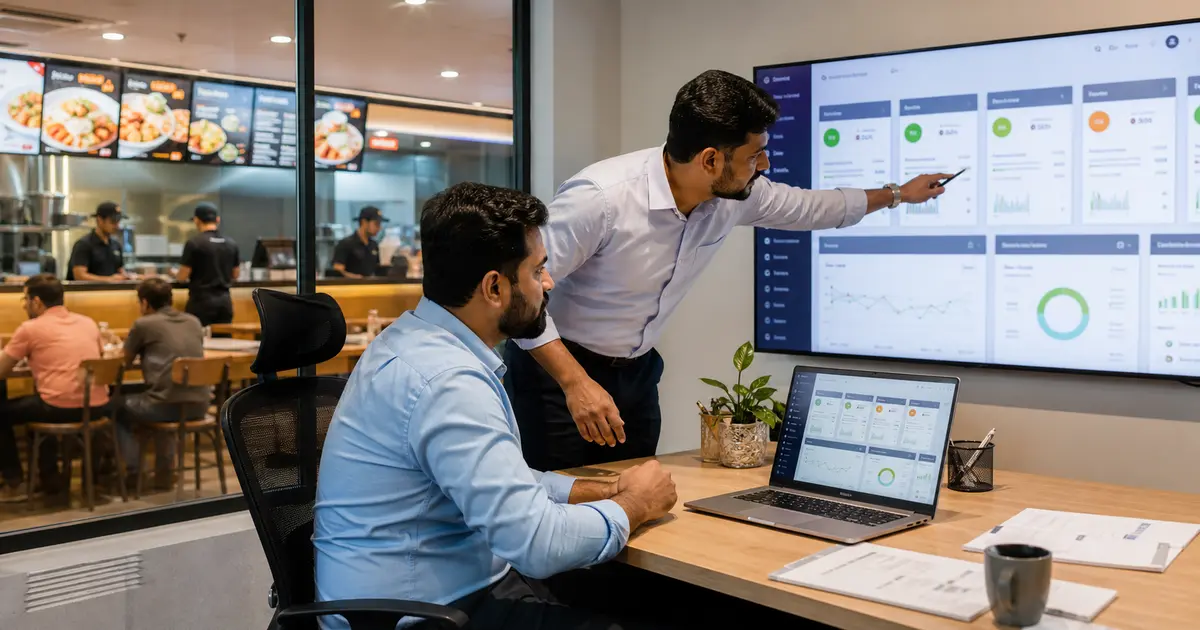
A buyer guide for restaurant groups that need central visibility without removing branch-level responsibility.
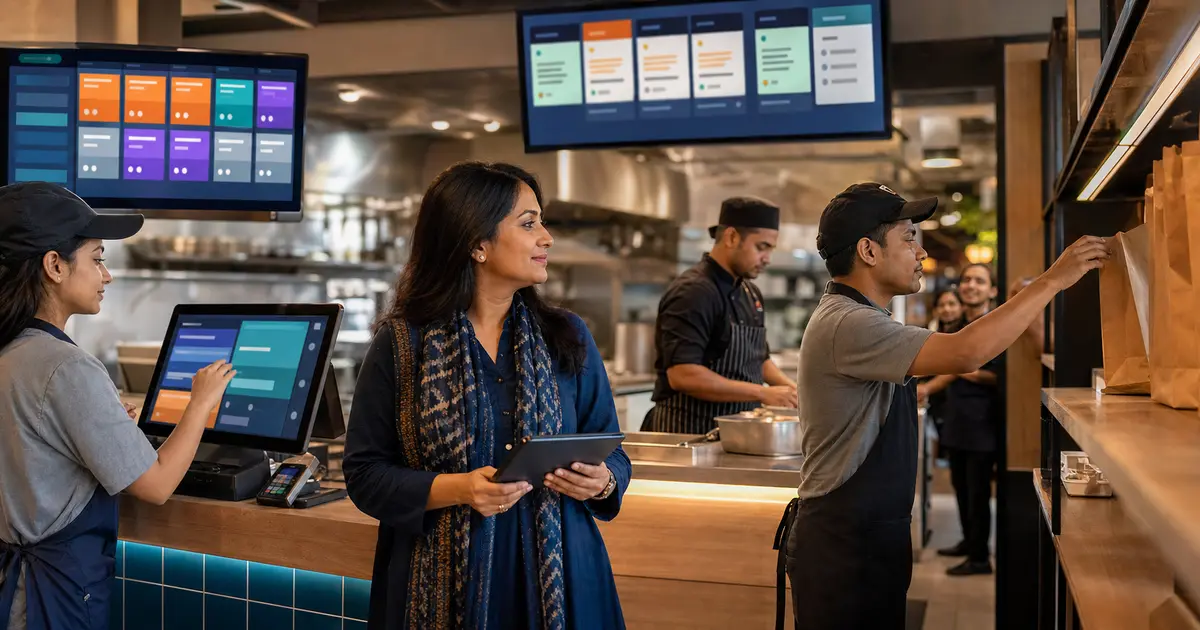
Restaurant automation software removes repeated steps between ordering, kitchen, payment, stock and reports. Learn which workflows deserve automation and where people still matter.
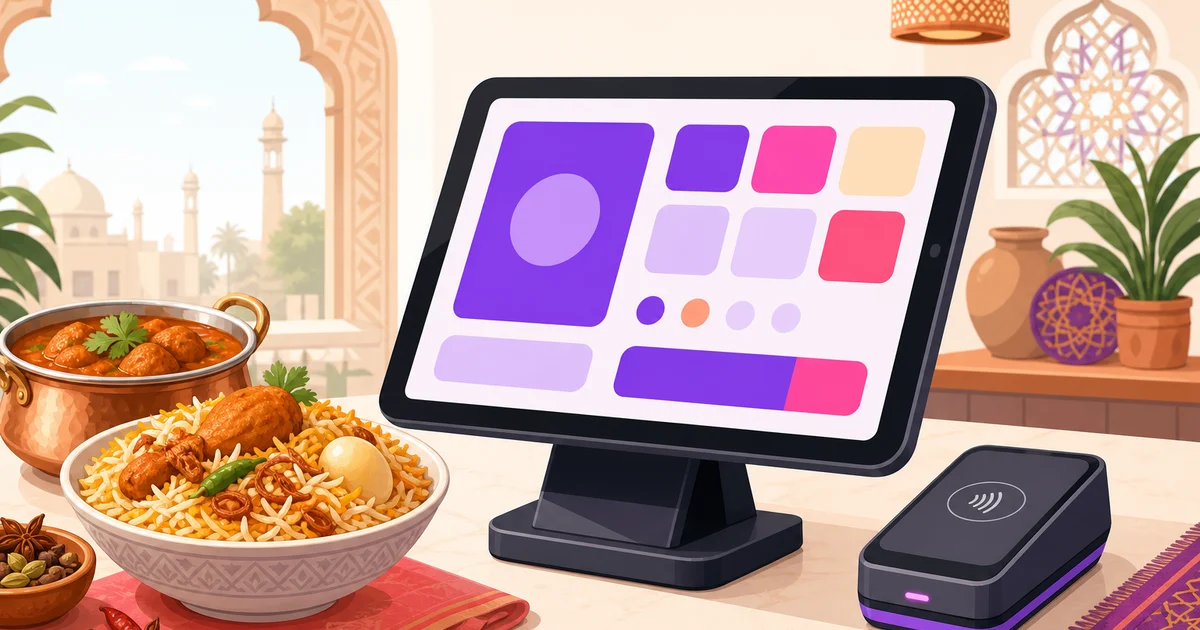
Square is strong in supported markets, but Bangladeshi restaurants need local payments, Bangla, BDT pricing and practical hardware choices. See how Rosuii compares.
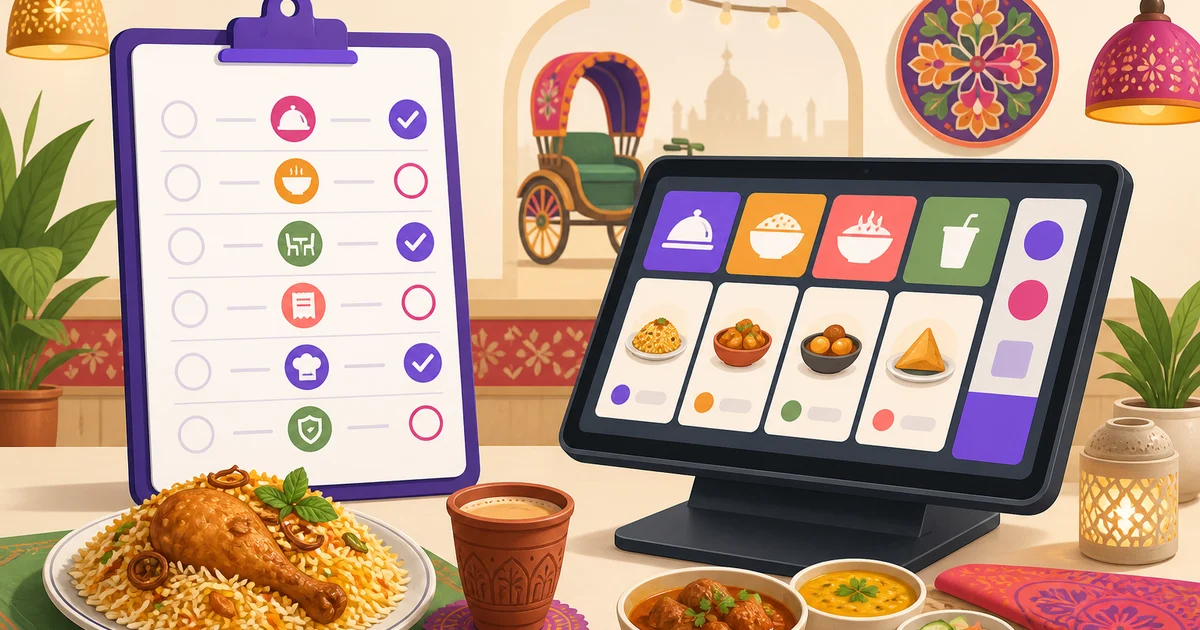
Build a fair restaurant POS comparison worksheet with source dates, demonstrated workflows, unknowns and written costs. Use the same tests for each supplier.
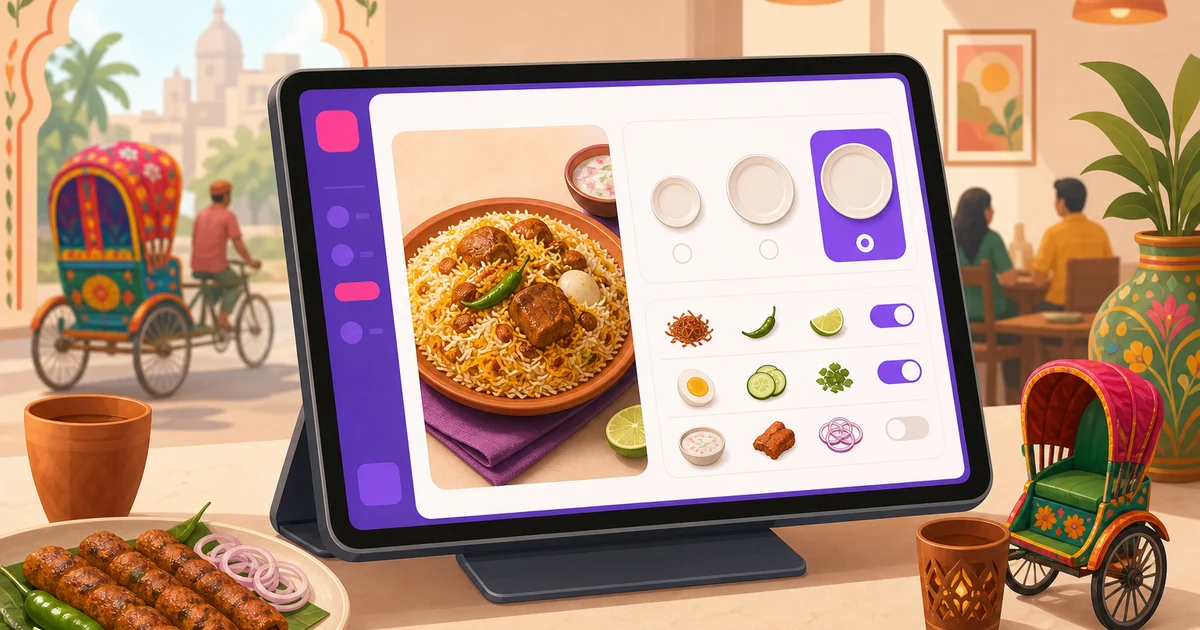
Learn how to structure variations, add-ons, modifiers and combos for faster POS entry, clearer kitchen tickets and higher average order value.
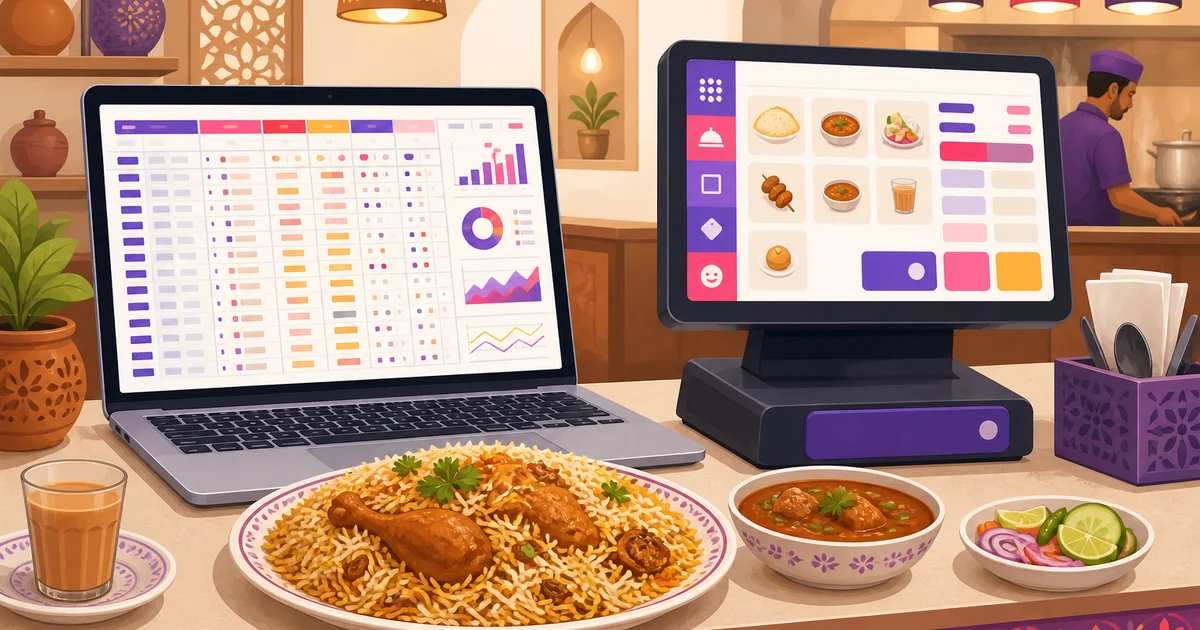
Excel is useful for a small restaurant, but billing, kitchen coordination and stock control soon expose its limits. Learn when it is time to switch.
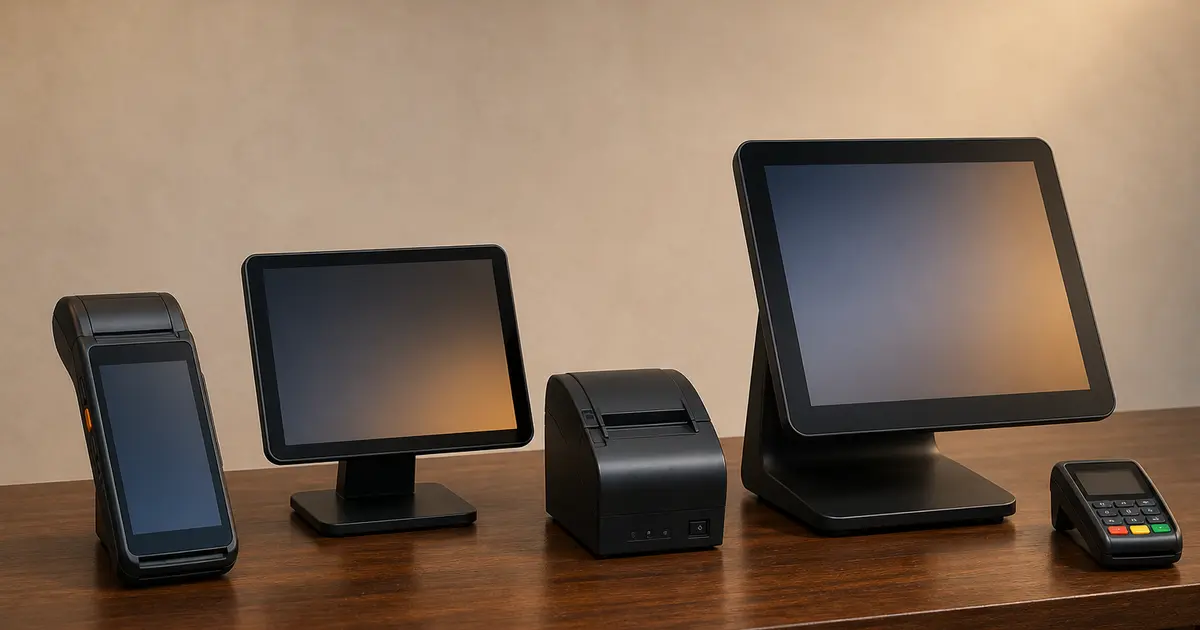
A POS machine can mean a billing computer, Android terminal or bank card device. Identify the category before comparing prices.
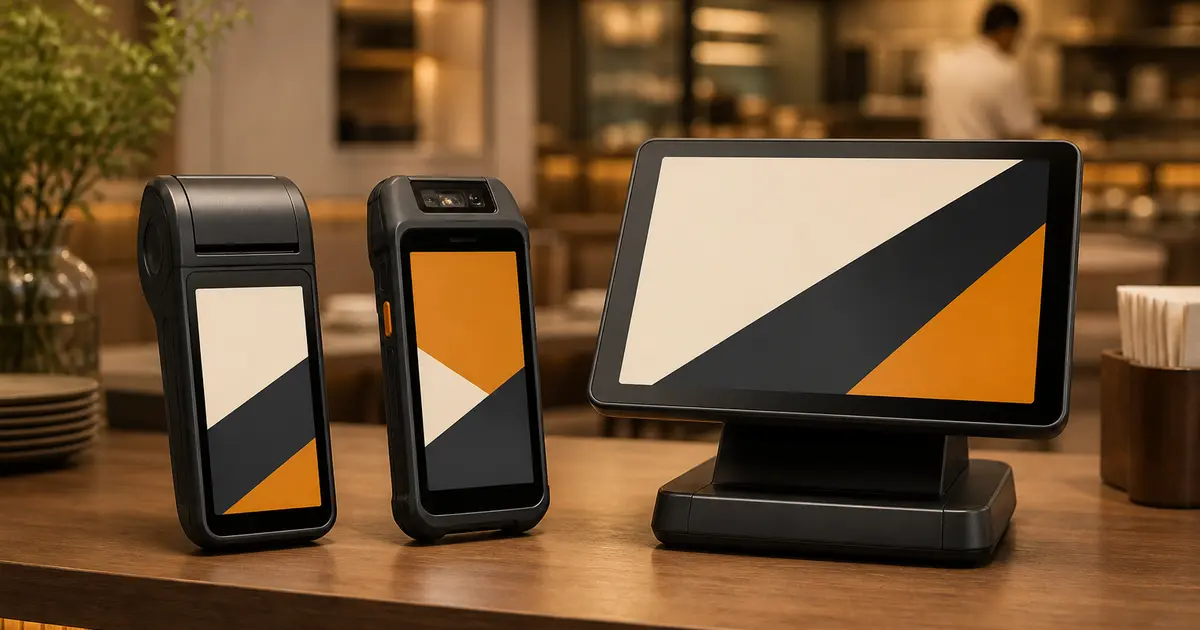
Current price examples plus the compatibility checks that matter more than an Android logo on the box.
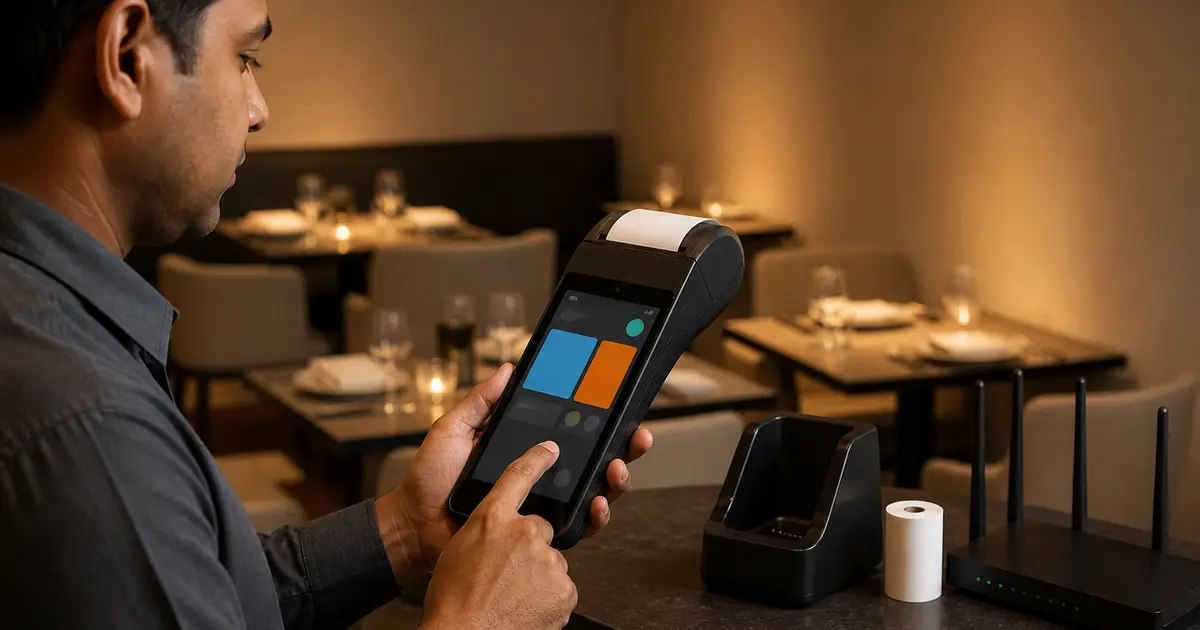
A capable Android device is not automatically a compatible restaurant POS. Run the full order-to-receipt workflow before buying.
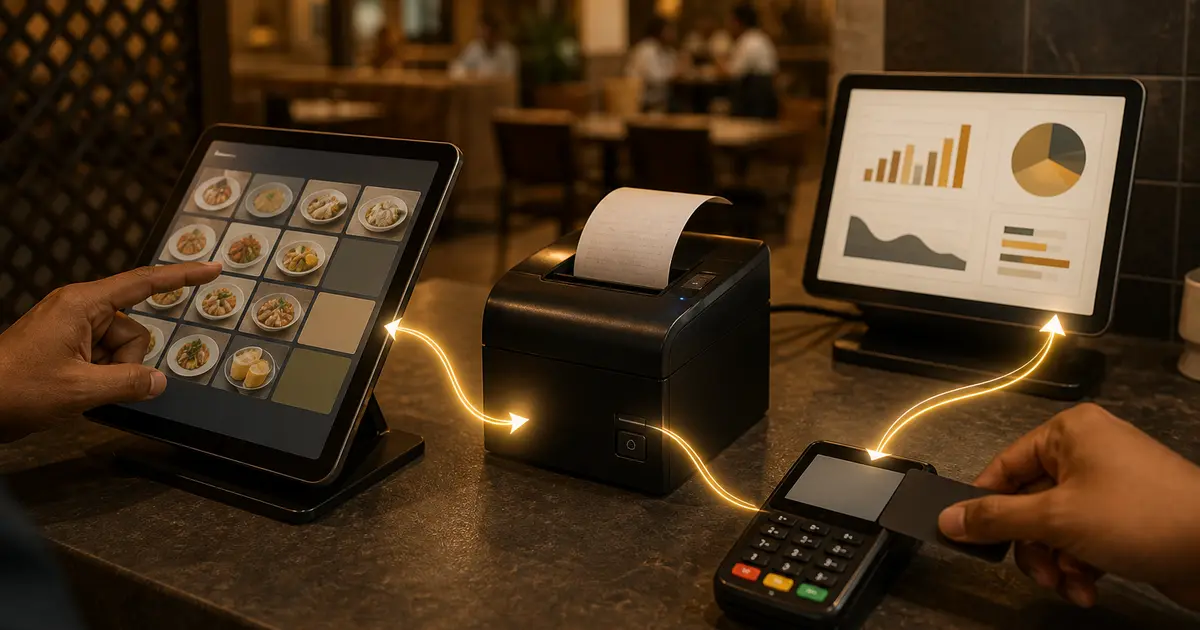
POS means Point of Sale. Learn how billing software, card readers and receipt printers work together, with a restaurant example and a buying checklist.
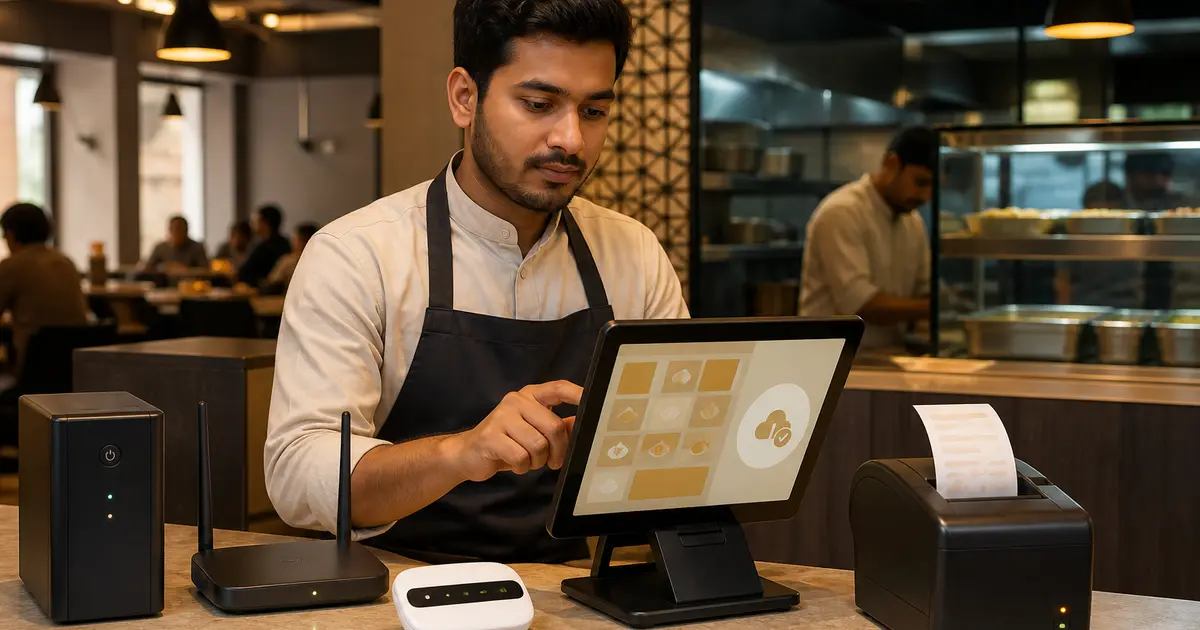
Offline is not a yes-or-no label. Test order entry, receipt, payment, KOT, stock and sync separately.
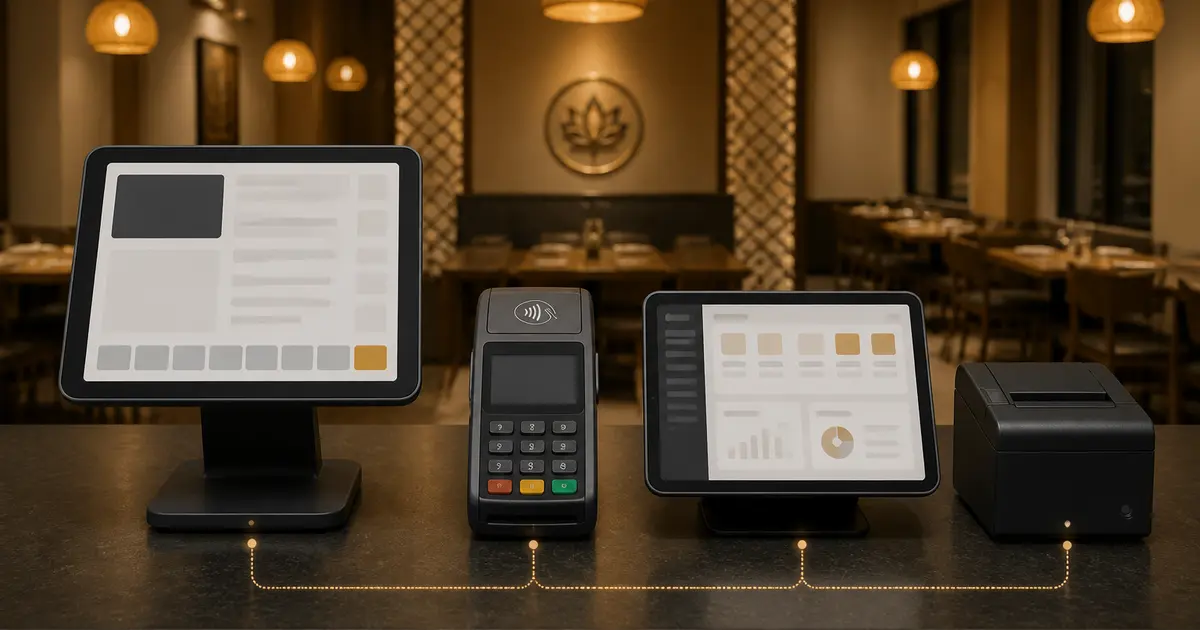
One manages the restaurant, one is hardware and one authorises payment. Buying the wrong category leaves a major gap.
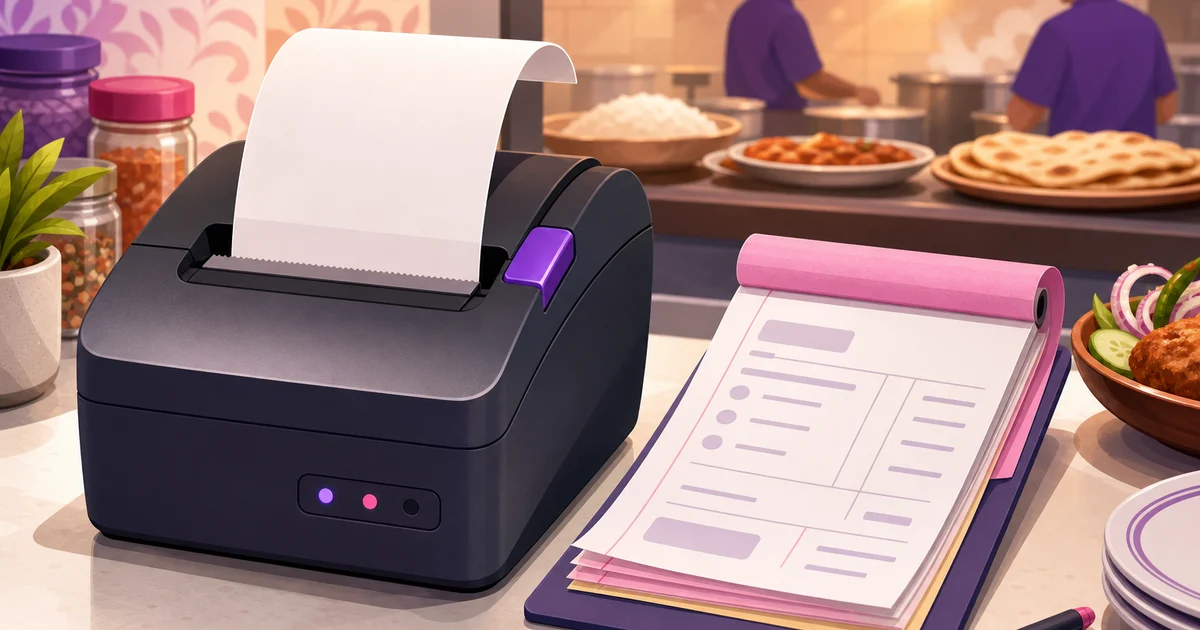
Use a field-by-field KOT template with 58mm and 80mm samples. Keep order references, modifiers, added items and duplicate copies clear.
Table self ordering helps Bangladeshi restaurants serve more tables with fewer order-taking delays using per-table QR codes and phone menus.
Internet down does not have to stop sales. Learn how offline-ready billing, cached menus, backup devices and staff drills keep orders moving.
A practical guide for Bangladeshi restaurants on using Rosuii’s browser PWA POS instead of costly dedicated POS hardware.
Keep restaurant billing running during load-shedding and broadband outages with an offline POS that queues orders and syncs when internet returns.
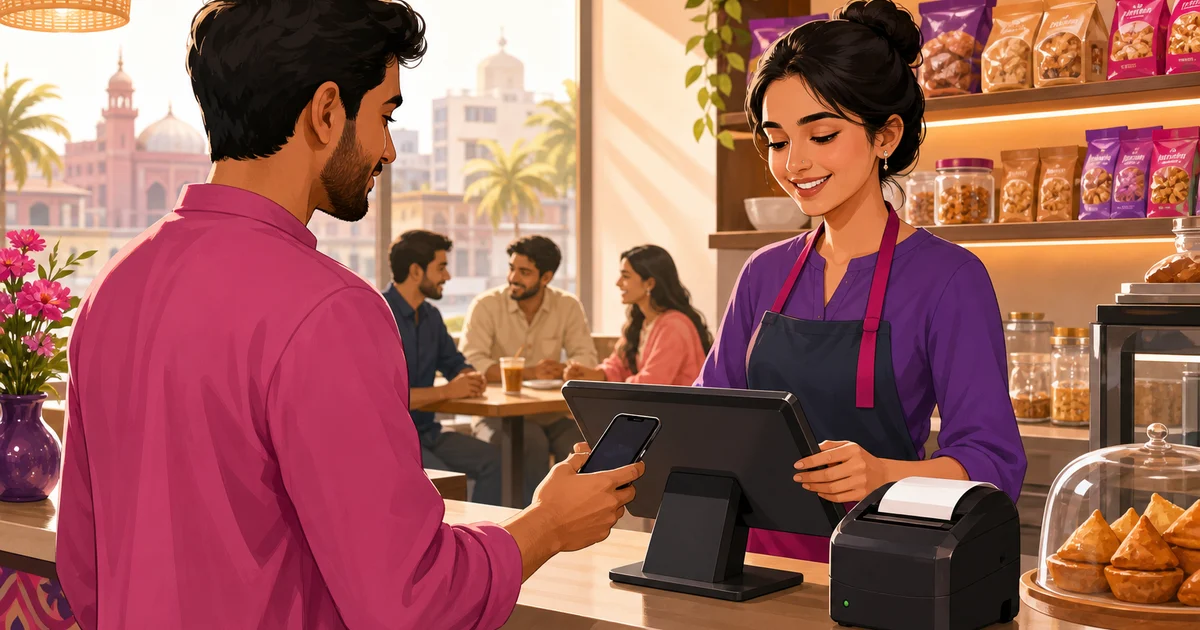
A POS system is the software and hardware a business uses to take orders and payments and record every sale. This guide explains what a POS system is, what it does, and why a restaurant POS goes far beyond a cash register.
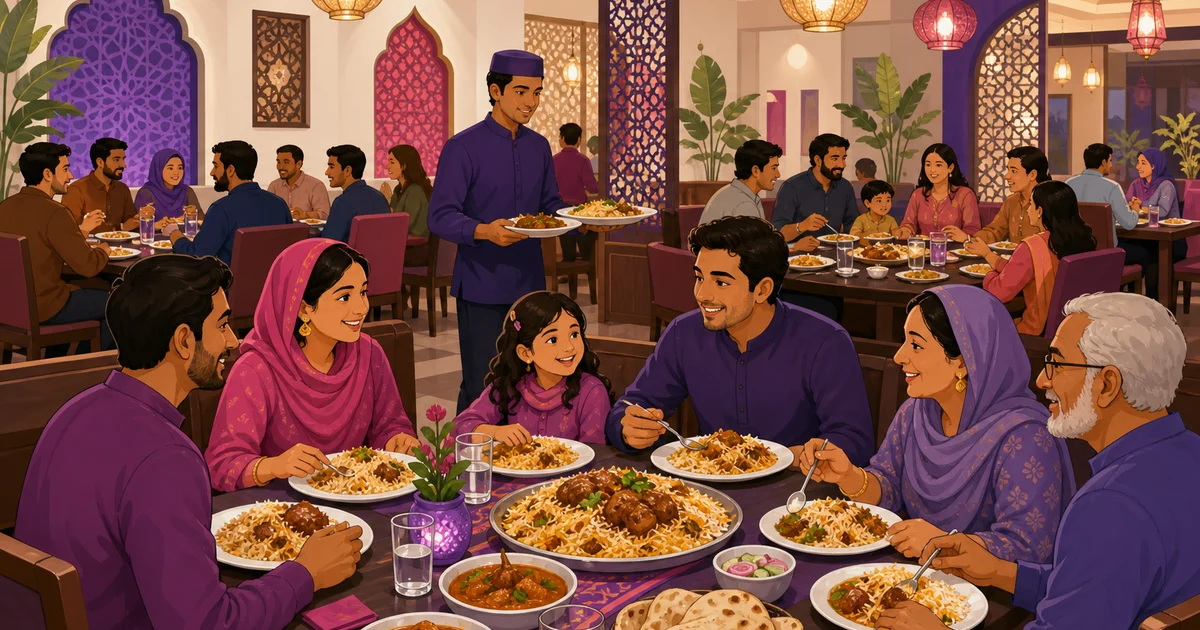
Covers in a restaurant means the number of guests you serve, counted per person rather than per table or per bill. This guide explains how to count covers, why owners track them, and how covers connect to table turnover and sales.
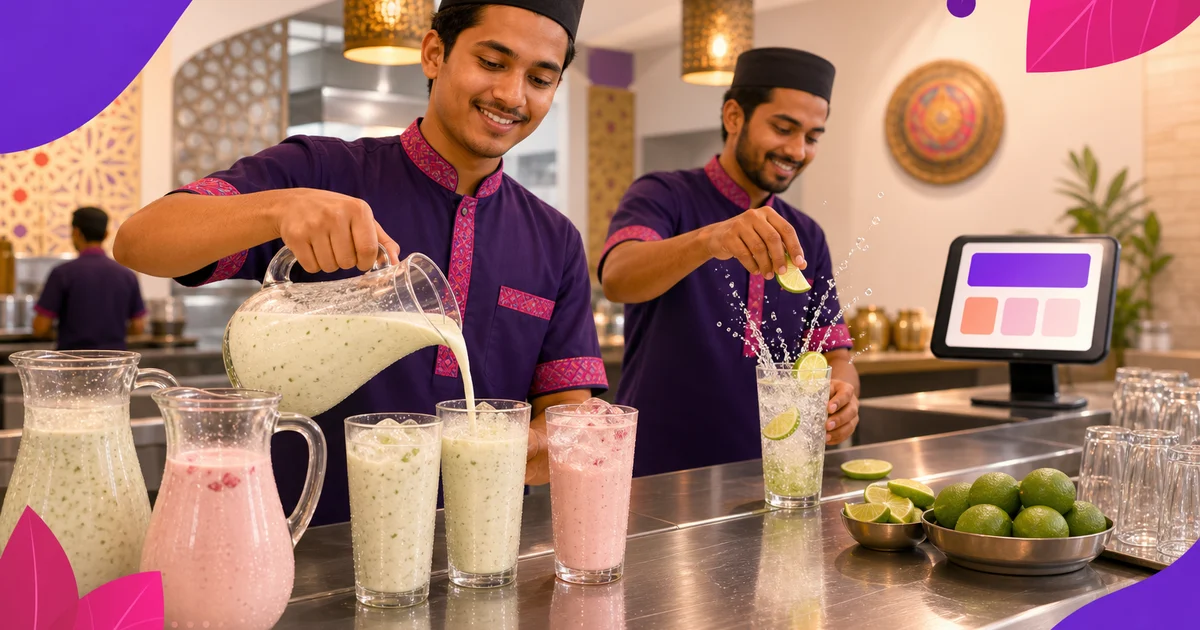
BOT means Beverage Order Ticket in restaurant service. See drink quantities, size and ice notes, and how it connects to the food order and bill.
There is no safe one-number answer for every restaurant transaction. Verify the outlet, supply, service code and current NBR instrument before configuring VAT.
Every common restaurant term explained in plain words: KOT, BOT, KDS, 86, covers, table turns, mise en place, food cost, Z-report and more, with real examples.
Compare booking intake, table availability, confirmation and online orders before choosing restaurant software. Published vendor claims and Rosuii limitations are labelled separately.