
Restaurant Reservation Software in Bangladesh: Compare Booking Workflows
Compare booking intake, table availability, confirmation and online orders before choosing restaurant software. Published vendor claims and Rosuii limitations are labelled separately.
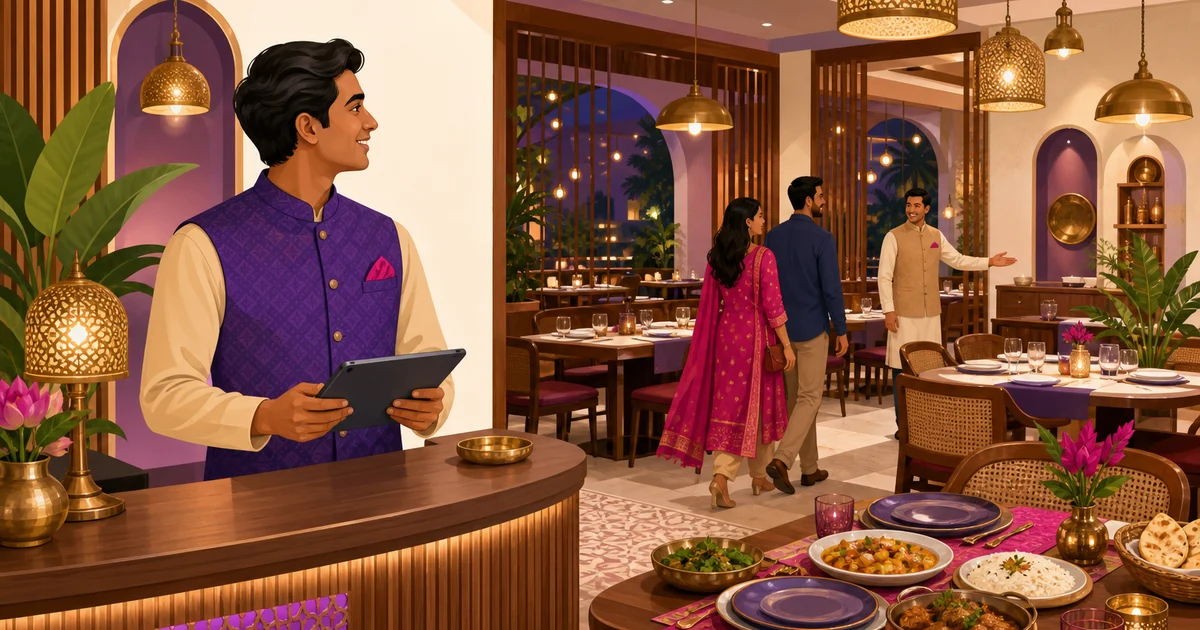
To compare restaurant reservation software in Bangladesh, separate three jobs: taking a booking request, deciding whether a table is available at the requested time, and taking the guest’s food order. A table map or an online menu alone does not prove that all three work together. Ask Rosuii, Engaze, Mediasoft and Smart Software to demonstrate the same booking-to-service checklist before choosing a product.
Rosuii supports reservations, with staff confirmation. Staff can record phone bookings, and guests can send a request from the restaurant website. Requests arrive as pending. Staff check the location and table, confirm or cancel, and contact the guest. There is no guest self-service availability calendar, reservation deposit flow, automatic confirmation SMS/email or waitlist. Reservations and customer website/QR ordering start on Starter; table management is available on Free.
Publisher disclosure: Rosuii publishes this guide. It is a buying framework, not an independent ranking or a hands-on review of competitors. Public vendor descriptions and Rosuii source code were reviewed on 3 October 2026. Vendor statements below are published claims, not completed product tests; the demo checklist is work for the buyer to run.
Compare four options using the same questions
| Option and source | Relevant published scope | What to demonstrate before buying |
|---|---|---|
| Rosuii | Staff-managed reservations, guest requests, table status and table-linked POS orders. Website/QR ordering and reservations start on Starter. | Pending-to-confirmed handoff, correct branch, exact-time checks and overlapping bookings. Staff contact guests and manage table status separately; booking records do not create food orders. |
| Engaze’s official site | Describes table layouts, QR ordering, website orders and chatbot reservation intake. | Does a chatbot request become a confirmed table booking? Test availability rules, staff approval and the connection to a food order on the quoted plan. |
| Mediasoft’s restaurant POS page | Describes reservations, table bookings, waitlists, KOT/KDS and orders from websites or apps. | Ask to see the guest booking form, time conflicts, waitlist-to-table handoff and online-order flow in the exact T-POS or Restaura package quoted. |
| Smart Software’s restaurant page | Describes table reservation, table management, takeaway orders and kitchen management. | The page does not establish a full guest-booking or online-order workflow. Request a demonstration of intake, confirmation and order coordination; “not documented here” does not mean unsupported. |
These sources were reviewed on 3 October 2026. Check the named product, version and plan with each vendor. Hotel room-booking features are not evidence that the restaurant package offers the same table-booking behavior.
What table availability, booking status and intake mean in Rosuii
- Reservation intake: the website form collects name, phone, optional email, guest count, date, time and special requests. Staff can also enter bookings received by phone. The guest form does not let the guest choose a branch or table; requests initially go to the restaurant’s first branch. Confirm the intended location with the guest.
- Booking status: pending means a request awaits a decision; confirmed means staff accepted it; cancelled means it is no longer proceeding. Changing the status does not send the guest a confirmation message or automatically change the floor-board table status.
- Current table status: the floor board shows a table’s current recorded state and capacity. Staff coordinate that state with reservations. A table marked available now is not a promise that it will be free at a later booking time.
- Scheduling limits: the staff panel checks an assigned table’s capacity and bookable status, and checks for another confirmed reservation at the exact same date and time. It does not calculate dining duration, buffer time or overlapping time ranges. Do not treat this as a guarantee against every double booking, especially when multiple staff submit requests together.
See Rosuii’s table and reservation workflow for floor setup and operating conditions. Keep a staff confirmation step if guests need a dependable answer about seats.
Connect the reservation to service without assuming automation
A reservation is not a food order. In Rosuii, it does not automatically create an order, attach pre-ordered dishes or reserve kitchen capacity. Once the party arrives, staff seat them and create a dine-in order with the table in restaurant POS, or the guest uses that table’s QR on an eligible plan. A shared table reference helps staff coordinate service; it is not an automatic reservation-to-order link.
Keep website takeaway and delivery orders separate from dining-room bookings. They enter the food-order workflow and do not reserve a table. Review online ordering and the kitchen display system (KDS) with the same test menu. Booking intake and management need internet; offline POS order queuing does not provide offline booking confirmation or a live shared availability calendar.
A Bangladesh restaurant demonstration to run before purchase
This is an illustrative test, not a customer result. Use a test restaurant: a six-person family requests a table for 7:30 pm on Friday while the restaurant also receives a takeaway order. Agree the expected outcome with the vendor before starting.
- Submit a guest request with a Bangladeshi phone number. Check the requested date, time, guest count, notes and branch. Confirm that a request receipt is not presented as a guaranteed table.
- Ask staff to assign a table smaller than the party, then a suitable one. In Rosuii’s panel, check capacity and whether the table permits bookings.
- Confirm one booking, then try the same assigned table at the exact same time and at 7:45 pm. The latter needs a dining-duration decision; an exact-time check is not enough. Include two staff working simultaneously.
- Check pending, confirmed and cancelled records. Find out who calls the guest, who changes table status and how the next shift sees the decision. Do not assume automatic reminders or a waitlist.
- Seat the party, take a table-linked POS or QR order and inspect the kitchen reference and bill. Check that the takeaway order remains separate and no booking creates duplicate food orders.
- Disconnect the host’s internet and reconnect it. Record which booking functions are unavailable and how staff verify a submission before trying again. Confirm that booking management is not included in an offline billing claim.
Compare the full quote, not a starting price
Use the same branch count, user requirements and billing period for every quote. Ask whether guest booking, QR orders, kitchen displays, messaging and onboarding are included in that specific plan. Get hardware, network backup, setup, training, taxes and separately charged services in writing.
First-year budget: subscription for the chosen billing period + separately quoted setup and hardware + communication and payment-provider charges + applicable taxes. Do not compare one month of one product with another product’s annual commitment.
For Rosuii, compare current monthly and annual plans and their limits. Reservations and customer website/QR ordering are on Starter, Growth and Pro; tables are also on Free. Do not use Free as the budget for a reservation-enabled restaurant. Check online payment prerequisites separately: a food-order payment option is not a reservation deposit feature.
When Rosuii fits, and when to shortlist another option
Rosuii is a candidate for restaurants that want booking requests, a staff-managed reservation list, tables and food orders in the same restaurant system, and can keep staff responsible for availability and guest contact. A café taking a manageable number of phone and website requests can use the checklist to assess that fit.
If you need guests to select guaranteed live slots, automated reminders, deposits, a waitlist or automatic reservation-to-pre-order linking, Rosuii’s current reservation workflow does not cover those requirements. Ask other vendors to demonstrate them rather than infer support from a “table management” label.
Use the broader restaurant software buying guide for inventory, kitchen, billing and operating costs. For a reservation discussion with Rosuii, bring your branch count and booking checklist to a demo.
Last updated:
Frequently asked questions
Does Rosuii support restaurant table bookings?
Does an online request confirm the reservation automatically?
Does Rosuii show live slots and prevent every overlapping booking?
Can a guest choose the branch and table in the booking form?
How are table reservations coordinated with online food orders?
How should I compare restaurant reservation software in Bangladesh?
Run your restaurant on Rosuii
POS, menu, inventory, payroll and more — built for Bangladeshi restaurants.
Start free

