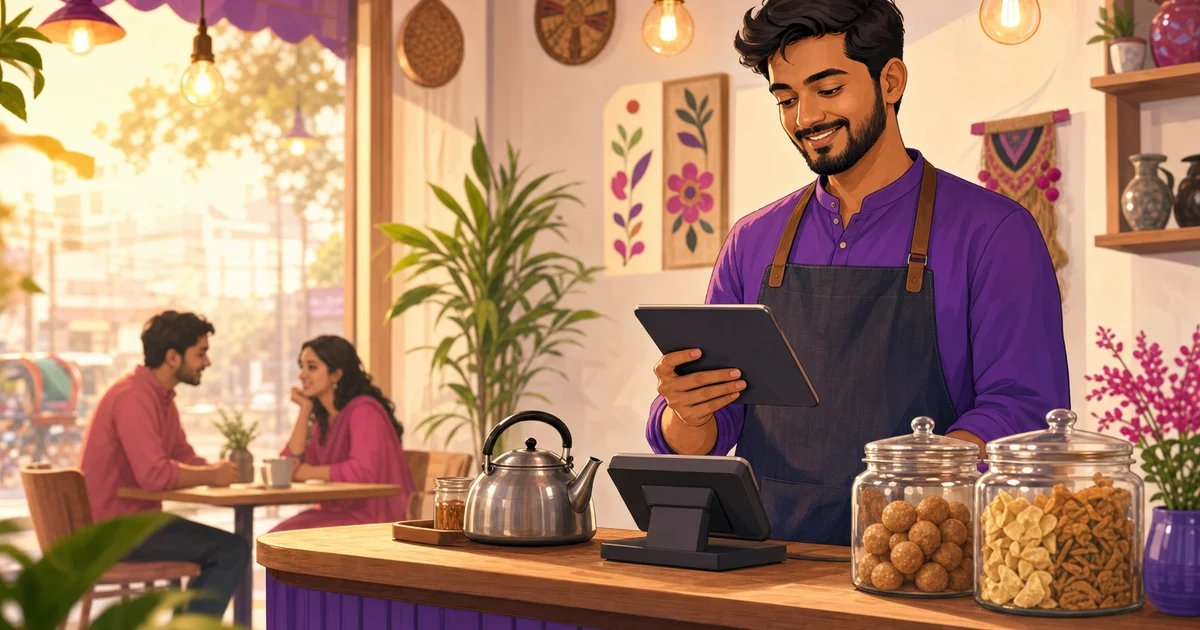
How to Choose the Best QSR POS Software in Bangladesh (2026)
A practical 2026 buying guide for quick-service restaurants where every extra tap can become a queue.
Last verified: 2026-09-02
A polished dashboard can look convincing in a sales demo. A QSR POS earns its place only when a lunch queue forms and every order still reaches the right kitchen station.
This 2026 guide shows how to compare QSR POS software in Bangladesh without relying on a brochure. Use your busiest combo, several modifiers, one unavailable item and two payment methods. Then time the complete flow from first tap to token handoff.
Design for speed without losing accuracy
A fast screen is useful only when staff can still choose the right size, add-on, combo and order type. Large touch targets, a short category path and clear item photos can reduce training time.
Rosuii POS keeps dine-in, takeaway and delivery on one screen and supports variations, add-ons, combos and line notes. Pricing is checked by the server so the final discount, coupon, loyalty, service charge and VAT order stays consistent.
Connect POS, KDS and customer tokens
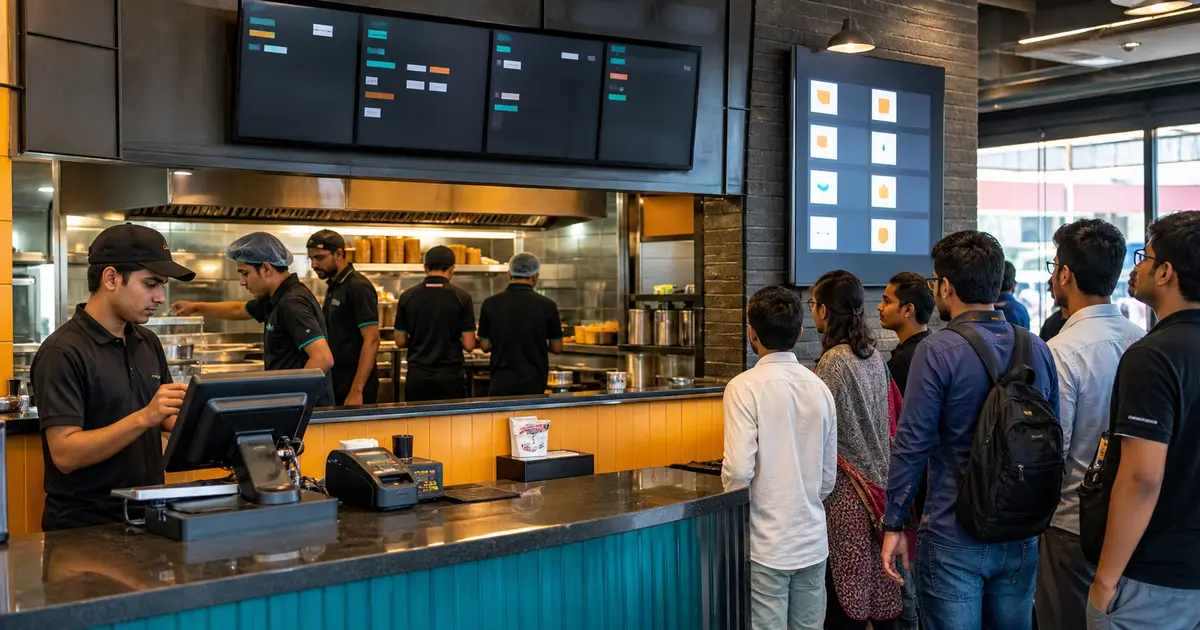
Counter staff should not shout every order to the kitchen. A KOT or KDS sends the item details to the preparation team, while a customer display tells guests which token is ready.
Rosuii KDS uses New and Preparing columns, aging timers and station filters. The CDS provides a fullscreen ready-order board. These are included from the Growth plan, so confirm the plan cost when comparing systems.
Handle every order channel
Counter, QR table, direct web and delivery orders should retain their source while entering a clear operations queue. Re-entering online orders adds delay and mistakes.
Rosuii direct online storefront starts on Starter. Marketplace presets are available on Pro, but confirm the current connector depth for each service before treating a preset as automatic order ingestion.
Prepare for internet problems
A Bangladesh QSR should test what happens when the main connection fails during lunch. After Rosuii offline data has been synced, cash orders can be queued on the POS device and uploaded when the connection returns.
Online payment confirmation, new online orders and live KDS or multi-device updates still require internet. Keep backup mobile data and a written outage routine.
Compare the full price, not one monthly number
Ask each vendor for the subscription, setup, hardware, training, branch, integration and payment-provider costs in writing. A low headline price can become expensive when a kitchen screen, extra branch or essential report sits behind another charge.
Rosuii publishes four BDT plans. Free covers core POS for one branch. Starter is ৳500 per month and introduces direct online ordering plus inventory and purchase workflows. KDS: Starter and above; customer display: Starter and above. Growth adds payroll and loyalty; check the current comparison for all plan conditions. Pro is ৳2,500 per month and adds unlimited branches, marketplace presets and eligible bKash or Nagad gateway connectivity. Hardware and third-party provider fees remain separate. Check the pricing page because plan facts can change.
Check local payment and tax language carefully
A payment method listed on a brochure may mean staff can record it, not that the software processes it through a gateway. Ask the vendor to demonstrate payment confirmation, refund handling and reconciliation with the actual account you will use.
Rosuii can record cash and card entries. Eligible bKash and Nagad gateway connectivity is a Pro capability. Rosuii does not currently claim a production card-gateway integration. For VAT and service charge, confirm the settings and invoice output against your accountant's current guidance rather than treating software as tax advice.
Match the system to your restaurant format
A single-counter takeaway needs a different setup from a cloud kitchen, food-court outlet or multi-branch franchise. Write down your order sources, stations, printers, devices, roles and approval steps before comparing products.
A small restaurant may begin with core POS and add direct ordering later. For kitchen and customer screens, check the KDS entitlement (Starter and above) and CDS entitlement (Starter and above). A chain should test branch-level permissions and consolidated reporting before considering Pro. Buying by workflow avoids paying for attractive features the team will not use.
Evaluate support before the opening rush
Ask where support is based, which channels are available, when urgent requests are answered and whether onboarding is included. Then test support with a real configuration question before subscribing.
Save an outage checklist beside the counter: continue eligible cash orders, note any online payment awaiting confirmation, keep one mobile-data connection ready and reconcile the queued orders after service. Software helps, but a practiced team recovers faster than an unprepared one.
Reports that improve the next rush
Item sales show which combos move, waiter or staff reports show performance and day close reconciles the shift. Use date comparisons to prepare popular items before the same weekday peak.
Rosuii also records expenses, inventory, purchases and wastage on relevant plans. It does not provide drive-through lane timers or a self-service kiosk mode, so those should remain separate requirements if your format depends on them.
Shortlist with evidence, not feature counts
Give every shortlisted system the same realistic task. Ask the seller to configure one menu category, one combo, one modifier, two kitchen stations, a staff permission and a day-close report. If a workflow is described as an integration, ask to see the live connection rather than a logo.
Record the result in three columns: works now, needs configuration, and not publicly verified. This simple distinction protects you from buying around assumptions. It also creates a fair internal decision that your cashier, kitchen lead and owner can review together.
Ten-minute QSR software test
Run the test while two people use the system, not as a slow one-person walkthrough.
- Enter a combo with size and add-ons
- Send items to two kitchen stations
- Void or change one item with permission
- Take cash and a digital payment
- Mark the token ready on CDS
- Complete day close and find the sale
- Repeat after disconnecting the internet
The best QSR POS software is the one your team can operate accurately during the busiest service, at a total cost you understand. Prioritize the counter-to-kitchen path, outage behaviour and daily reconciliation before optional extras.
Create a free test menu in Rosuii, then run the same timed order in every shortlisted system. Compare the evidence, keep your requirements written down and choose only after the people who will use the system have tried it.
Related guides
See this workflow in Rosuii: See Rosuii POS, KDS and CDS features
Last updated:
Frequently asked questions
What is QSR software?
Does Rosuii include a KDS and token display?
Can Rosuii QSR billing work offline?
Does Rosuii include a self-service kiosk?
Which Rosuii plan fits a QSR?
Run your restaurant on Rosuii
POS, menu, inventory, payroll and more — built for Bangladeshi restaurants.
Start free