
Restaurant Automation Software: What to Automate First
Restaurant automation software removes repeated steps between ordering, kitchen, payment, stock and reports. Learn which workflows deserve automation and where people still matter.
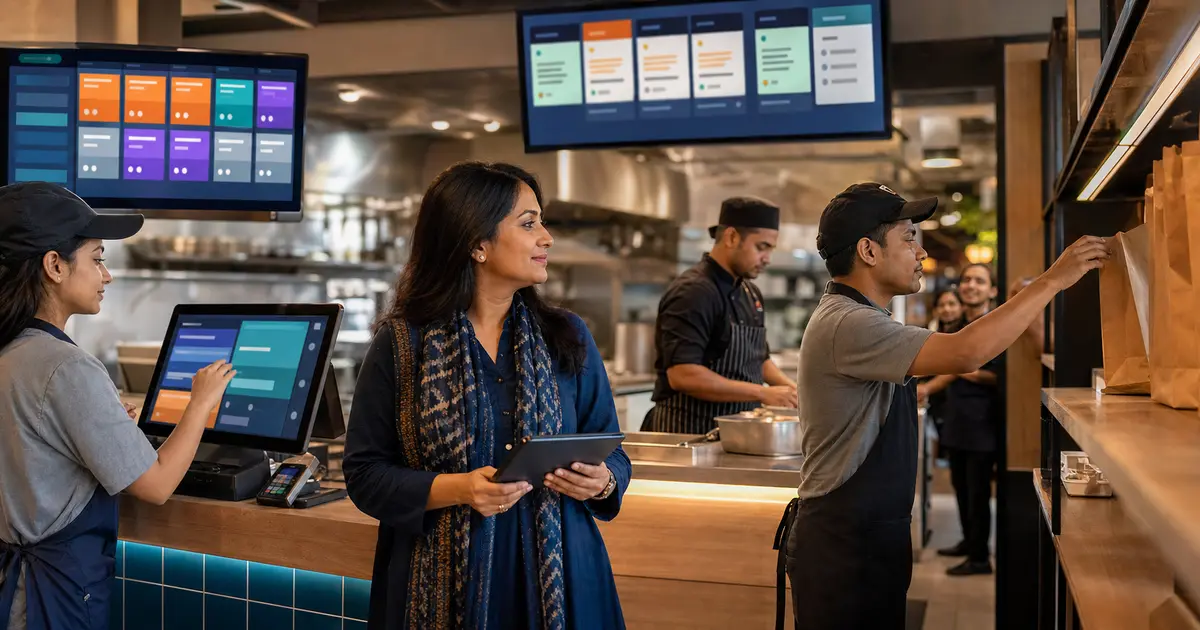
Restaurant automation software performs a repeatable operational step after a known trigger. An order can route to the kitchen, a total can apply discount and VAT in a fixed sequence, or an offline ticket can sync when the connection returns.
Good automation removes copying, waiting and arithmetic. It does not replace a manager's judgment, a chef's quality check or a server's care for a guest. Automating a broken process only makes the wrong result happen faster.
This guide helps restaurant owners choose the first workflows to automate and test whether a platform keeps people in control.
Start with repeated, rule-based work
The best first target happens many times a day, follows a clear rule and creates costly mistakes when missed. Order routing and bill calculation usually qualify. A rare management decision does not.
Write the current steps before buying software. Mark where staff copy information, wait for approval or calculate a number. Those points show where automation can remove work without hiding responsibility.
- Send confirmed items to the correct kitchen station
- Calculate discount, coupon, loyalty, service charge and VAT in order
- Move tickets through visible kitchen statuses
- Queue offline cash orders and sync after reconnection
- Update reports from completed orders
- Warn managers when recorded stock reaches a minimum level
Order and kitchen automation
A connected POS can take a dine-in, takeaway or delivery order and send the item details and notes straight to a KOT printer or KDS. Station routing stops the drinks counter from reading grill tickets and removes handwritten copies.
Automation still needs exception handling. Staff must know what to do when an item is unavailable, a note is unclear or the customer changes the order after it reaches the kitchen.
Pricing and payment automation
The system should calculate the bill from controlled prices and rules rather than a cashier's memory. This reduces inconsistent discounts and keeps VAT and service charge visible on the receipt.
Payment status must come from the real payment flow. Rosuii supports cash, working bKash and Nagad integrations and COD; card is a simulation placeholder. Online payment confirmation cannot be automated through an internet outage because the gateway still needs connectivity.
Customer and direct-order automation
A direct storefront can carry the customer's cart into the restaurant queue without phone calls or retyping. Table QR ordering can attach an order to the correct table. Loyalty rules can earn or redeem points against the customer's phone record.
Do not overclaim marketing automation. Rosuii has in-app notifications, customer records, loyalty and coupons, but it does not send email, SMS or push campaigns. If automated messaging is essential, plan a separate tool or integration.
Inventory automation has limits
Low-stock alerts, purchase status and recorded production or wastage can make inventory work easier to manage. They still depend on staff receiving purchases and recording waste correctly.
Rosuii does not currently deduct a per-menu-item recipe automatically after every sale. That means it supports operational stock and purchasing workflows, not fully automated theoretical recipe consumption. Keep this distinction clear in vendor demos.
The automation priority scorecard
Score each candidate workflow from 0 to 2 on frequency, error cost, rule clarity and data readiness. Automate high scores first.
- Frequency: does it happen every shift or only monthly?
- Error cost: does a miss cause a remake, refund or wrong tax?
- Rule clarity: can staff describe the next step without debate?
- Data readiness: are menu, prices, staff and stock records clean?
- Exception path: can a person pause or correct the workflow?
- Auditability: can the owner see what happened and who changed it?
Use a 30-day automation rollout
Week one should clean menu, price, staff and branch data. Week two can pilot one high-frequency workflow, such as counter order to kitchen. Week three reviews exceptions and permissions. Week four compares error rate, completion time and staff adoption before the next automation is enabled.
Avoid launching ordering, inventory, loyalty and new payment flows on the same day. A phased rollout makes the cause of each problem visible and gives staff time to learn the fallback.
- Name one manager responsible for the pilot
- Record a baseline before changing the workflow
- Train the normal path and the outage or exception path
- Expand only after the first workflow stays stable
Where Rosuii fits
Rosuii connects POS, KDS, CDS, direct online ordering, table QR, server-controlled pricing, customers, loyalty, inventory records and reports. It runs in a browser PWA, and the POS can queue orders offline after the device data is synced.
It fits restaurants that want practical workflow automation inside one operating platform, starting free for core POS and adding deeper modules from Starter, Growth and Pro. It is not an AI system that runs the restaurant by itself, and the limits above remain important buying checks.
Control automation changes and fallback
Treat every automation as an operating rule with an owner, input, output and failure response. Before enabling it, record the current process, test cases, staff role affected, approval date and metric that should improve. A faster route is not successful if it hides a payment state, sends an unclear kitchen ticket or removes a required human check.
Test normal, exception and recovery paths on a small scope. Include duplicate clicks, offline or restored connectivity, unavailable menu items, cancelled orders, printer or display failure and an incorrect input. Staff must know how to pause the affected workflow, continue safely, preserve the transaction reference and tell the next shift what happened.
Review the rule after launch. Compare time, rework, complaints and control exceptions rather than assuming that fewer taps means better operation. Keep a rollback path and do not automate a broken or undocumented process merely because the software can connect its steps. Name the reviewer and retain the evidence used to approve wider rollout.
Questions for an automation demo
Ask the vendor to perform the workflow with a cashier, kitchen and manager role instead of an unrestricted administrator. Require the demonstrator to show the source transaction, status history and recovery after a deliberate exception.
Use your own high-volume order and written operating rule. A prepared demo can hide the handoff your team struggles with, so record every manual copy, approval gap and place where staff must leave the system.
- Who owns each rule?
- Which input starts it?
- Can staff pause it safely?
- What survives an offline period?
- Where is the audit history?
- Who approves a restart?
- How is the next shift informed?
- Which metric proves improvement?
Automate the repeated step that causes the most mistakes, then measure whether the new flow is easier to verify. Do not begin with the most impressive screen.
Restaurant automation works when software handles rules and people handle judgment. Keep exceptions visible, train staff on the fallback and add the next workflow only after the first one is stable.
Related guides
- Restaurant Management Software Guide
- Why One All-in-One Restaurant Platform Wins
- Table Self-Ordering for Restaurants
See this workflow in Rosuii: Explore Rosuii connected workflows
Last updated:
Frequently asked questions
What is restaurant automation software?
What should a restaurant automate first?
Does restaurant automation replace staff?
Can Rosuii automate SMS or email marketing?
Does Rosuii work when the internet goes down?
Run your restaurant on Rosuii
POS, menu, inventory, payroll and more — built for Bangladeshi restaurants.
Start free

