
Restaurant SOP Template: A Practical Bangladesh Guide
A copy-ready structure for writing restaurant SOPs that staff can actually follow, supervisors can verify and owners can improve.
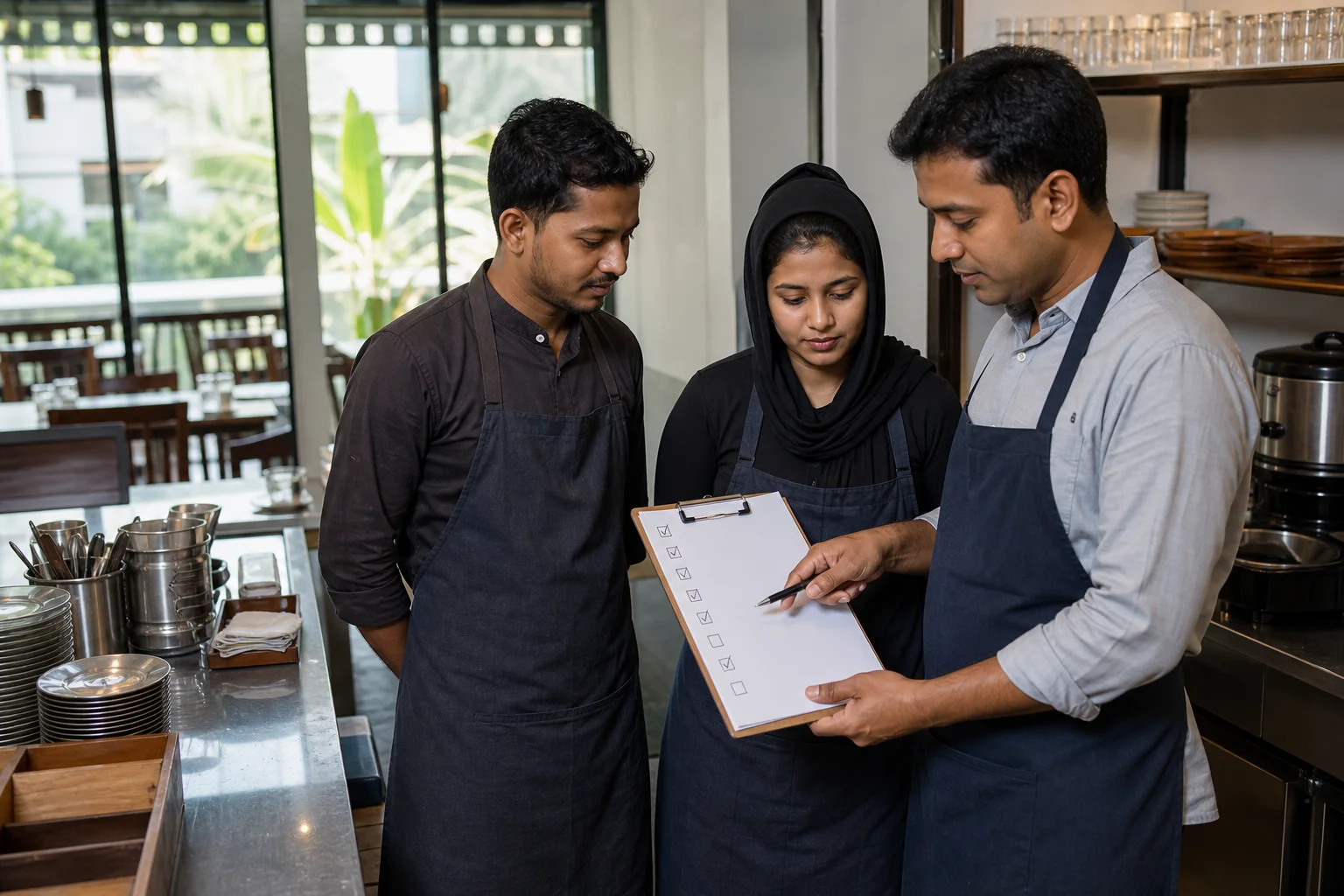
A restaurant SOP is a written standard operating procedure that states who performs a recurring task, when it happens, how it is completed, what evidence is recorded and what to do when the result is outside the standard. It turns an owner’s preferred way of working into a teachable and auditable routine.
The useful SOP is not a thick manual that stays in a drawer. It is a short set of role-based instructions placed where the work happens, supported by checklists, training and records. The template below is designed for restaurants in Bangladesh, but food-safety, labour, tax and licensing requirements should always be confirmed for your location and business.
The restaurant SOP template
Create one page or short document for each process. Use this structure consistently so staff do not have to learn a new format every time.
- SOP title and unique code
- Purpose: the result this procedure protects
- Scope: branch, area, shift and roles covered
- Owner: person accountable for the SOP
- Frequency or trigger
- Required tools, access and safety equipment
- Numbered steps written as actions
- Acceptance standard or control limit
- Record or evidence to keep
- Exception and escalation path
- Version, approval and next review date
Example: opening the restaurant
Purpose: open safely and be ready to accept the first order at the advertised time. Owner: opening manager. Trigger: every operating day. Evidence: completed opening checklist and opening cash record.
Write the sequence in operational order. The first person checks entry and utilities, then security and cleanliness, equipment, cash, POS, menu availability, kitchen prep, critical stock, online ordering and the team briefing. If gas smell, unsafe electricity, refrigeration failure or another immediate hazard is found, stop the affected operation and escalate before opening.
- Unlock and inspect entry, exits and visible damage
- Check water, electricity, gas and ventilation safely
- Verify cleaning and washroom readiness
- Start and test approved equipment
- Count opening cash with two-person verification where practical
- Log in with individual users and test order flow
- Confirm available and sold-out menu items
- Check prep, temperature controls and critical stock
- Brief assignments, bookings and risks
- Manager signs readiness or records the delay
Service and order-taking SOP
Define the guest journey from greeting to payment. Specify how staff identify table or customer, repeat the order, select sizes and add-ons, record allergy information without making unsupported guarantees, send the order, communicate delay, serve, check back and close payment.
Every order should enter the authorized system. If the POS or connection is unavailable, name the approved fallback and the person responsible for entering or syncing the record later. In Rosuii, cash billing can queue offline and sync later, while live online payments and real-time multi-device flows need internet.
Kitchen production and hygiene SOP
Separate general hygiene rules from dish-specific recipes. The hygiene SOP covers handwashing, illness reporting, cross-contamination prevention, cleaning and sanitizing, storage, temperature monitoring, pest evidence, waste removal and corrective action. Recipe cards cover ingredients, yield, portion, method and presentation.
Use validated food-safety limits and the applicable authority’s rules rather than copying temperatures or holding times from an unrelated country. Assign records to real roles and keep them near the work; a form completed from memory at closing does not prove control.
- Receiving condition and acceptance
- Storage labels and stock rotation
- Raw and ready-to-eat separation
- Personal hygiene and illness escalation
- Cleaning versus sanitizing steps
- Equipment and area schedule
- Waste, breakage and pest reporting
- Corrective action and supervisor sign-off
Cash, discount and refund SOP
State who opens a till, who can access it, how change is handled, which payment methods are accepted, how expenses are recorded and who approves discounts, voids and refunds. Use individual accounts; shared passwords remove accountability.
At close, compare system totals by payment method with counted cash and settlement records. Record variance instead of forcing the numbers to match. For every adjustment, retain the user, time, reason and approval appropriate to its value.
- Opening float count
- Cashier login and till assignment
- Payment-method confirmation
- Discount and void limits
- Refund evidence and approval
- Petty-cash or expense record
- Closing count and reconciliation
- Variance escalation and handover
Stock, purchasing and receiving SOP
The person requesting goods should state item, unit, quantity and required date. Approval confirms need and budget. Receiving compares the delivery with the approved order, checks quantity and condition, records rejected goods and updates stock. Supplier invoice approval follows the received quantity—not merely the supplier’s paper.
Define count frequency by risk. High-value, fast-moving or loss-prone items may need daily counts; the wider store can be weekly or monthly. Standardize units so a carton, kilogram and piece cannot be mixed in one balance.
Guest complaint and incident SOP
Give frontline staff a calm first response and a clear point for manager escalation. Protect immediate safety, listen, confirm facts, preserve relevant records, provide an authorized remedy and document the cause and follow-up. Serious illness allegations, injury, harassment, fire, theft or data incidents require a separate emergency path.
Do not promise an outcome outside authority or argue about blame in front of guests. Store personal information only as necessary and restrict access. Review recurring complaint categories in the weekly meeting.
Closing and handover SOP
Closing covers guests and orders, payment reconciliation, stock and waste, cleaning, equipment shutdown, security, pending maintenance and next-shift communication. Each task needs an owner and check, not one signature for an entire building.
The handover should name unresolved orders or bookings, shortages, equipment problems, customer follow-up, cash variance and tasks with deadlines. A vague note such as ‘machine problem’ is not actionable; identify the machine, symptom, current status, workaround and who was contacted.
How to roll out an SOP in 14 days
Days 1–3: observe the real process with staff and list risks. Days 4–6: draft the shortest safe standard. Days 7–8: test it during a real shift and remove ambiguity. Days 9–10: train by demonstration and return demonstration. Days 11–14: audit completion, correct the process and approve version one.
Give staff a way to report that an SOP is impractical or outdated. Review after an incident, menu or equipment change, legal change, repeated failure, or at a scheduled interval. Version control matters: withdraw old copies so two standards do not operate at once.
Digitize records without confusing software with the SOP
A POS can enforce user permissions, preserve orders, show reports and connect menu, stock, purchasing, staff and payroll records. It cannot decide whether a surface is clean, a delivered ingredient is safe or a guest was treated respectfully.
Use Rosuii as the operational record where it fits, and keep specialized safety or compliance records where required. The SOP defines responsibility and action; the system supplies evidence and reduces duplicate entry.
Start with three SOPs that protect the most value: opening readiness, order-to-payment and closing reconciliation. Make each short, role-owned and observable. Once the team follows those reliably, add kitchen hygiene, receiving, complaints and emergency procedures in priority order.
Related guides
- Restaurant Opening and Closing Checklist
- Restaurant Food Safety and Hygiene Checklist
- How to Manage Restaurant Staff
See this workflow in Rosuii: Connect your SOP with Rosuii operations
Last updated:
Frequently asked questions
What is a restaurant SOP?
What SOPs should a restaurant have?
How long should a restaurant SOP be?
Who should write and approve restaurant SOPs?
How often should restaurant SOPs be updated?
Run your restaurant on Rosuii
POS, menu, inventory, payroll and more — built for Bangladeshi restaurants.
Start free

