
Tablet POS for Restaurant: Run Billing on a Phone or Tablet
You do not need a costly proprietary terminal to bill your restaurant. A tablet POS for restaurant work runs in a browser on the Android phone or tablet you already own, takes orders and payments, and prints to a small receipt printer.
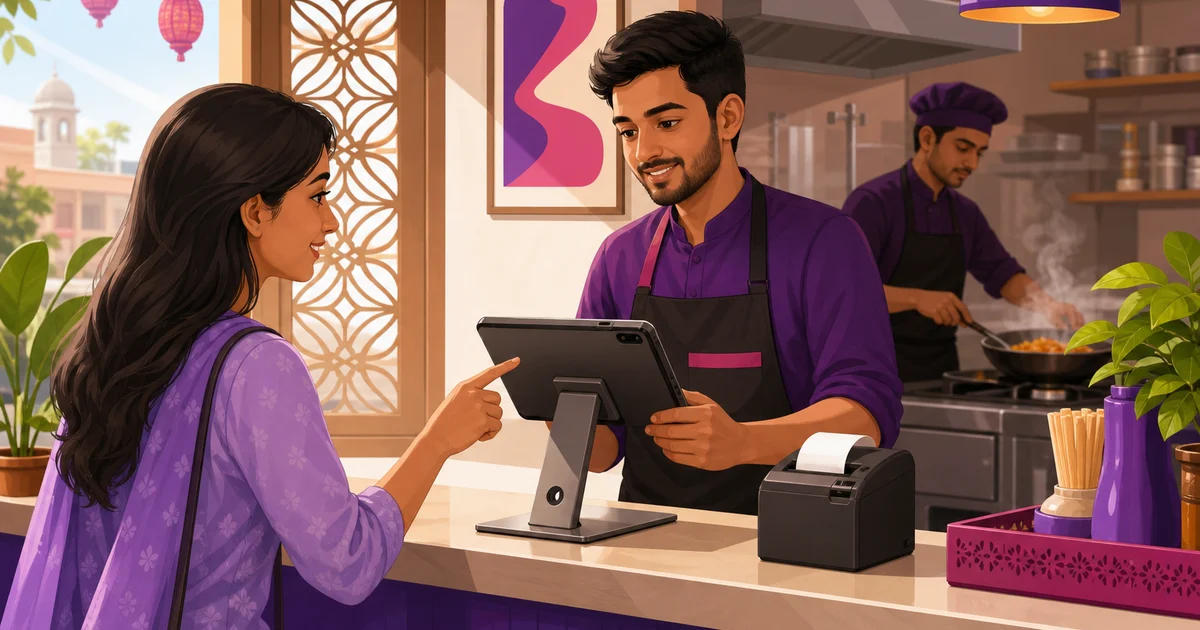
You do not need a costly proprietary terminal to run a tablet POS for restaurant billing. The Android phone or tablet sitting in your drawer can take orders, apply VAT and service charge, accept bKash and Nagad, and print a receipt to a small thermal printer. That is the whole point of a browser-based system: the software lives online, and any device with a screen and a browser becomes your counter.
Plenty of restaurant owners in Bangladesh delay buying a system because they picture a fat cash terminal, a barcode gun, and a wired setup that costs more than a month of rent. That picture is out of date. This guide walks through what a tablet POS actually is, what you can do on a 7,000-taka tablet, the few extras worth buying, and how Rosuii runs on hardware you already have with no lock-in.
What a tablet POS for restaurant work really is
A tablet POS for restaurant work is point-of-sale software that runs on a tablet or phone instead of a dedicated terminal. With a cloud system, you open a web address in the browser, log in, and the full POS appears: the menu, the order screen, payments, and receipts. Nothing is installed on the device in the heavy sense. The tablet is just the window; the work happens on the server.
This is different from the old model, where POS software was tied to one Windows PC behind the counter. With a browser POS, the same login works on a phone at the till, a tablet a waiter carries, and a laptop in the back office. Lose one device and you pick up another and carry on, because your menu, orders, and reports live online, not on the glass in your hand.
Rosuii works this way. It is a cloud platform delivered as a browser app, a PWA, so it installs to your home screen like a normal app and opens full-screen, and it caches your menu on the device, so it keeps taking orders even if the internet drops and syncs them automatically when the connection returns. It queues orders on the device during an outage and syncs them when back online, though a stable line still matters for online payments and live sync. For the trade-offs between this model and an installed system, read our guide on cloud POS versus traditional POS.
What you can do on a tablet POS
A tablet is not a stripped-down version of a real POS. On a decent Android tablet, you get the same order flow a cashier would use on any terminal.
Take dine-in, takeaway and delivery orders
Tap items from your menu, pick variations and add-ons, add a per-line note like "no chilli," and start any order type from the same screen. Assign a dine-in order to a table and a waiter, mark a takeaway, or tag a delivery to your rider or a marketplace. A waiter can hold the tablet at the table and send the order straight to the kitchen instead of walking a paper slip back and forth.
Accept the payments your customers actually use
Take cash with automatic change calculation, or accept bKash and Nagad, the methods most Bangladeshi customers reach for. Rosuii has real, working bKash and Nagad integrations plus cash and cash on delivery. VAT and service charge are applied automatically before the customer pays, so the total is right every time. Card is offered as a placeholder, so the rails that genuinely work are the ones your customers already trust.
Send tickets to the kitchen
When an order is confirmed, the tablet sends a kitchen order ticket to your kitchen display or printer. The cook sees the items, quantities, and notes without anyone shouting across the counter. If you run a separate screen in the kitchen, the order lands there the moment it is fired.
Print receipts on a small printer
A tablet pairs with a compact thermal printer to produce a clean receipt with your logo, the itemised order, taxes, and even a QR code. Most small restaurants use a 58mm or 80mm printer that sits in the palm of your hand. We cover printer choices in detail in our restaurant thermal printer setup guide.
See your numbers without a back-office PC
Because the data lives online, the same tablet shows your sales report, item sales, and day close. The owner can check the day's total from a phone at home on the same login. No separate accounting machine, no copybook to add up at midnight.
What hardware you actually need
The honest answer is: less than you think. Here is a realistic starter setup for a small eatery or café in Bangladesh.
- An Android tablet or phone you already own. A mid-range Android tablet with a 7 to 10 inch screen is comfortable at a counter. A phone works for a tiny takeaway shop or a single waiter. There is no minimum brand or model; it just needs a modern browser.
- A tablet stand. A simple metal or acrylic stand, often under ৳1,000, holds the tablet upright at the counter and frees both hands. A stand with an adjustable angle reduces glare from shop lights.
- A thermal receipt printer. A 58mm or 80mm thermal printer prints receipts and kitchen tickets. Many connect over Bluetooth or your shop Wi-Fi, so no cable runs across the counter.
- A reliable internet line. Because online payments and live sync need a connection, pair a basic broadband line with a mobile-data backup. A cheap second SIM or a pocket router covers you if the main line drops during dinner rush.
- A cash drawer, only if you want one. Optional. Many small shops keep cash in a simple box and use the printer-and-tablet combo for everything else.
That is the full list. No proprietary terminal, no licence dongle, no special operating system. The biggest cost in this setup is usually a device you already have.
Why no hardware lock-in matters
Proprietary POS terminals tie you to one vendor's box. If it breaks, you wait for their repair. If you open a second branch, you buy another unit at their price. If you leave that vendor, the hardware is often useless. For a restaurant working on thin margins, that is real money and real risk parked in a single fragile machine.
A tablet POS removes that trap. Rosuii has no hardware lock-in: it runs in the browser on a phone, tablet, laptop, or terminal you already own. Add a branch and you just log in on another device. Replace a cracked tablet with any other Android tablet and you are running again in minutes. You are buying software that adapts to your hardware, not hardware that locks you to one supplier.
This freedom is one of the reasons a tablet setup suits small and growing restaurants so well. It keeps your upfront cost low and your options open. We go deeper into low-cost setups in our guide to a POS for a small restaurant or café.
Is a tablet POS reliable enough for a busy shop?
For most restaurants, yes, with one condition: your internet has to be stable. A cloud tablet POS is fast and responsive because the heavy work happens on the server, and modern tablets handle the order screen with ease. The main dependency is a connection for online payments and syncing. If your line is patchy, fix that first with a mobile-data backup before you blame the device.
A tablet also handles a busy counter better than people expect. Touch input is quick once staff learn the menu layout, and a waiter carrying the tablet to the table often speeds service compared with writing on paper and re-keying at the till. The screen shows the live order, the total, and the payment options in one place, so mistakes drop.
Where a tablet is not ideal: very high-volume, multi-station operations may eventually want larger fixed screens and a dedicated kitchen display alongside the tablets. Even then, the tablet stays useful as a roaming order device. You are not forced to choose one or the other.
How Rosuii works as a tablet POS
Rosuii was built to run on the hardware you already own. Open the browser on your Android tablet or phone, log in, and the full POS is there: dine-in, takeaway, and delivery on one screen, table and waiter assignment, variations and add-ons, per-line notes, and server-controlled pricing so a cashier cannot misprice an order. Fire tickets to a kitchen display, take cash, bKash, or Nagad, and print receipts to your 58mm, 80mm, or A4 printer with per-branch settings.
Around the order screen sits the rest of the platform: menu management, inventory, payroll, customer loyalty, and your own online ordering page, each restaurant on its own isolated database and branded subdomain. Because it is browser-based, there is nothing proprietary to buy and no machine to be locked into. Pricing starts free and runs to ৳2,500 a month, with paid plans from ৳500 and no setup fee; see what fits your shop on our pricing page.
Start with what you have
If a tablet POS for restaurant billing felt out of reach because of hardware cost, the cost was never the problem. The device on your counter, a small printer, a stand, and a steady internet line are enough to run dine-in, takeaway, delivery, payments, and reports from day one. Buy the bigger screens later, if you ever need them.
Want to try it on the tablet you already own? Create your free Rosuii account, set up your menu, and take your first order on a tablet today.
Last updated:
Frequently asked questions
Can I run a restaurant POS on an Android tablet?
Do I need to install software on the tablet?
What hardware do I need for a tablet POS?
Is a tablet POS reliable for a busy restaurant?
How much does a tablet POS cost in Bangladesh?
Run your restaurant on Rosuii
POS, menu, inventory, payroll and more — built for Bangladeshi restaurants.
Start free

