Restaurant Menu Management Software: Complete Guide
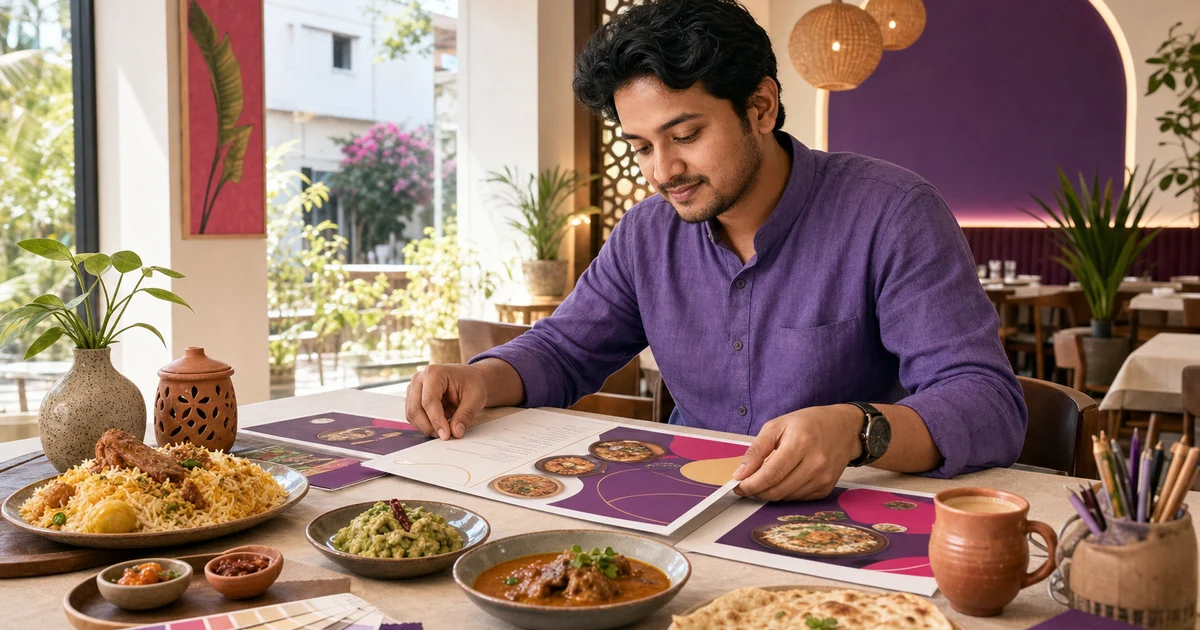
One clean menu definition should guide the cashier, kitchen, direct storefront and reporting workflow.
Last verified: 2026-08-28
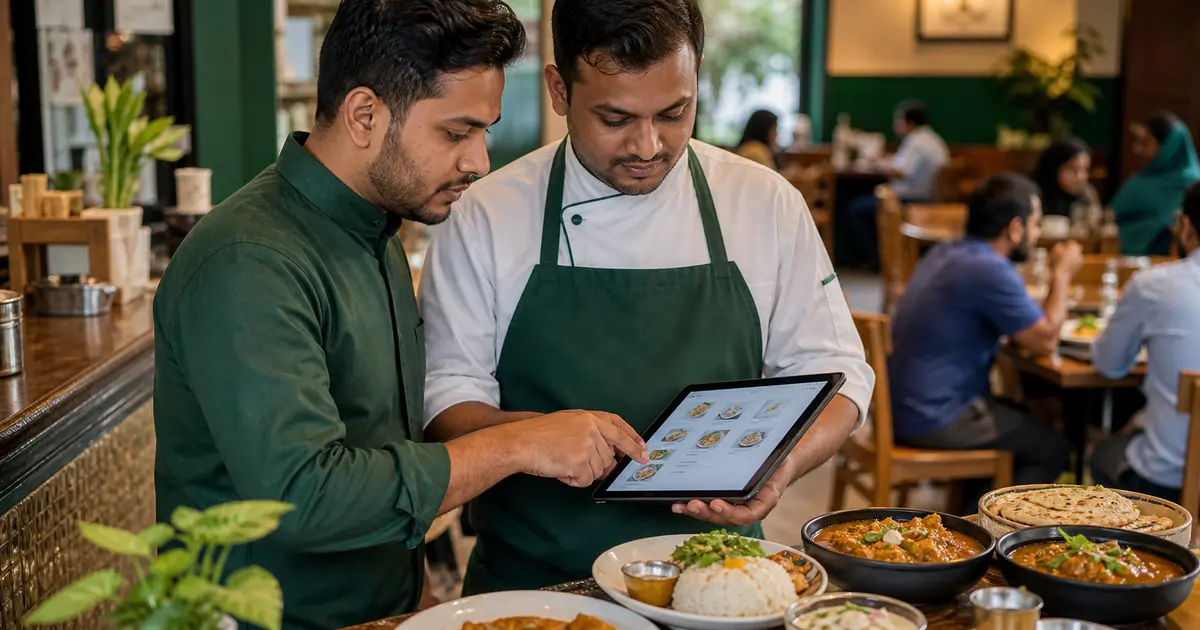
Restaurant menu management software controls how items, prices, sizes, add-ons, combos and descriptions appear across the restaurant operation. When each channel keeps a different menu, staff fix mistakes manually and customers see outdated choices.
The goal is not to upload a PDF. It is to create structured menu data that the POS, kitchen, online storefront and reports can understand.
Build a clear menu structure
Start with categories customers and staff understand. Give every item a consistent name, description, base price and status. Keep category count short enough to scan during a queue.
Rosuii supports bilingual item names and descriptions, categories, photos, preparation time, station, tags, allergens, price and discount.
Model sizes, add-ons and combos
Use variations for choices such as small, medium and large. Use add-ons for extra cheese, topping or side. Use combos where several products are sold together.
Test pricing and kitchen clarity. An option that looks right to the customer but prints poorly in the kitchen is not configured correctly.
Keep the kitchen definition connected
Assign items to kitchen stations and add useful preparation notes. Avoid using item descriptions as hidden operational instructions.
Rosuii can send KOT or KDS details to station workflows. It does not auto-deduct a recipe's ingredients after every menu sale, so menu setup and theoretical recipe inventory remain different processes.
Publish bilingual direct ordering
Bangladesh restaurants can reduce confusion by providing clear English and Bangla labels, especially for unfamiliar dishes and options. Check both languages on a phone before launch.
Rosuii provides a branded subdomain and direct storefront from Starter, plus table QR ordering. The Free plan includes core menu and POS but not online ordering.
Control changes and availability
Decide who may change price, discount and item availability. Record a process for sold-out items so cashier, waiter and online customer receive the same answer.
Rosuii provides roles and permissions, but it does not document timed daypart menus or scheduled publishing. Breakfast or Ramadan-only menus may need manual status changes.
Menu setup checklist
Build and test the highest-selling category first.
- Unique bilingual item names
- Correct category and kitchen station
- Realistic image and description
- Variation and add-on price
- VAT and service-charge result
- Online and QR display
- Printed receipt and KOT detail
- Item-sales report name
Define one menu source of truth
Choose which record owns the item identifier, customer names, kitchen name, price, tax treatment, modifiers, recipe link and availability. A printed menu, marketplace sheet and direct-ordering page should be outputs of that record, not independent masters. Give every change an owner, effective time and approval status so a cashier cannot unknowingly sell yesterday's configuration.
Keep English and Bangla as localized fields on the same item. A language change must not select another price or stock record. When a price, portion or modifier changes, flag both language descriptions and every publishing channel for review.
Menu permissions and change control
Separate draft, approval and publication where risk requires it. Emergency availability changes can use a narrower permission and expire automatically, while permanent price or recipe changes follow review. Preserve the prior version instead of silently overwriting it.
| Action | Suggested owner | Evidence |
|---|---|---|
| Create item | Menu/operations owner | Approved specification |
| Change price | Authorized manager | Effective date and reason |
| Change recipe link | Kitchen and cost owner | Recipe version |
| Mark unavailable | Authorized shift role | Branch and duration |
| Publish channel | Digital/menu owner | Sync result |
| Restore old version | Authorized administrator | Rollback record |
Test modifiers, combos and branch overrides
For each complex item, test required and optional groups, minimum and maximum choices, paid add-ons, defaults, incompatible selections and kitchen printing. The cart total, receipt, kitchen ticket and sales report should describe the same selection. A modifier that appears correctly online but disappears from the kitchen output is an operational defect.
Use a shared base menu with controlled branch overrides only when branches genuinely differ. Show the override owner and effective period. When a base item changes, warn about branches that will keep an override so local exceptions do not become hidden stale menus.
Menu software evaluation script
Score the observed workflow rather than a feature-list promise. Record whether an action is native, manual, dependent on an integration or unavailable. Test with the restaurant's real menu complexity and devices before committing to migration.
- Create one bilingual item with a kitchen name
- Add size, required choice and paid add-on
- Set one branch-specific availability state
- Publish to the direct ordering view
- Place an order and inspect receipt and KOT
- Change a price with future effective time
- Review who changed and approved it
- Export the menu and verify character encoding
- Roll back the test change safely
Weekly menu integrity review
Sample high-selling, newly changed, discounted and frequently unavailable items. Compare visible name, price, options and image with POS, kitchen output and order history. Review failed searches, abandoned modifier screens and staff corrections for signs that the menu structure is unclear.
Correct the source record and republish; do not patch only one downstream listing. Keep a queue for translation, photography and recipe work so those improvements do not block an urgent factual correction.
Menu migration acceptance record
Before switching systems, inventory every category, item, variant, modifier group, branch override, kitchen label, image and language field. Assign each a stable migration key and record whether it was imported, transformed, rejected or intentionally retired. Totals alone cannot show that a required modifier disappeared or a Bangla description moved to the wrong item.
After import, sample every content type and all high-risk items, then place controlled orders through cashier and online channels. Compare customer display, price, tax treatment, KOT, receipt and report. Sign off by branch and retain the mapping plus exception list. Keep the old system read-only for the approved retention period rather than using it as a second editable menu. Confirm backup and accountable owner before launch.
Good restaurant menu management software creates one usable source for ordering and operations. Clean structure reduces staff questions and makes later reporting more useful.
Set up twenty real items in Rosuii and test them at POS, kitchen and storefront before importing the rest.
Related guides
- Restaurant Menu Engineering Guide
- Modifiers, Add-ons and Combos
- Digital Menu vs Printed Menu
- Compare restaurant management software
See this workflow in Rosuii: See Rosuii menu and ordering features
Last updated:
Frequently asked questions
What is restaurant menu management software?
Can Rosuii create a bilingual menu?
Can Rosuii handle sizes and toppings?
Does menu setup automatically deduct ingredients?
Does the Free plan include online ordering?
What is restaurant menu management software?
Should every branch have a separate menu?
How should menu software be tested?
Run your restaurant on Rosuii
POS, menu, inventory, payroll and more — built for Bangladeshi restaurants.
Start free