
KOT System Workflow: Send, Prepare and Check an Order
Follow a restaurant KOT system from POS entry to kitchen receipt and service. Check stations, connectivity, printing and duplicate-send handling.
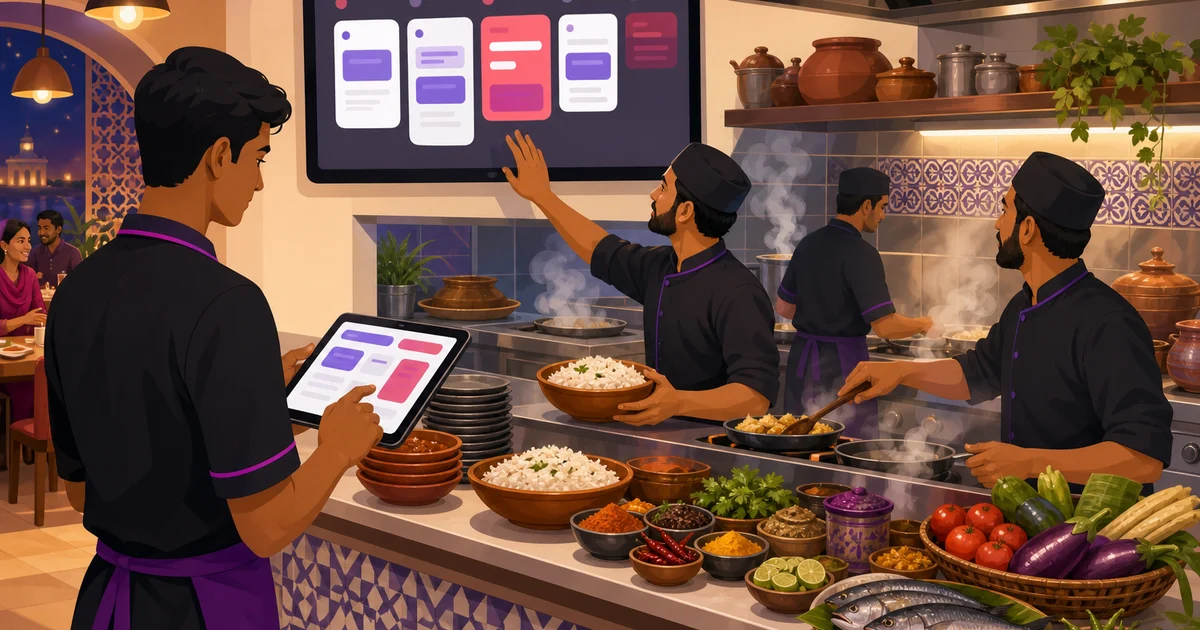
A KOT system connects order entry, kitchen handoff and preparation. Its job is to get the correct items and notes to the correct station while retaining an order reference for the bill. Use the workflow below to test a system with your own menu, including a changed order and a connection interruption.
This guide explains what KOT software actually does, the features worth looking for, why it matters more the busier you get, and how Rosuii handles it with a Send to Kitchen action and a live kitchen display. If you are still running tickets on paper, test the handoff using your own rush-hour order sequence.
What is KOT software?
A KOT, on its own, is just the kitchen's copy of an order. For the basics of the ticket itself, our guide to the kitchen order ticket (KOT) covers what goes on it and how it differs from the bill. KOT software is the system that produces and delivers that ticket automatically. Instead of a waiter handwriting a chit and carrying it to the kitchen, the order is entered once on the POS and the software does the rest: it formats the ticket, routes it to the right station, and shows it on the kitchen display or prints it at the line.
The whole point is to remove the manual handoff. A paper KOT depends on a person walking it over and a cook reading the handwriting. KOT software removes both. The order goes from the front to the back in seconds, legible and time-stamped, every time. That is the difference between a kitchen that runs in order and one that cooks whatever slip happens to be on top of the pile.
KOT software vs a paper KOT
The gap between the two shows up fastest during a rush. Here is the honest comparison:
| Aspect | Paper KOT | KOT software |
|---|---|---|
| How it reaches the kitchen | A waiter writes and walks it over | One tap from the POS, instantly |
| Legibility | Depends on handwriting | Always clear and typed |
| Order of cooking | Whatever slip is on top | In sequence, with timers |
| Routing to stations | Manual, one ticket for all | Each item to its own station |
| Lost tickets | Common in a rush | Nothing to lose |
| Feeds reports | No, it goes in the bin | Yes, every ticket is a record |
Paper works when it is quiet. KOT software is what keeps the kitchen sane when it is full, which is exactly when you can least afford a lost order.
What features should KOT software have?
Not all KOT systems are equal. If you are choosing one, these are the features that actually matter on a busy line:
- One-tap send from the POS. The order should go to the kitchen with a single action, no second screen, no re-typing. This is the core of the whole thing.
- Station routing. A good system sends each item to the right station, grill to the grill, drinks to the drinks station, so each cook sees only their part instead of one long ticket for everything.
- Notes and modifiers on the ticket. Less spicy, no onion, extra cheese: the cooking instructions have to travel with the item, or you are back to shouting them across the pass.
- A live kitchen display with timers. Tickets should show on screen with a timer that ages, so the kitchen can see which order has waited too long and keep things in order.
- Clear ticket states. New, preparing, ready: cooks should be able to move a ticket forward as they work it, so the floor knows where each order stands.
- All channels in one place. Dine-in, takeaway and delivery should land on the same display, so the kitchen works one queue, not three.
- Printer option. Some kitchens still want a printed ticket. Good software supports both a display and a printer.
The first two, one-tap send and station routing, are the ones that separate real KOT software from a glorified order pad. Without them, you are still doing the hard part by hand.
Why KOT software matters for a busy restaurant
The value of KOT software is easiest to see at the peak, when a restaurant is full and orders are stacking up. This is when paper falls apart and a clean digital flow earns its keep.
Fewer mistakes. A typed ticket cannot be misread. Notes that travel with the item mean fewer wrong dishes, which means fewer remakes and fewer comps. Every dish you do not have to cook twice is food cost and time saved.
Faster food. When tickets are clear, routed and in order, cooks waste less time figuring out what to make next. The line keeps moving, food comes out in the right sequence, and tables turn faster without anyone being rushed.
One queue for every channel. For a restaurant in Bangladesh running dine-in, takeaway and a foodpanda or Pathao stream at the same time, KOT software puts every order on the same kitchen display. The line works one queue instead of juggling three sources, which is where a lot of peak-time chaos comes from.
A record you can use. Because every ticket is digital, you can later see which items the kitchen made most and how long tickets took at your peak. A paper slip in the bin tells you nothing; a digital ticket feeds your reports. Over a few weeks those patterns help you fix prep and staffing.
How Rosuii's KOT software works
In Rosuii, KOT software is built into the POS as a clear action rather than a separate app you have to wire up. Here is the full flow, from order to kitchen.
Build the order on the POS
On the POS, staff pick items, set variations like size and add-ons like extra raita, add per-line notes such as less spicy, and attach a table and waiter or a walk-in customer. It handles dine-in, takeaway and delivery on the same screen, so every channel uses the same flow. To see how the order side fits the bigger picture, our guide to restaurant POS software goes deeper on the application itself.
Tap Send to Kitchen
When the order is ready, staff tap Send to Kitchen. That one action does three things at once: it locks in what the kitchen will cook, it routes each item to its assigned station, and it pushes the ticket to the kitchen display. There is also a Save Draft option to hold an order without firing it, and a Bill and Pay step for the end. The order is entered once and never re-typed for the kitchen or the bill.
Cook from the kitchen display
The ticket lands on the kitchen display system (KDS) as a card showing the items, any add-ons and per-line notes, the table or token number, and a timer counting up. Rosuii ages each ticket from amber at around eight minutes to red at fifteen, so a cook can see at a glance which order has waited too long. Tickets move across a simple board from new to preparing, and big touch buttons mean staff with wet or busy hands can still tap them forward. A chime and a fullscreen mode suit a screen mounted on the kitchen wall. When the food is ready, a customer-facing display can call the token number so the guest knows to collect.
The bill stays separate
Because the same order also drives billing, the cashier never re-enters anything. When the guest asks to pay, the bill is calculated on the server with discount, coupon, loyalty, service charge and VAT applied in a fixed order, and the receipt prints with the full breakdown. The kitchen got a clean KOT with no prices on it; the customer gets a correct bill. Kitchens that prefer paper can also use thermal printing for the kitchen and counter, with per-branch printer settings.
What printing automatically actually needs
A KOT can also land on paper without anyone pressing print. Give each station its own network ESC/POS printer with its own IP address on the shop network, map the station to it, and when the order is fired the grill's items print at the grill and the drinks print at the bar. If a ticket does not make it, the panel names the station and the reason, such as the printer refusing the connection.
The requirements are short and worth knowing before you buy. A browser cannot open a printer socket, so a machine at the venue has to be running: the Rosuii Windows or Android app, or the Rosuii print agent, which restaurants get from Rosuii rather than a public download. USB and Bluetooth printers are not reached this way, the printers are bought separately, each one needs a static IP or a router reservation or it stops printing after a power cut, and Bangla output must be tested with the exact printer model and app or print-agent path. Meet those and delivering the ticket is a machine's job rather than a waiter's. See kitchen ticket printing for the setup.
Is Rosuii's KOT software right for your restaurant?
Rosuii is a cloud restaurant platform built for Bangladesh, and the KOT software is one part of it. A couple of honest points so you know what you are getting. It runs in a web browser on a phone, tablet, laptop or counter terminal, which means no hardware lock-in, and if the internet drops it keeps taking orders: the POS caches your menu on the device and queues orders during the outage, then syncs them automatically when the connection returns. Online payment confirmation with bKash and Nagad and live multi-device sync still need a connection, but a dropped line no longer stops the kitchen getting tickets. Payments are real bKash and Nagad plus cash on delivery, with card shown as a placeholder rather than a working rail. Those are the facts, not the brochure.
What you get is a KOT system that is not a bolt-on. It is the same order flow that feeds your bill, your sales reports and your customer history, so nothing is entered twice. The kitchen display, the station routing, the timers and the per-channel queue all come with the POS rather than as a separate purchase. For a restaurant moving off paper chits, that join, from one POS order to a clean kitchen ticket to a correct bill, is the whole point. To see how it sits inside a full setup, read our guide to the restaurant POS system.
Ready to send kitchen tickets from your POS to the line with one tap, no paper and no shouting? Create your free Rosuii account and set up your menu, stations and kitchen display today.
Trace one order before rollout
| Event | Evidence to check |
|---|---|
| Send | The saved order and kitchen ticket share a reference |
| Station handoff | Food and drinks reach their assigned station |
| Add or cancel | Staff can identify the changed item and acknowledge it |
| Retry or reprint | The second instruction cannot be mistaken for another meal |
| Bill | The final items and quantities match what was actually ordered |
Check the software separately from this example
The layouts and cancellation controls here are operational templates, not a promise that every POS automates every field or approval. Rosuii KDS starts on Starter; core POS and KOT printing are available on Free within limits. Automatic network printing needs a supported configured setup. Test Bangla text, added items, reprints and cancellations before service. Live kitchen updates need connectivity.
Editorial and product-source review: 2026-09-27
Continue with the right guide
- KOT meaning and full form
- Ticket format and samples
- Order-to-kitchen workflow
- KDS setup checklist
- Restaurant POS explained
Sources and limits
Try your own order in a free POS account. KDS, online ordering and inventory start on Starter; plan limits apply.
Updated:
Frequently asked questions
What is KOT software?
What is the difference between KOT software and a paper KOT?
What features should KOT software have?
How does Rosuii's KOT software work?
Does Rosuii's KOT software need special hardware or internet?
Can Rosuii print a KOT automatically at each station?
Run your restaurant on Rosuii
POS, menu, inventory, payroll and more — built for Bangladeshi restaurants.
Start free

