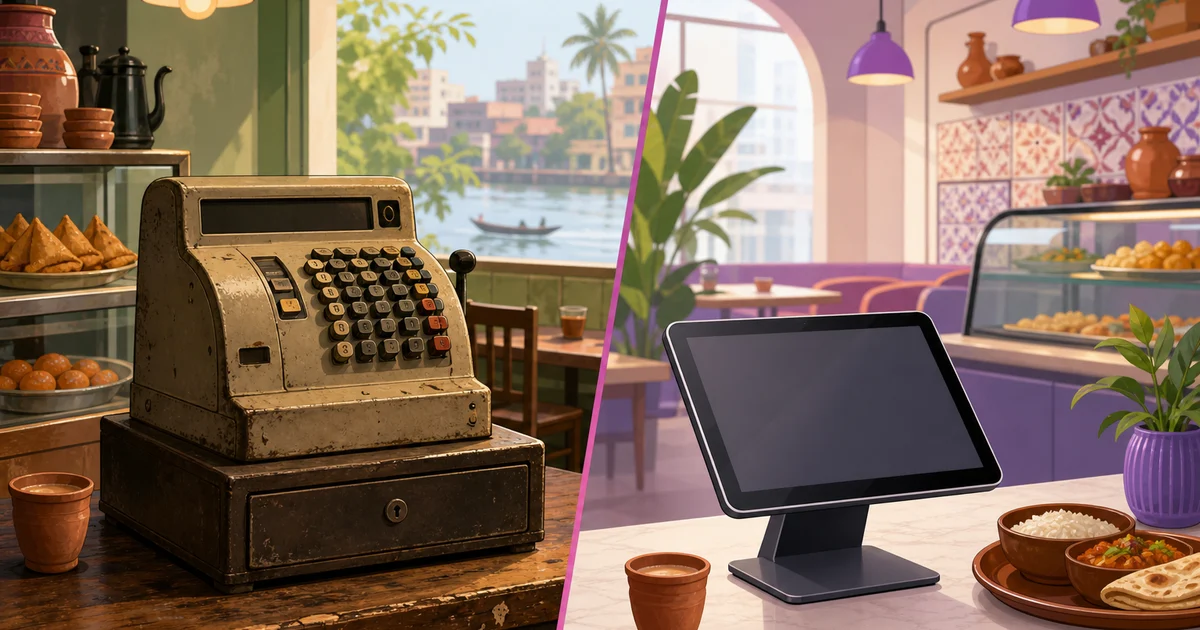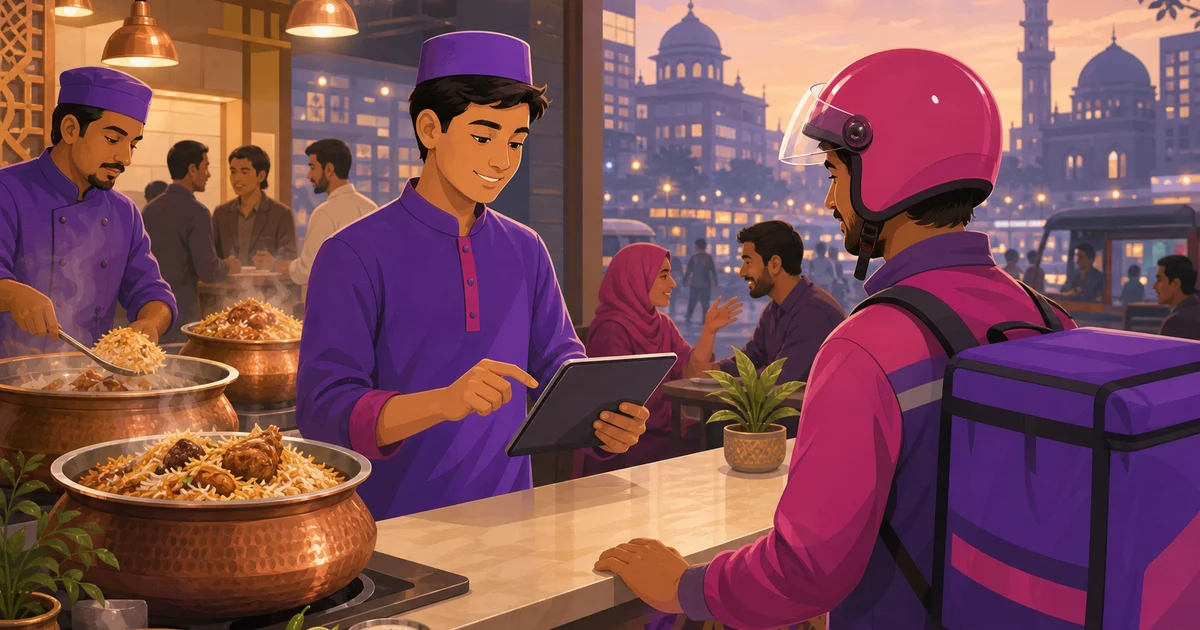
Online Food Ordering in Bangladesh: How to Launch in 2026
Prepare your restaurant's menu, checkout, delivery handoff and storefront for direct online orders in Bangladesh, with practical checks for cashiers, kitchen staff and managers.
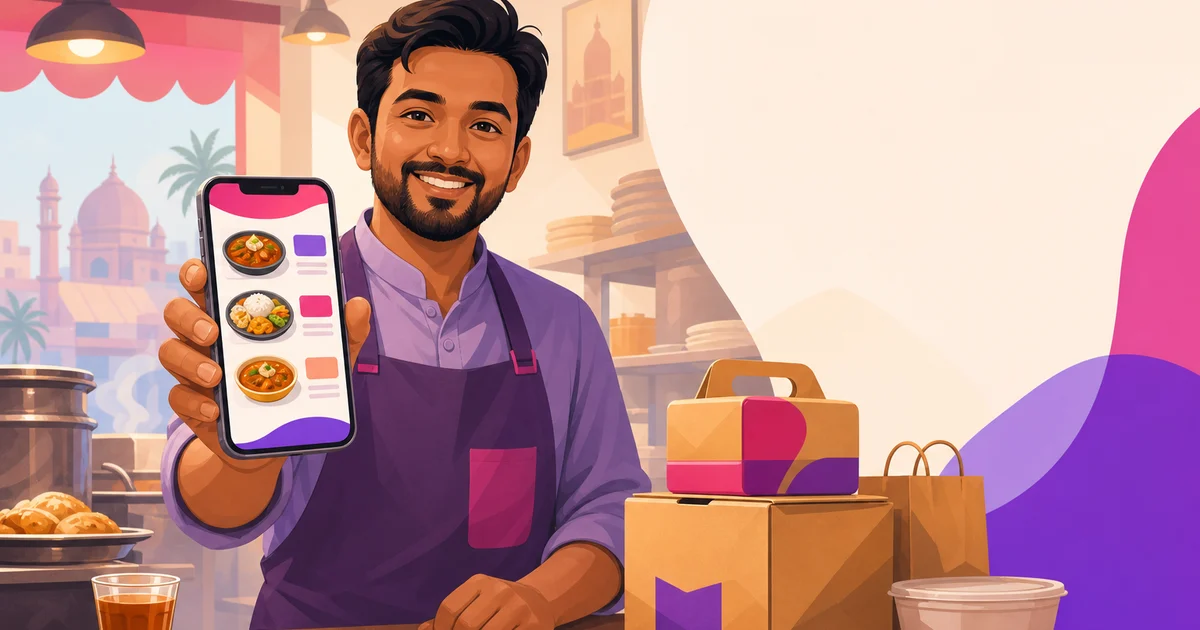
To launch online food ordering in Bangladesh, prepare a bilingual menu, configure checkout and agree how orders reach the kitchen and customer. Set up the payments customers use (bKash, Nagad or COD), agree your delivery area and test one full order from checkout to dispatch before sharing the link. As of 31 October 2026, Rosuii gives eligible restaurants a branded subdomain storefront with cart, checkout and order tracking.
Why launch your own online food ordering in Bangladesh
A cashier taking a dinner enquiry needs somewhere to send the customer for the menu and the checkout. A direct ordering page gives that conversation a destination. The customer can go straight to the menu, pick their dishes, look at the cart and place an order without having to read out the whole meal over the phone. Use the guide to direct ordering and marketplace channels when working out which channels your team is able to manage.
Rosuii gives eligible restaurants a branded subdomain storefront with a bilingual menu, cart, checkout and order tracking. Start with Rosuii's direct online ordering page to check what the storefront includes. Assign someone on each shift to watch incoming orders and contact customers when an item or delivery arrangement needs changing.
Direct ordering still has operating costs. Before you even think about offering a discount, check the food cost percentage for your restaurant menu, then add on the cost of packaging, payment and delivery. Use the guide to planning direct online ordering in conjunction with your own cost records.
Build a menu that sells
A customer ordering chicken biryani has to be crystal clear on what the portion is and what comes with it before they'll add it to the cart. Write the menu from the customer's point of view, then have the kitchen check that each description actually matches what they're going to pack.
- Write names in Bangla and English. Check the wording in each language, including the portion labels and any options the customer has to pick from.
- Use photos of the food you serve. Show the portion and the accompaniments that go with the item.
- Check variations and add-ons. For regular and large biryani portions, or cheese on a burger, make sure the right option and the right price show up in the cart.
- Group dishes into useful categories. The rice dishes, grills and drinks should all be easy to find. Always check which items are unavailable before opening the ordering link for the shift.
Rosuii's menu serves the storefront, in-store POS and table QR ordering. After changing a price or availability, check the customer-facing menu before promoting the item. For dine-in guests, review table QR ordering, including table context, Starter access and online checkout conditions. A table QR needs to lead to the intended table flow; test it separately from a delivery-order link.
Set up payments people actually use
A cashier packing a prepaid biryani has to be sure the payment has been recorded against that order. Work out which checkout methods you're going to offer, then test what the customer and the staff see for each of them.
- Configure merchant payments. On the Pro plan, Rosuii supports bKash and Nagad checkout with your restaurant's own merchant credentials. Test a payment through to the order's confirmed status before you open checkout to customers. Follow the restaurant payment setup guide for bKash and Nagad.
- Prepare cash on delivery. Confirm the amount due with the person dealing with dispatch and agree who records the cash when the rider comes back.
- Check the final checkout amount. Go over the selected items and any applicable VAT or service charge against the order record before you send the link to customers.
A customer's payment screenshot is a reason to look into things, not a substitute for checking the order's payment status. If a payment gets interrupted, look at the existing order and transaction before you ask the customer to pay again. Agree who deals with payment queries and how they explain the next step.
Sort out delivery
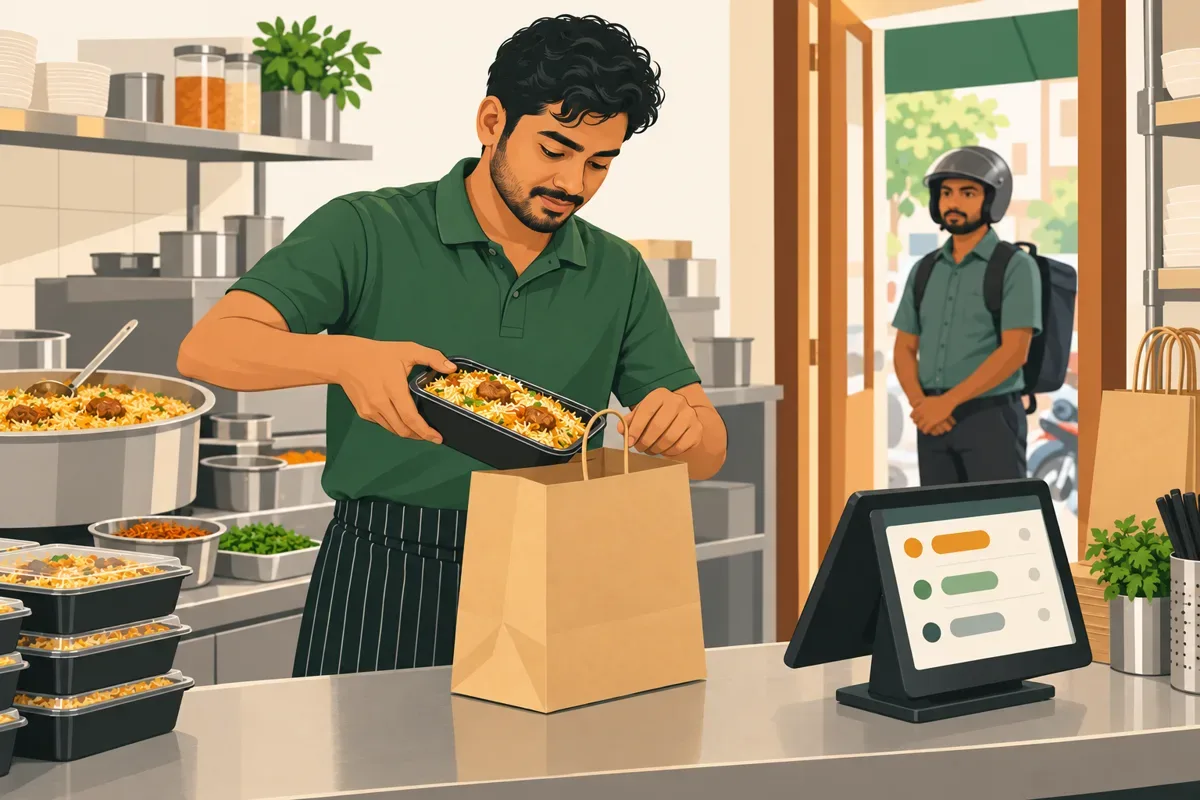
A rider waiting outside during the dinner shift needs a packed order, a usable address and clear collection instructions. You need to decide who's going to handle delivery before you take orders from an area.
- Using your own riders: define the areas you can serve, who assigns each delivery and who calls the customer if the rider can't find the address.
- Using a delivery partner: confirm availability and the handover arrangements directly with the partner. Keep a contact route open in case of a missed collection or a delivery problem.
Tell customers the delivery area, any applicable charge and the expected timing before they commit. These are restaurant operating decisions, so agree them with your team and communicate them wherever customers start ordering. Use the restaurant delivery management guide to plan the handover from kitchen to dispatch.
At packing, match the food and the selected add-ons to the order. At dispatch, check the address, contact details and payment status. If a dish is no longer available, contact the customer to agree a change before sending a replacement.
Launch your storefront on your own subdomain
A manager preparing to share the restaurant's ordering link needs to see the checkout work on a customer's phone. Eligible Rosuii restaurants get a branded subdomain storefront with their menu, a cart, COD or configured payments, and order tracking.
Add the menu, set up the payment methods you're going to offer and sort out your delivery arrangements. The restaurant ordering app guide walks through the customer ordering flow. Run a test through the storefront with both the cashier and the kitchen present. Keep the link ready to share once the team can take an order from checkout through to dispatch.
Check the customer journey before sharing the link
- Open the storefront on a phone and look through the menu in both Bangla and English.
- Pick a dish and its available options, then check the cart and the checkout total.
- Test the configured payment methods and COD flow, checking the resulting order and payment status.
- Confirm that staff can find the order and give the kitchen the right prep details.
- Check the customer's order-tracking view and the information staff will need for delivery.
- Rehearse an unavailable dish or an unclear address so the shift team knows who's going to contact the customer.
A successful checkout is only half the battle when it comes to launch readiness. Keep customer enquiries covered while the kitchen is busy, and agree in advance how staff will tell customers about a delay or handle a request to cancel. Don't advertise delivery coverage or payment methods you haven't actually tested.
Promote it so orders come in
A regular customer messaging on WhatsApp at lunchtime can use the storefront link to pick a meal and check out. Put the link wherever customers already contact the restaurant, with a short explanation of how to use it.
- Update social profiles. Add the ordering link to your Facebook page and Instagram bio, then open it from those profiles to check it lands in the right place.
- Reply to messages with the link. Make the reply useful by answering the customer's question first. The restaurant WhatsApp ordering guide covers this route into direct ordering.
- Use printed QR codes with clear labels. Put a storefront link at the counter or in delivery bags. Label it for online ordering and keep table-ordering codes tied to the right dine-in context.
- Give regulars a clear reason to return. If you use Rosuii's loyalty points, check the customer experience before advertising a reward. Cost any offer before promoting it.
Ask the cashier to note any recurring questions from customers using the page. If customers keep asking what comes with a meal or where you deliver, improve that information before you push the promotion any further.
One system behind it all
A food-court manager closing the evening shift needs to know which station prepared each dish and how the counters settle their takings. Rosuii supports food court counters as outlets within one restaurant, with one menu and one bill across counters, kitchen tickets per station and settlement reports. Check those counter settings when you plan a food-court launch.
For the kitchen, distinguish an order ticket from a live screen. Rosuii's kitchen display software sends POS orders to connected kitchen screens and is available from Starter. Check station filters, order status and internet requirements with the cooks who will use it.
Rosuii's restaurant POS software supports dine-in, takeaway and staff-entered delivery. During launch testing, follow a storefront order through your actual kitchen setup as well. Check how staff will review orders and payment records at closing, and agree an outage procedure for connected services before the next busy shift.
The takeaway
Before the next dinner shift, have the manager open the ordering link, the cashier check the resulting order and the cook confirm the preparation details. Keep the delivery contact available during the test. Review the Rosuii feature directory for the workflows your team needs, then resolve any gaps before sharing the page more widely.
Features and plans are as listed on rosuii.com on 31 October 2026; check the pricing page for the current plan.
Last updated:
By Rosuii Team · Published by Rosuii, the software provider. · About the authors
Frequently asked questions
How do I start online food ordering for my restaurant in Bangladesh?
What does a Rosuii online ordering storefront include?
Can customers pay with bKash and Nagad on a Rosuii ordering page?
What delivery arrangements do I need before taking online orders?
How long does it take to launch an online ordering storefront?
How can I get customers to use my restaurant's ordering page?
Run your restaurant on Rosuii
POS, menu, inventory, payroll and more — built for Bangladeshi restaurants.
Start free