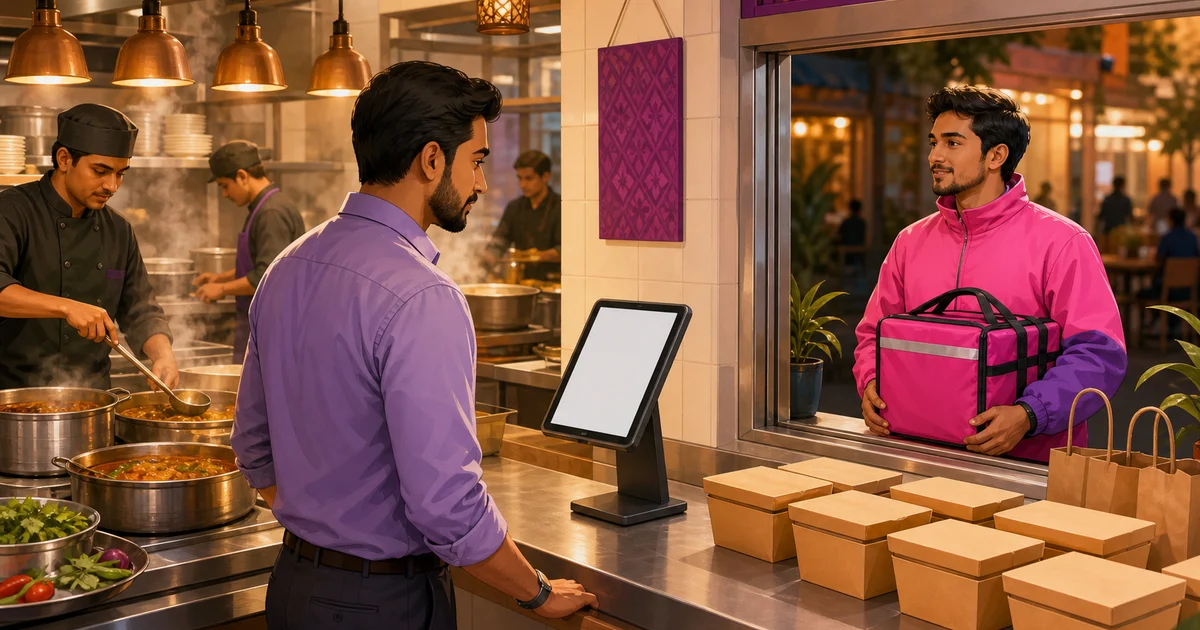
Restaurant Order Management Software: One Queue, Fewer Mistakes
Restaurant order management software keeps every dine-in, takeaway, delivery and online ticket in one controlled flow. Learn what to test from order entry to kitchen and payment.
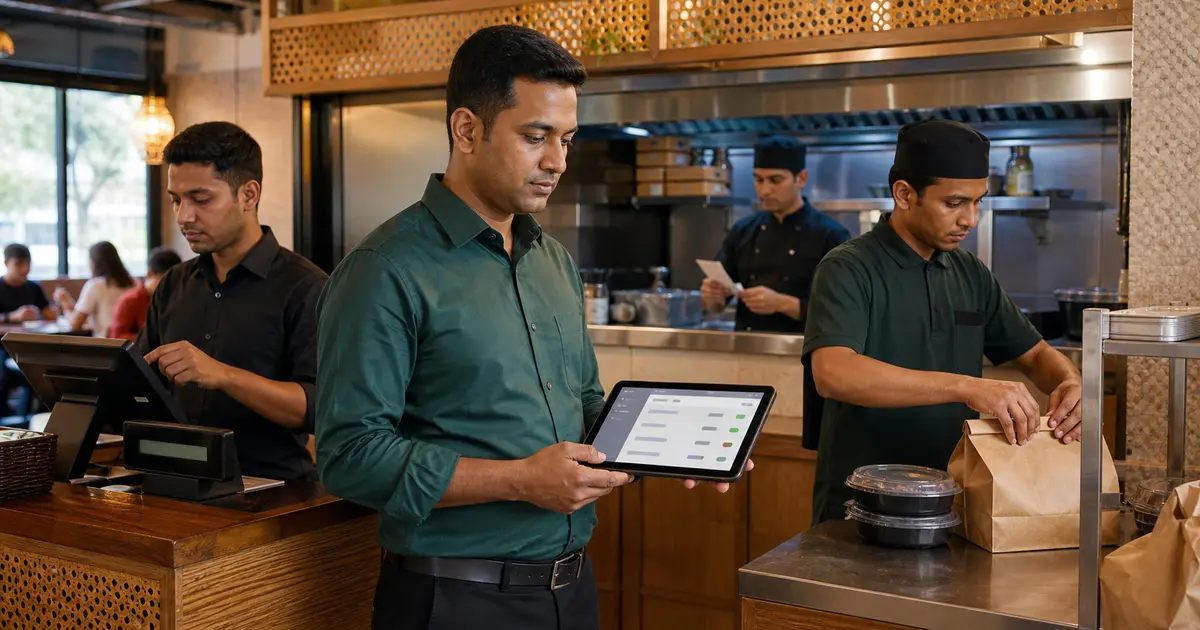
Restaurant order management software controls an order from the moment staff enter it until the kitchen prepares it, the customer pays and the restaurant closes the ticket. It should keep dine-in, takeaway, delivery and direct online orders in one clear workflow.
The real value is fewer handoffs. Staff should not copy an online order into the POS, rewrite a note for the kitchen and total the sale again in a spreadsheet. Every copy creates another chance for the item, quantity, price or customer instruction to change.
Use this guide to test the full order journey rather than judging a product by its order-entry screen.
The order lifecycle your software must support
A restaurant order has stages, not just a paid or unpaid flag. Staff may save a draft, send it to the kitchen, prepare it, present a bill, take payment and complete it. Delivery adds assignment and status steps, while table service needs table and waiter context.
A good system makes the next action obvious and keeps the original item notes, variations and prices attached throughout the flow.
- Dine-in, takeaway and delivery from one order screen
- Table, waiter, customer and source assignment
- Variations, add-ons and per-line kitchen notes
- Draft, kitchen, billing, payment and completion states
- Discount, coupon, loyalty, service charge and VAT calculation
- Order history with filters and a detailed audit trail
From POS to kitchen without retyping
Once an order is confirmed, the kitchen needs the correct items immediately. A KOT can print the ticket; a KDS can show it on a station screen with New and Preparing stages. Both approaches fail if notes or variations disappear between the counter and the cook.
In a demo, send one mixed order to two stations. Check that the drinks station sees drinks, the kitchen sees food, and both keep the correct quantity and note. Then change a status and confirm that front-of-house can see it.
Pricing and payment must stay authoritative
Order software should not trust a cashier to calculate the final number manually. Discounts, coupons, loyalty, service charge and VAT need a fixed calculation order. Cash change and digital payment status should be stored with the ticket.
Rosuii calculates prices on the server and supports cash, real bKash and Nagad integrations, and COD for online orders. Card remains a simulation placeholder. Bill splitting is not implemented, so restaurants that require split bills should keep that as a pass-or-fail test.
Direct orders and marketplace orders are different
Direct orders from your own storefront can enter the same system with menu items, customer details and payment status intact. Marketplace orders may use a live API, a partner connector or manual channel tagging. Vendors often use the word integration for all three, so ask them to demonstrate the exact flow.
Rosuii provides a connected direct-order storefront and marketplace presets and tagging for channels such as foodpanda and Pathao. Do not assume that every marketplace ticket is pulled automatically without confirming the partner setup.
Offline order safety matters in Bangladesh
A cloud order system needs a clear outage plan. After one-tap data sync, Rosuii caches menu, customers and settings on the device, queues orders during an outage and syncs them when connectivity returns.
Cash billing can continue, but online bKash or Nagad confirmation, live multi-device updates and KDS sync still need internet. Test this by disconnecting the demo device and creating a cash order, then reconnecting and checking the final record.
The 15-minute buying checklist
Bring one difficult order to the demo. Include a table, two variations, an add-on, a kitchen note, a discount and a payment. Run it through every stage.
- Can staff change order type without rebuilding the cart?
- Do kitchen notes and modifiers survive every screen?
- Are prices recalculated on the server?
- Can the owner filter by status, branch and marketplace?
- Does an offline cash order sync without duplication?
- Can the final receipt show VAT and service charge clearly?
Control exceptions before rollout
The normal order path is only half the test. Managers also need a controlled way to handle cancelled items, reopened tickets, failed payments, unavailable dishes and customer changes after kitchen submission. The system should preserve the original record and show who changed what.
Pilot during a real but manageable shift. Give each role a short fallback rule, review every exception the next morning and fix menu or permission problems before adding another branch.
- Define who may discount, cancel, reopen or refund
- Check whether changed items remain visible in history
- Write the outage flow for cashier, kitchen and manager
- Review duplicate, cancelled and unpaid orders after the pilot
Where Rosuii fits
Rosuii brings POS orders, table and waiter assignment, KOT and KDS flow, receipts, direct online ordering, customer records and reports into one platform. The Free plan covers core POS orders for one branch, while Starter adds the direct ordering storefront and Pro adds marketplace and payment-gateway features.
It fits restaurants that want one operational order record across counter, kitchen and direct ordering without proprietary hardware. Test it with your busiest real order before you move the full menu.
Test exceptions from entry to close
Build a test order that includes a variation, add-on, item note, discount within policy, split or relevant payment method, kitchen routing and receipt. Then test a void, unavailable item, customer change, failed payment, duplicate submission, cancellation and refund. Every state should retain a reference and show the responsible user.
During a peak simulation, watch whether counter, kitchen and handoff see the same status and whether staff can recover without retyping or creating a shadow ticket. Define who may edit a completed order, who approves a discount or refund and how day close treats unresolved payment. An exception path is part of order management, not an optional support feature. Retain the sign-off record.
Choose restaurant order management software by following one ticket from entry to completion. If staff retype the order, lose notes or calculate the bill outside the system, the workflow is not truly connected.
One reliable queue gives the kitchen clearer tickets, the cashier safer totals and the owner reports that reconcile with the actual orders.
Related guides
- Manage Dine-In, Takeaway and Delivery in One POS
- Kitchen Order Ticket System Guide
- Restaurant Delivery Management
See this workflow in Rosuii: See Rosuii order and kitchen workflows
Last updated:
Frequently asked questions
What is restaurant order management software?
How is order management different from a POS?
Can online orders enter the restaurant POS automatically?
Does Rosuii manage orders offline?
Does Rosuii support split bills?
Run your restaurant on Rosuii
POS, menu, inventory, payroll and more — built for Bangladeshi restaurants.
Start free