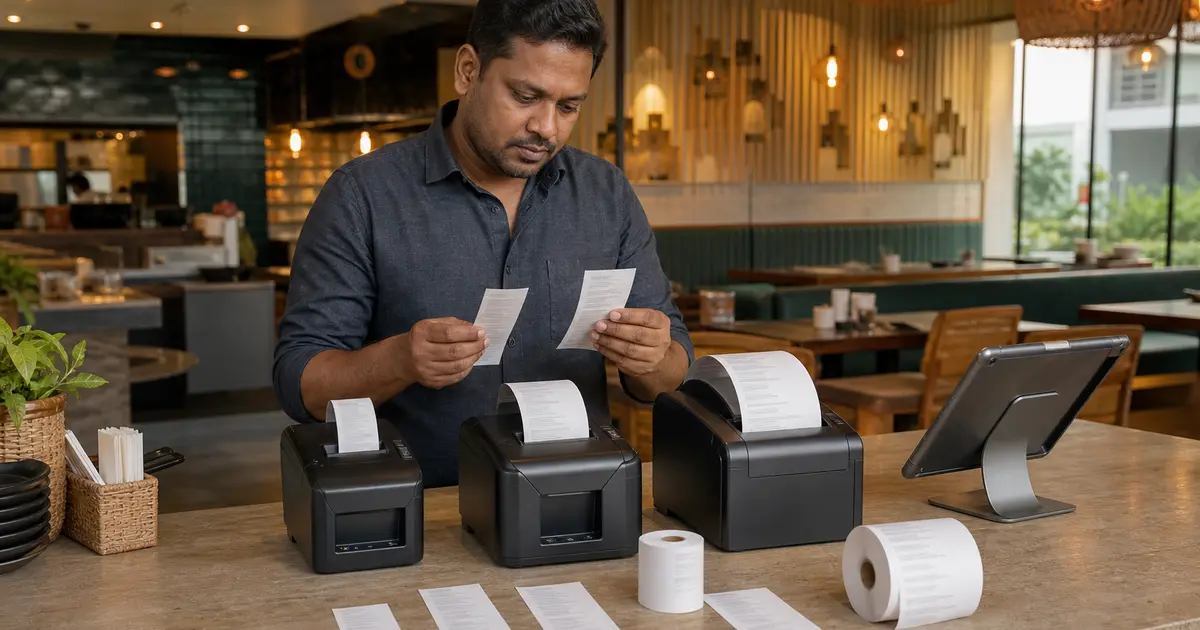
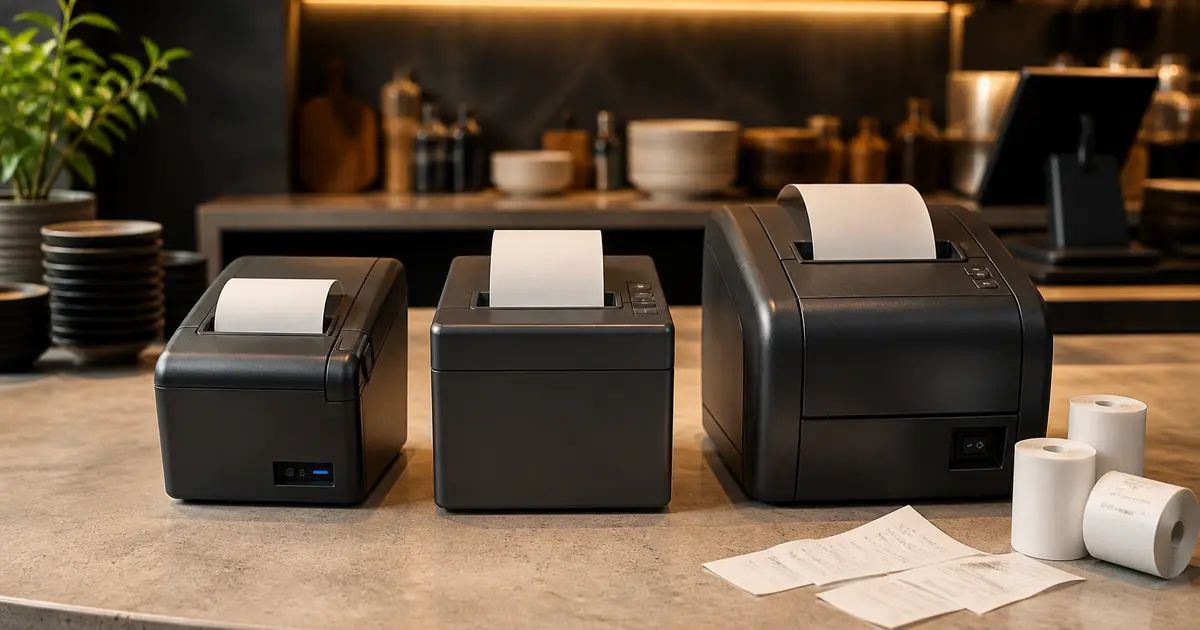
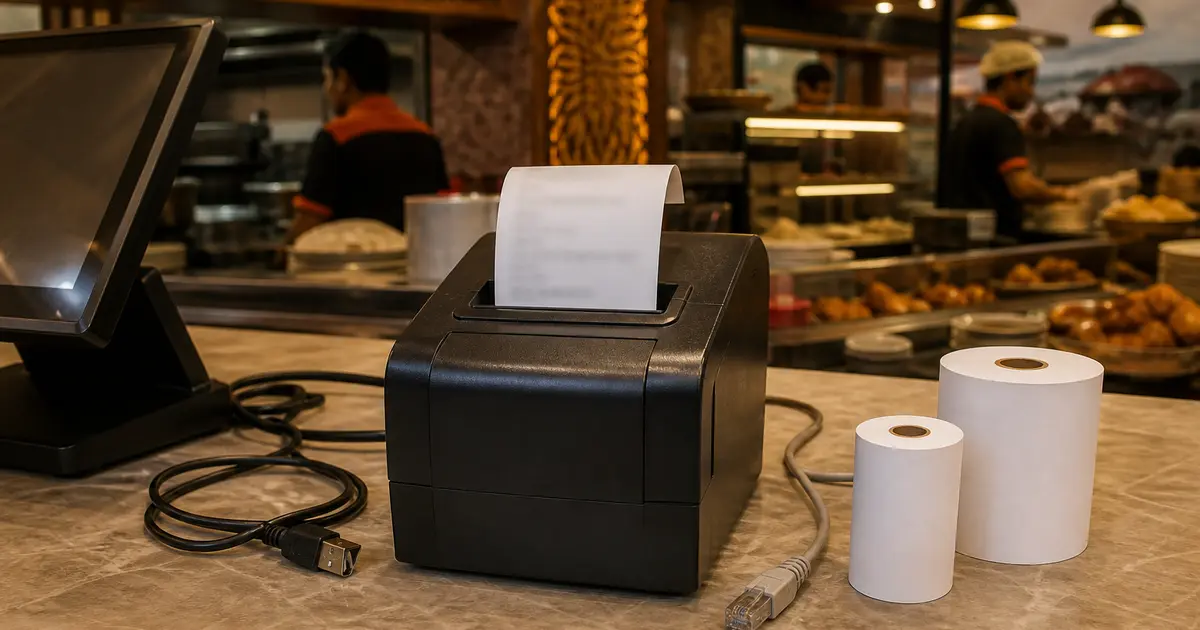
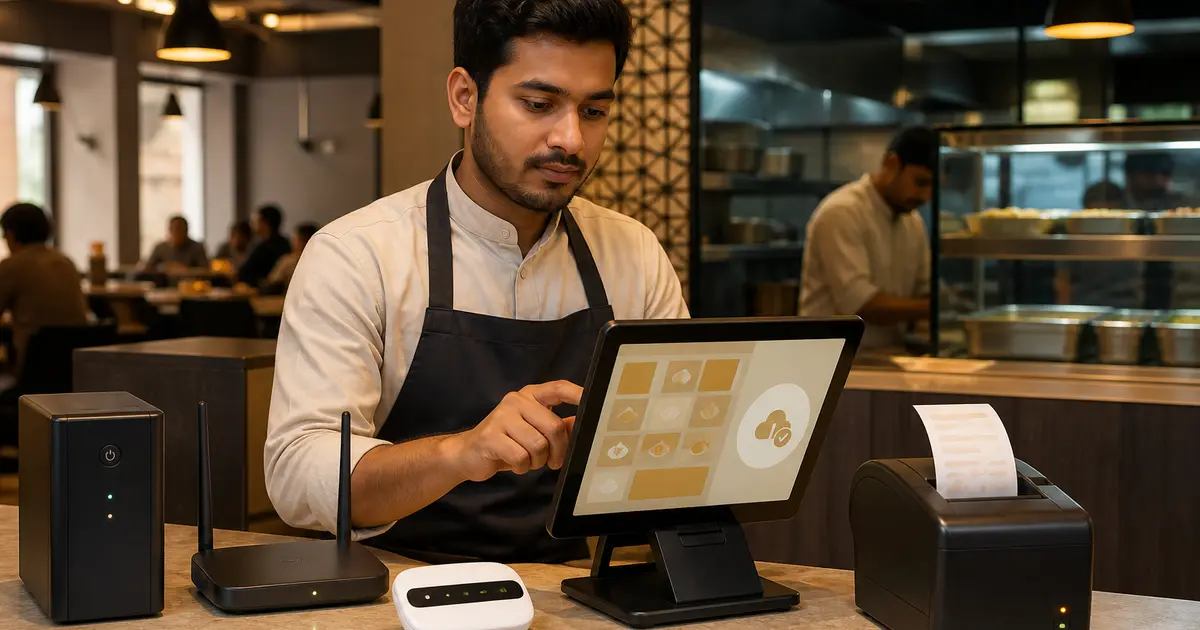
Restaurant Kitchen Printer Fallback SOP: Keep Orders Moving Without Duplicates
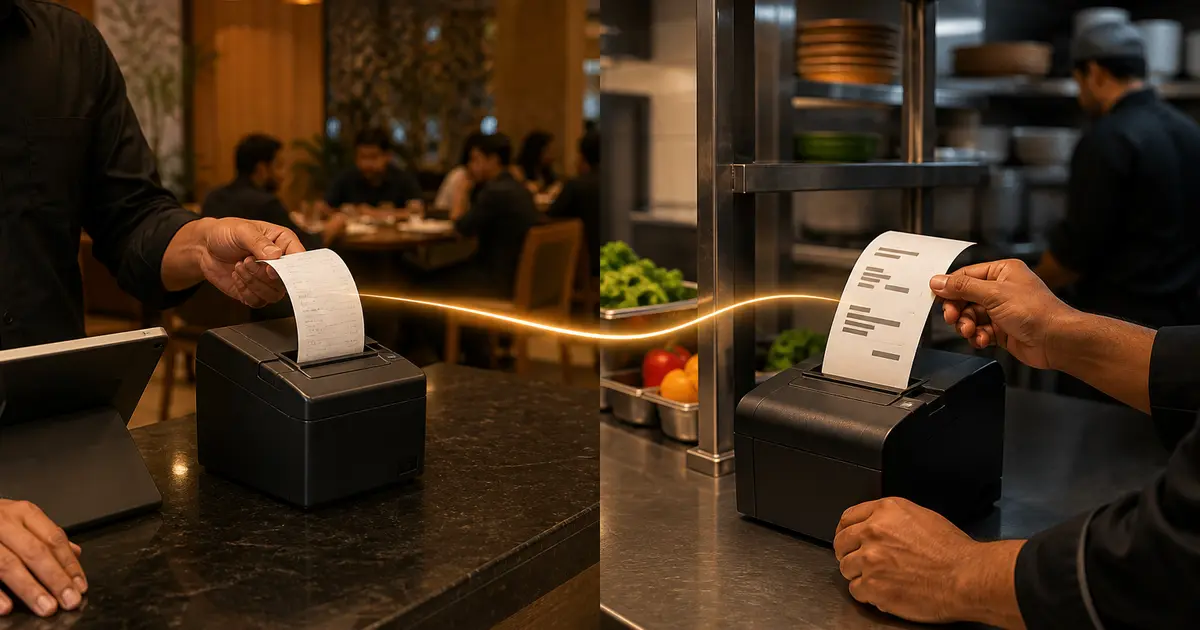
A tested outage procedure that chooses one alternate order channel, labels manual work and reconciles every ticket after printer recovery.
Tagged with #POS Hardware

A tested outage procedure that chooses one alternate order channel, labels manual work and reconciles every ticket after printer recovery.

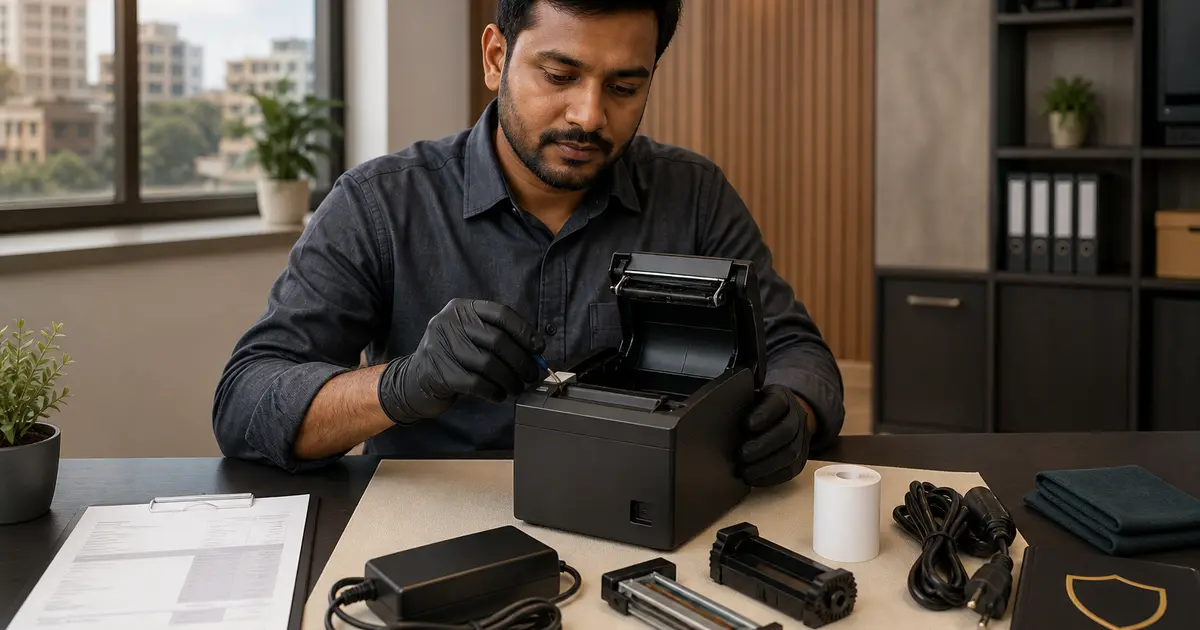
An asset-level maintenance record that links each defect and service visit to downtime, cost, verification and authorised return to use.

A zone-by-zone equipment list that begins with menu and service capacity, then checks utilities, food safety, POS, handover and replacement parts.

A plain-language comparison that separates restaurant billing and order management from bank or acquirer card-payment acceptance.

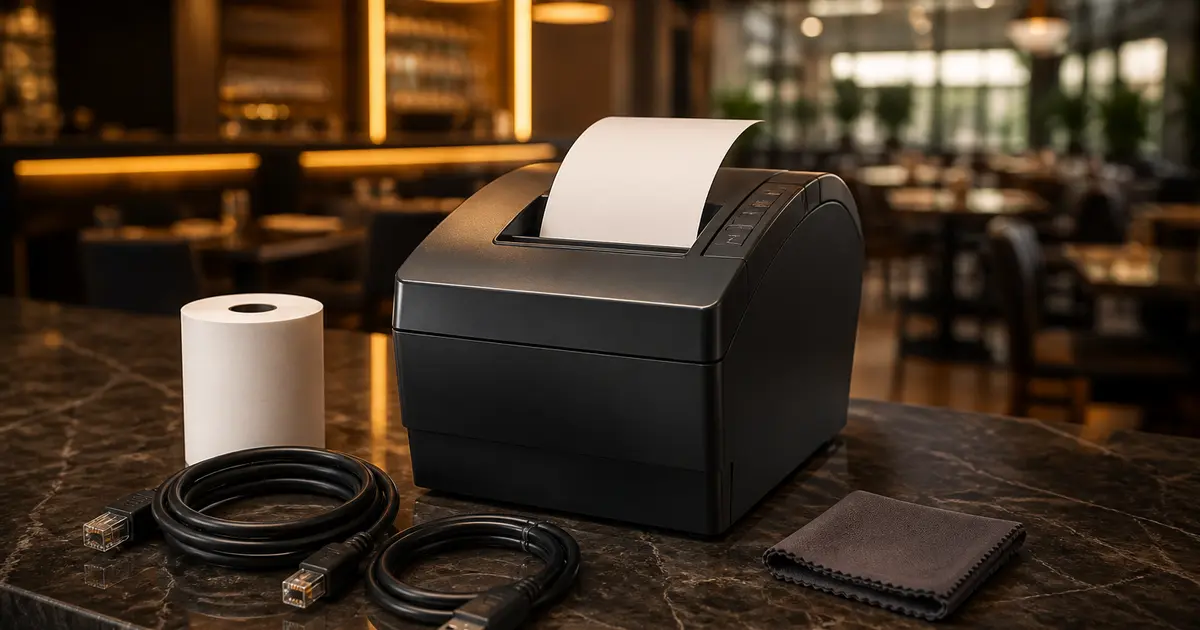
A vendor-neutral network setup and fault-isolation guide with an official Epson TM-T82III example, secure IP planning and restaurant print routing.

A dated Bangladesh price snapshot plus a practical way to choose by paper width, connection, workload and after-sales support.

There is no universal winner. This shortlist matches current Bangladesh options to real counter, kitchen and portable workflows.

A model-family guide that separates paper size, interface suffix and official specification from seller listing shorthand.

A dated price table for popular Rongta models, plus the suffix and warranty checks that prevent the wrong purchase.

What the Epson premium buys, which model code matters and how to avoid paying for the wrong interface or incomplete box.

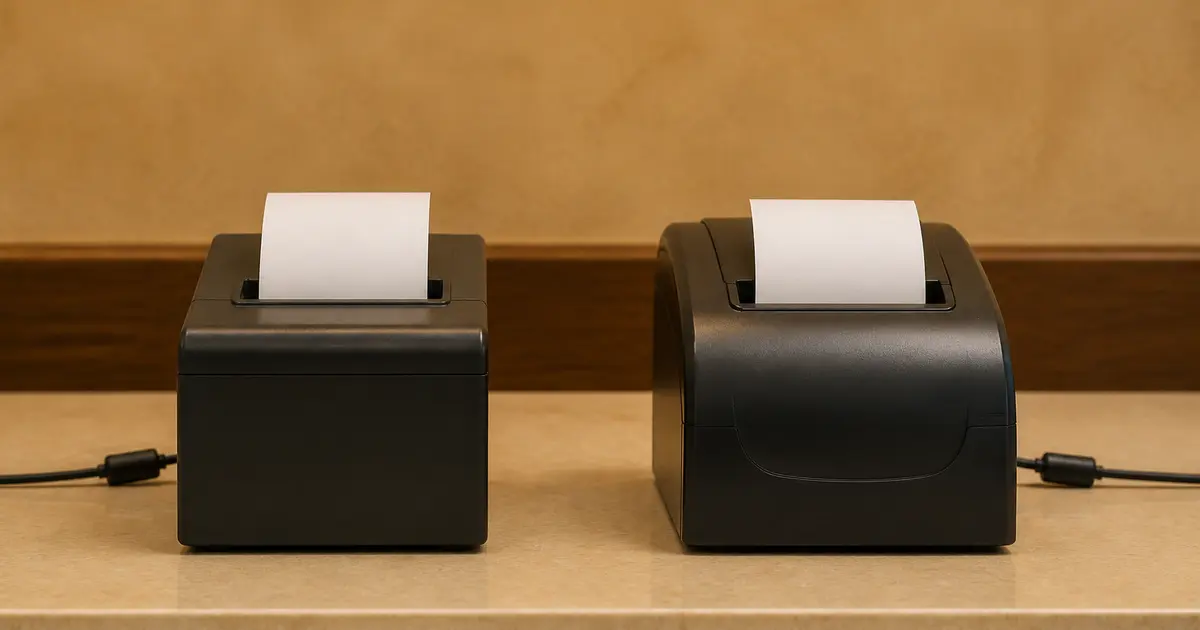
Rongta wins more price and interface choices; Epson makes a stronger documentation case. Your workload and service route decide the winner.

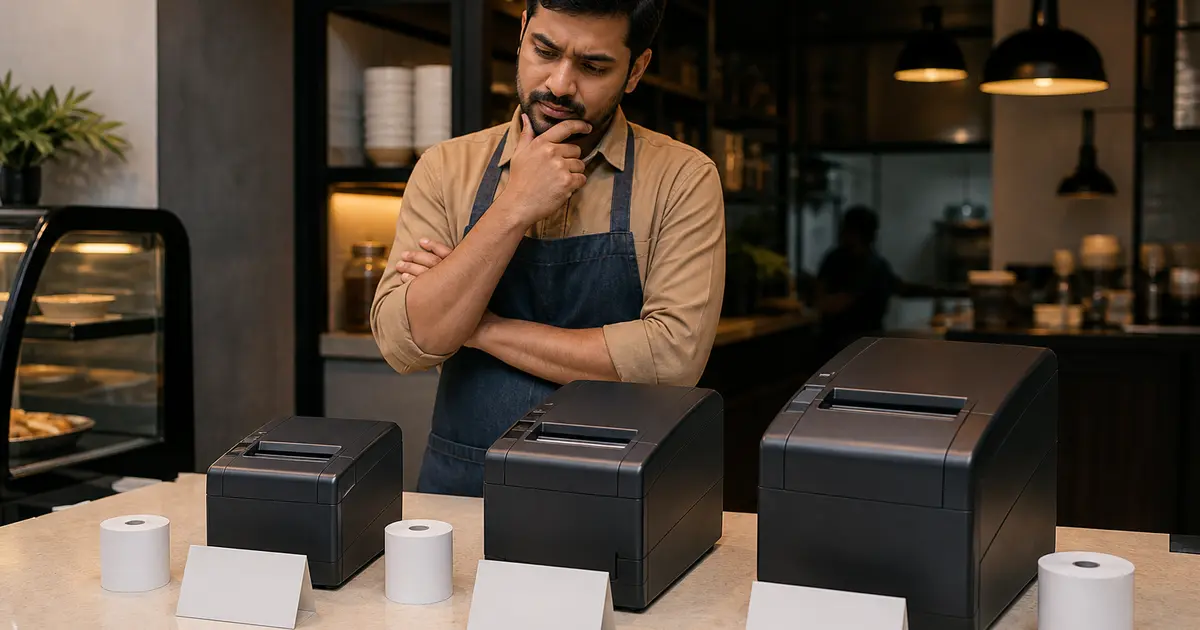
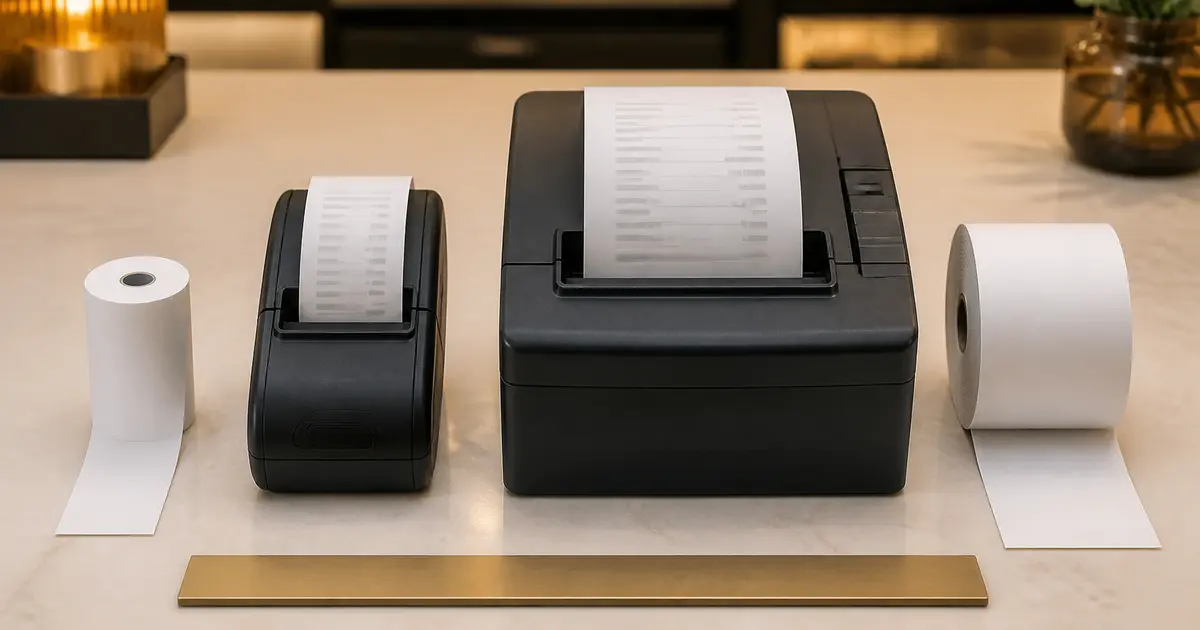
58mm saves counter space and roll cost; 80mm saves readability and staff time. See which trade-off matches your restaurant.

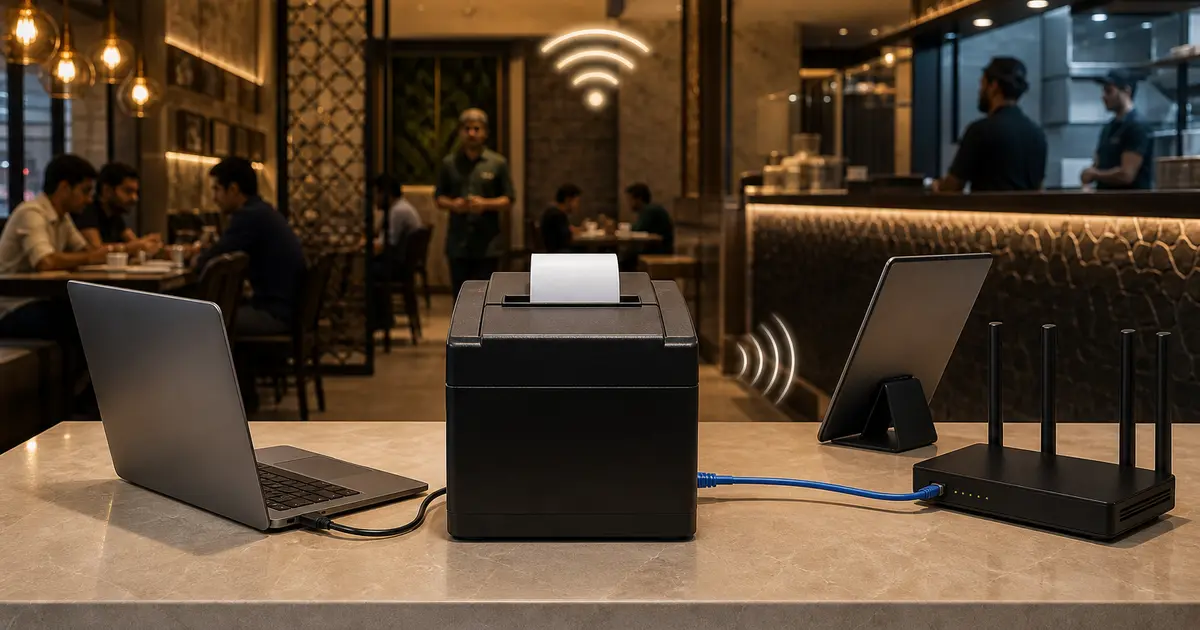
USB is simplest, Bluetooth is mobile and LAN is strongest for shared fixed stations. The room and workflow choose the interface.

A listing can look fast and still be wrong for your restaurant. Translate every specification into a workflow check.

One year on a listing can hide five different terms. Get the covered parts, service route and exclusions in writing.

Width is only one measurement. Roll diameter, core, thickness, coating and storage determine capacity, print quality and head life.

They can use similar thermal hardware, but they serve different readers, locations and failure risks.

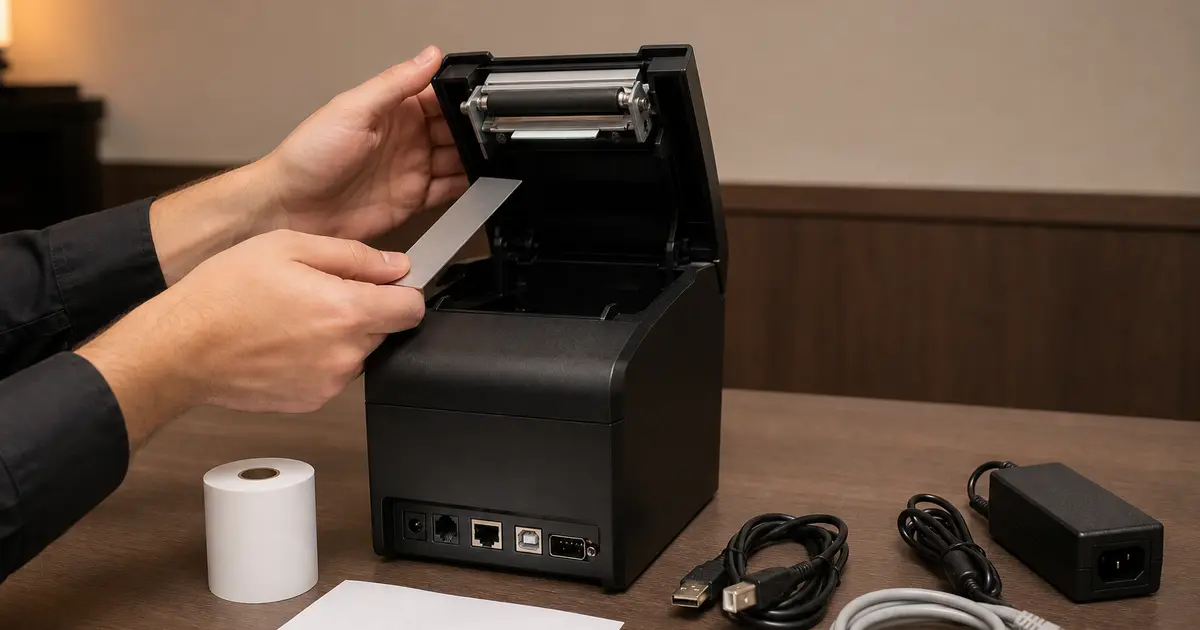
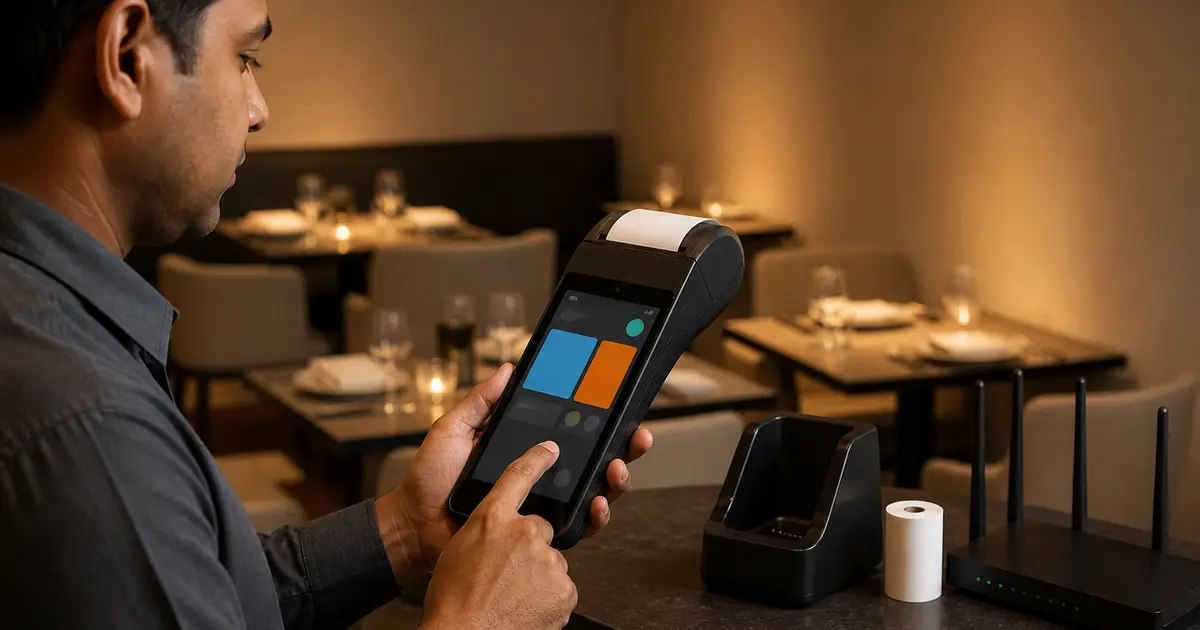
Start with power, self-test and paper. Then separate printer hardware from cable, network, driver and POS workflow.

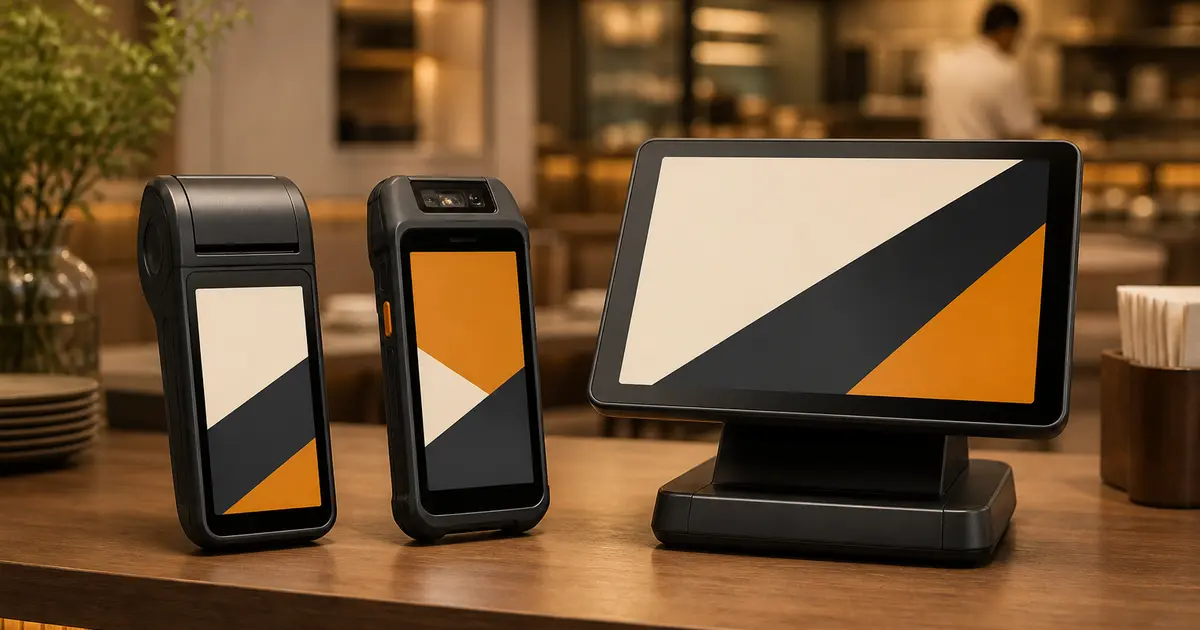
A POS machine can mean a billing computer, Android terminal or bank card device. Identify the category before comparing prices.

Current price examples plus the compatibility checks that matter more than an Android logo on the box.

A capable Android device is not automatically a compatible restaurant POS. Run the full order-to-receipt workflow before buying.

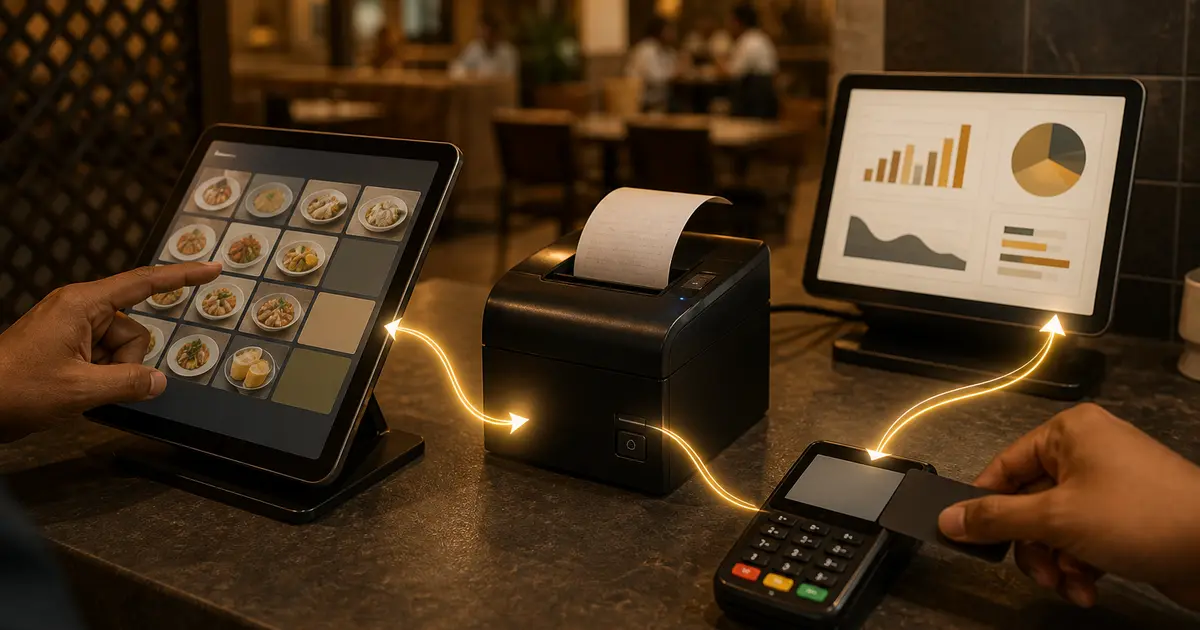
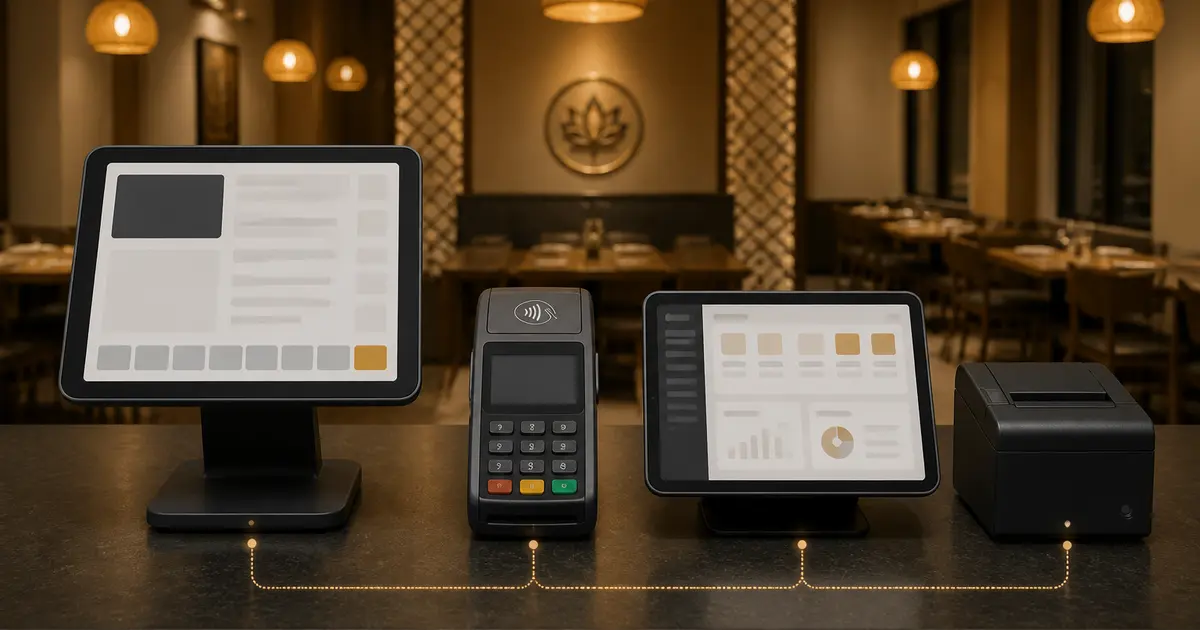
POS means Point of Sale. Learn how billing software, card readers and receipt printers work together, with a restaurant example and a buying checklist.

Offline is not a yes-or-no label. Test order entry, receipt, payment, KOT, stock and sync separately.

One manages the restaurant, one is hardware and one authorises payment. Buying the wrong category leaves a major gap.

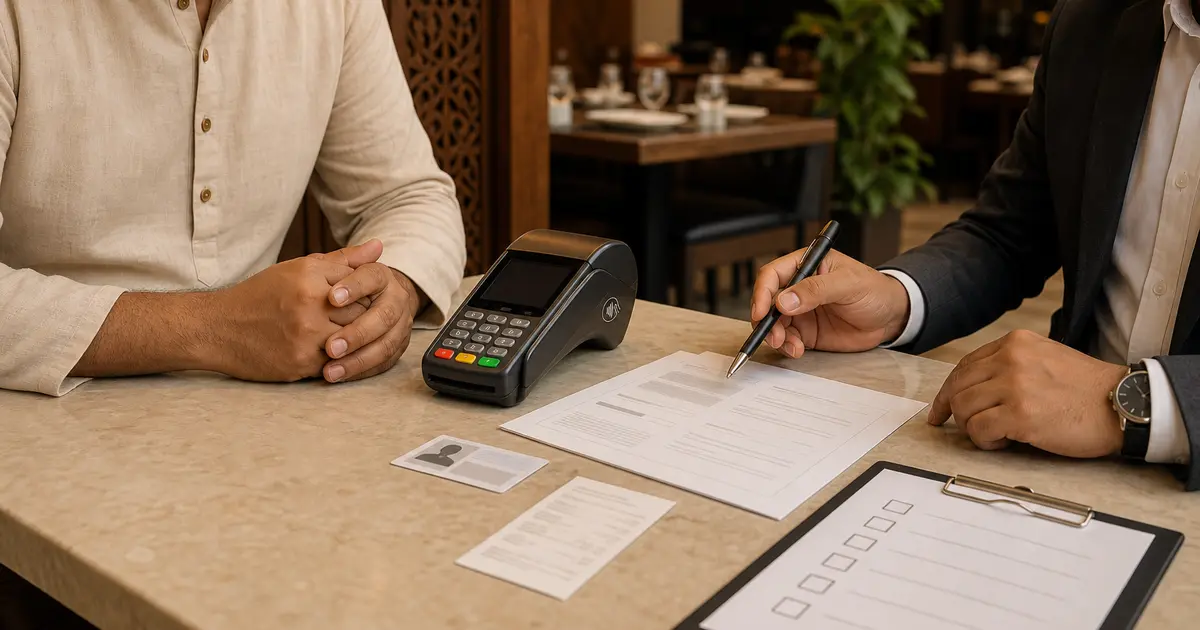
A preparation guide for the bank conversation—not an invented fee sheet. Confirm current eligibility, documents and commercial terms directly with BRAC Bank.